Ideale per
- Partire da un prompt strutturato e riutilizzabile invece di una chat vuota.
- Adattare il prompt ai propri input mantenendo intatto l'intento originale.
- Flussi di lavoro legati a Software Development, Design & Art.

Genera icone app fotorealistiche seguendo il linguaggio di design macOS di Apple, con materiali 3D ricchi e ombre delicate.
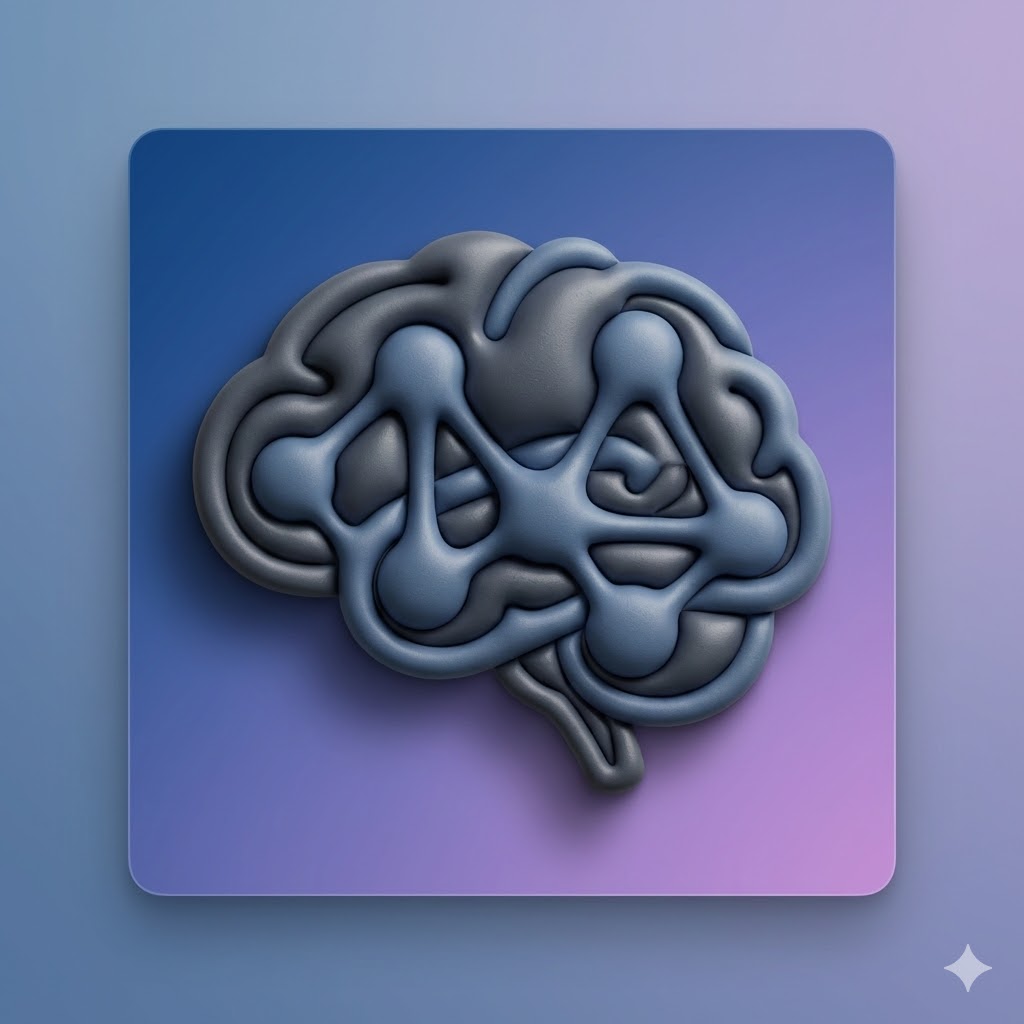

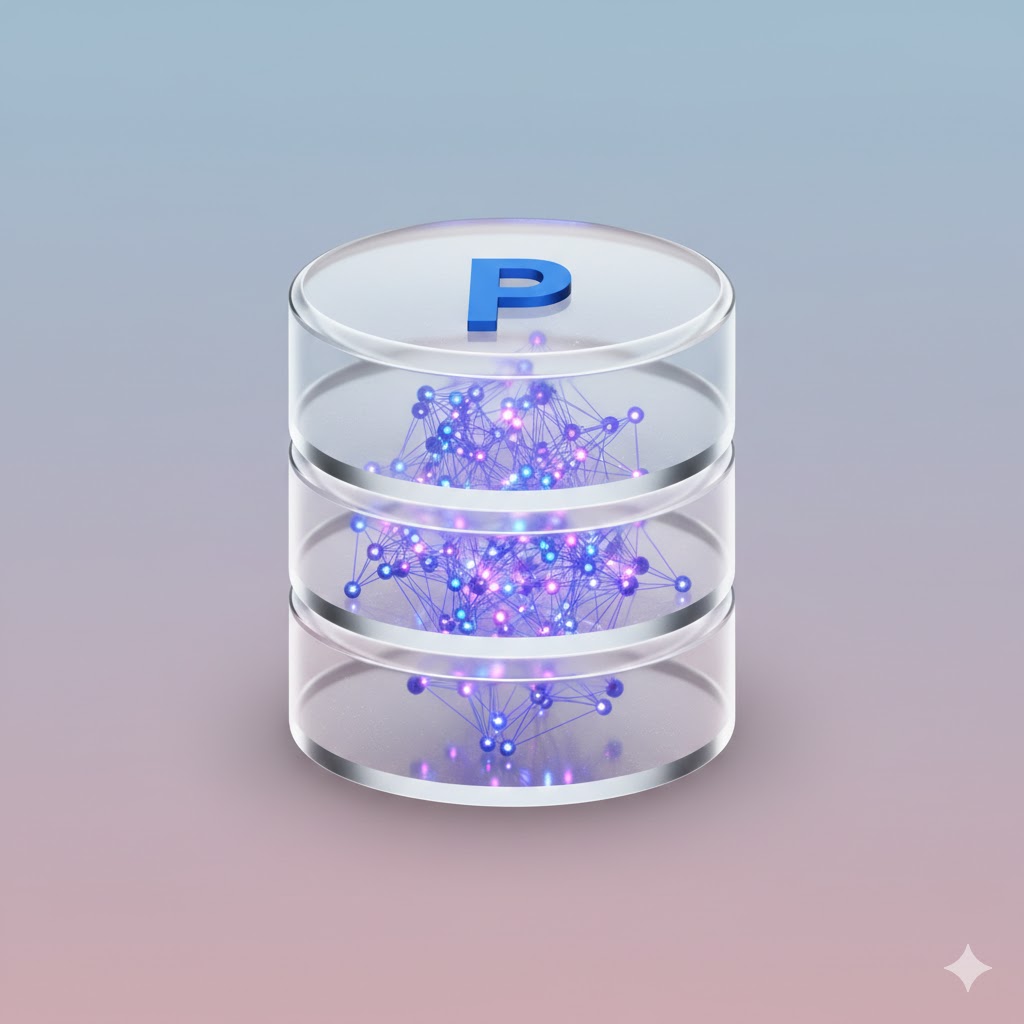
Act as an expert AI image generator. Generate a photorealistic macOS app icon based on these user inputs:

App Concept/Name: {{App Concept: e.g. A Mac App for Prompt Management}}
Central Object: {{Central Object: e.g. a brain}}
Primary Material Texture: {{Material:Matte Plastic, Glass, Brushed Metal, Fine Paper, Ceramic}}
Background Color/Style: {{Background:Subtle Gradient}}

Stylistic constraints: Follows Apple's macOS Human Interface Guidelines. Highly detailed 3D render with rich, tactile materials. Soft, realistic global lighting with a gentle drop shadow beneath the central object. The composition implies the characteristic squircle shape, but the final image is a 1024x1024 square with content drawn to the edges without rounded corners.
e.g. A Mac App for Prompt Management
e.g. a brain
Matte Plastic, Glass, Brushed Metal, Fine Paper, Ceramic
Subtle Gradient
Act as an expert AI image generator. Generate a photorealistic macOS app icon based on these user inputs:

App Concept/Name: e.g. A Mac App for Prompt Management
Central Object: e.g. a brain
Primary Material Texture: Matte Plastic
Background Color/Style: Subtle Gradient

Stylistic constraints: Follows Apple's macOS Human Interface Guidelines. Highly detailed 3D render with rich, tactile materials. Soft, realistic global lighting with a gentle drop shadow beneath the central object. The composition implies the characteristic squircle shape, but the final image is a 1024x1024 square with content drawn to the edges without rounded corners.
Le variabili sono racchiuse tra {{ e }} e seguono questo schema:
Una selezione può fare riferimento a un elenco di variabili predefinito usando le parentesi quadre. Appaiono in [arancione] e forniscono valori di uso comune come colori, toni o lingue.
Puoi anche fornire un elenco di scelte in linea, separate da virgole.
Suggerimento: non hai bisogno dell'app PUCO per usare questi prompt! Copia semplicemente il modello e sostituisci ogni sezione {{…}} con il tuo testo direttamente in ChatGPT, Claude, Gemini o qualsiasi altro assistente IA.