Ideale per
- Partire da un prompt strutturato e riutilizzabile invece di una chat vuota.
- Adattare il prompt ai propri input mantenendo intatto l'intento originale.
- Flussi di lavoro legati a Creative & Visuals.

Genera infografiche educative disegnate a mano, in stile acquerello, che spiegano temi complessi attraverso storytelling visivo e sketchnotes.
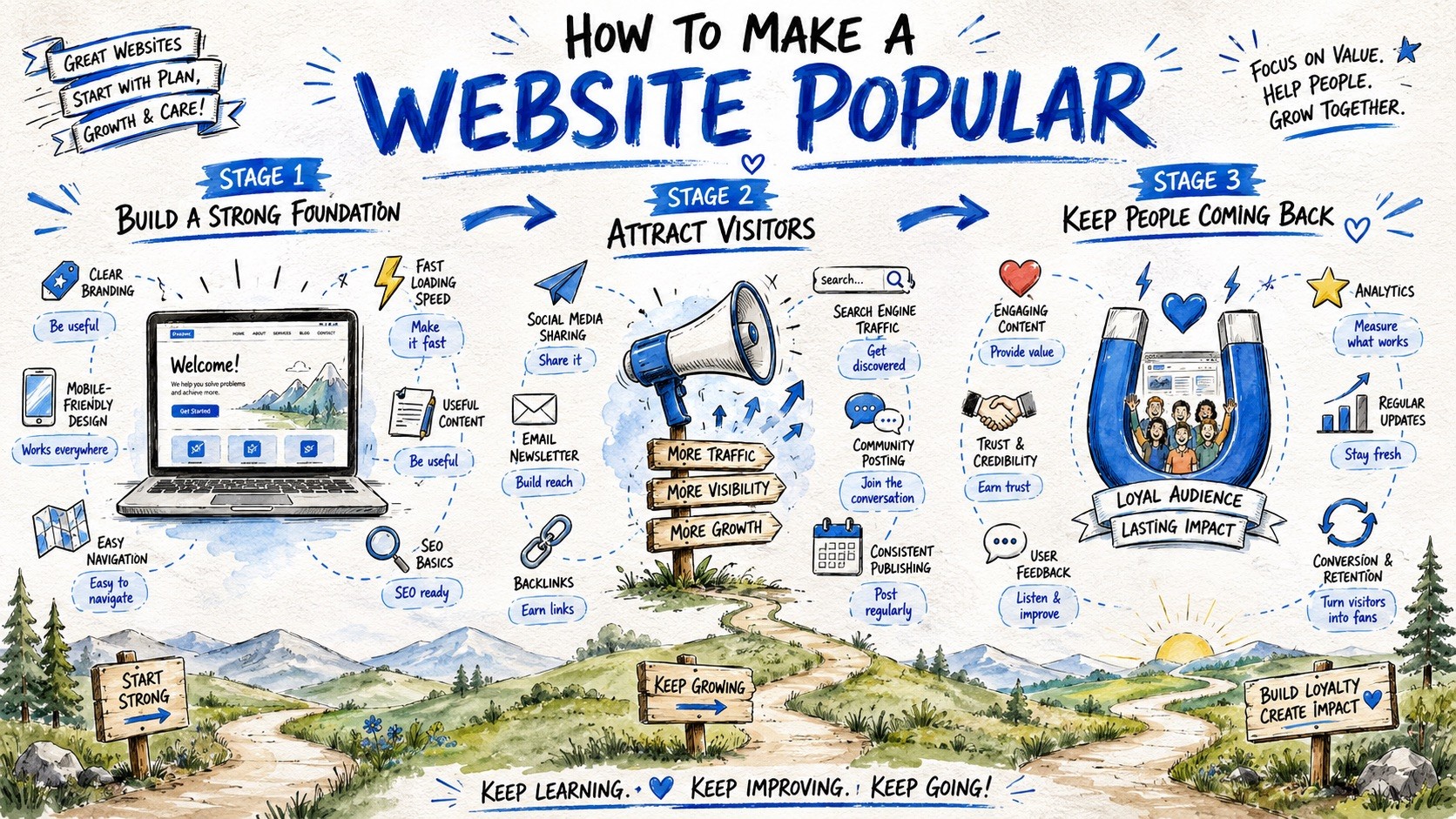
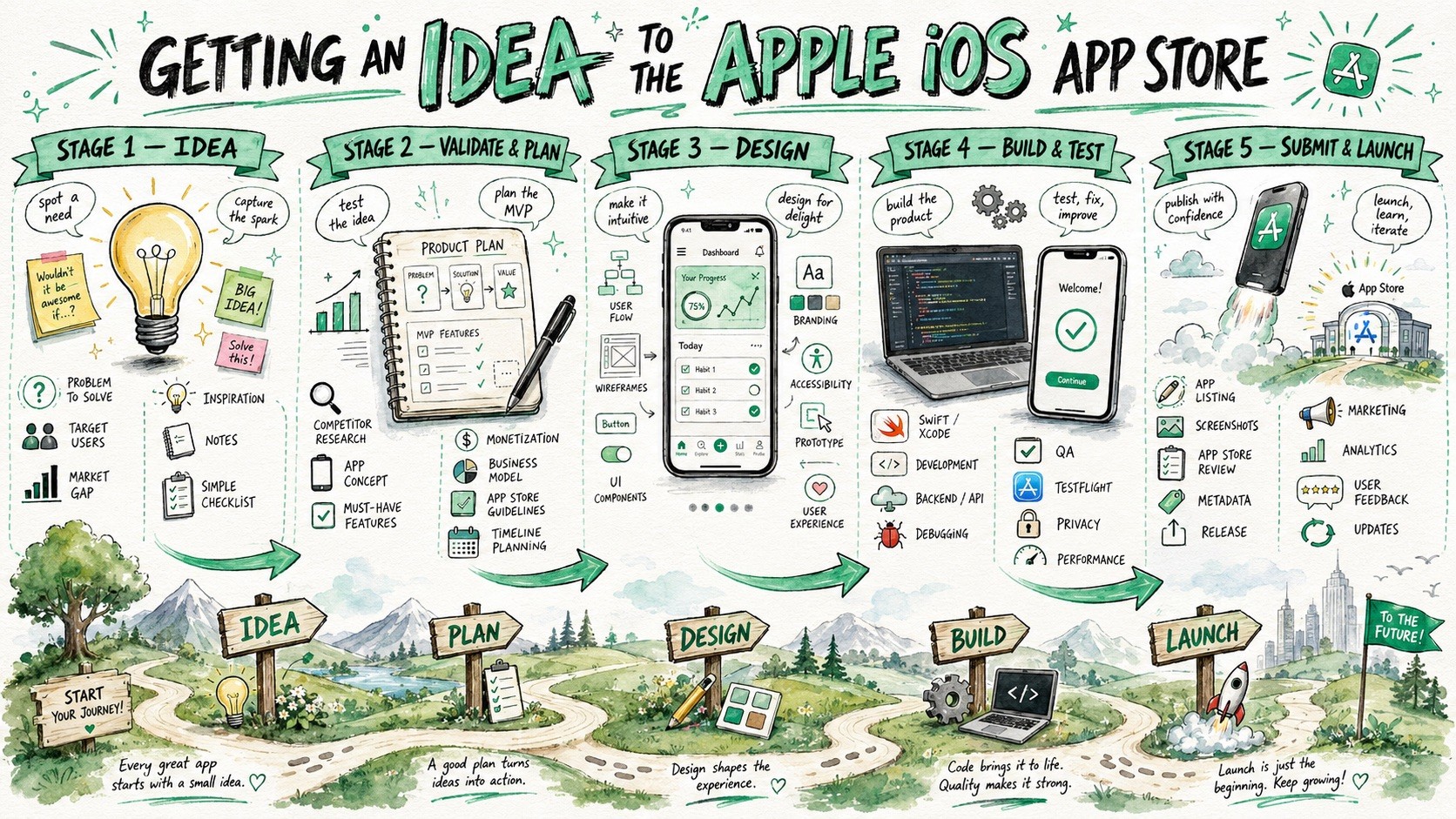
Create a large-format hand-drawn infographic illustration about {{Topic: e.g. How the Puco app organizes prompts for teams}}. The style must combine visual facilitation sketchnotes, watercolor concept art, and educational whiteboard storytelling. Structure the composition as a horizontal {{Layout Style: Journey Map, Evolution Timeline, Roadmap, Visual Presentation}} with {{Stages: 3 Stages, 4 Stages , 5 Stages , 6 Stages , 7 Stages , 8 Stages, 9 Stages}} sequential horizontal sections. Visual Language: Use loose but controlled sketch illustrations with organic hand-drawn imperfections and expressive black ink outlines. Color Palette: Apply a watercolor and marker hybrid rendering using {{Accent Colors: Cobalt Blue, Turquoise, Mint Green, Orange, Golden Yellow, Violet, Soft Pink, Sky Blue, Charcoal }} as primary accents on a textured white paper background. Composition: Feature a large, bold hand-painted title at the top center. Each stage should include a central hero object, supporting mini-icons, and hand-drawn curved arrows to guide the flow. The bottom third should contain a continuous grounding landscape, such as rolling hills or a curving path, to reinforce the narrative journey. Tone: {{Tone: Optimistic, Educational, Imaginative, Clean, Future-focused, Dystopian}}.
e.g. How the Puco app organizes prompts for teams
Journey Map, Evolution Timeline, Roadmap, Visual Presentation
3 Stages, 4 Stages, 5 Stages, 6 Stages, 7 Stages, 8 Stages, 9 Stages
Cobalt Blue, Turquoise, Mint Green, Orange, Golden Yellow, Violet, Soft Pink, Sky Blue
Optimistic, Educational, Imaginative, Clean, Future-focused, Dystopian
Create a large-format hand-drawn infographic illustration about e.g. How the Puco app organizes prompts for teams. The style must combine visual facilitation sketchnotes, watercolor concept art, and educational whiteboard storytelling. Structure the composition as a horizontal Journey Map with 3 Stages sequential horizontal sections. Visual Language: Use loose but controlled sketch illustrations with organic hand-drawn imperfections and expressive black ink outlines. Color Palette: Apply a watercolor and marker hybrid rendering using Cobalt Blue as primary accents on a textured white paper background. Composition: Feature a large, bold hand-painted title at the top center. Each stage should include a central hero object, supporting mini-icons, and hand-drawn curved arrows to guide the flow. The bottom third should contain a continuous grounding landscape, such as rolling hills or a...
Le variabili sono racchiuse tra {{ e }} e seguono questo schema:
Una selezione può fare riferimento a un elenco di variabili predefinito usando le parentesi quadre. Appaiono in [arancione] e forniscono valori di uso comune come colori, toni o lingue.
Puoi anche fornire un elenco di scelte in linea, separate da virgole.
Suggerimento: non hai bisogno dell'app PUCO per usare questi prompt! Copia semplicemente il modello e sostituisci ogni sezione {{…}} con il tuo testo direttamente in ChatGPT, Claude, Gemini o qualsiasi altro assistente IA.