
Ideale per
- Partire da un prompt strutturato e riutilizzabile invece di una chat vuota.
- Adattare il prompt ai propri input mantenendo intatto l'intento originale.
- Flussi di lavoro legati a Creative & Visuals.
Crea un prompt immagine in split-screen perfettamente speculare che confronta due concetti visivi opposti con una tipografia specifica in linea con i temi scelti.
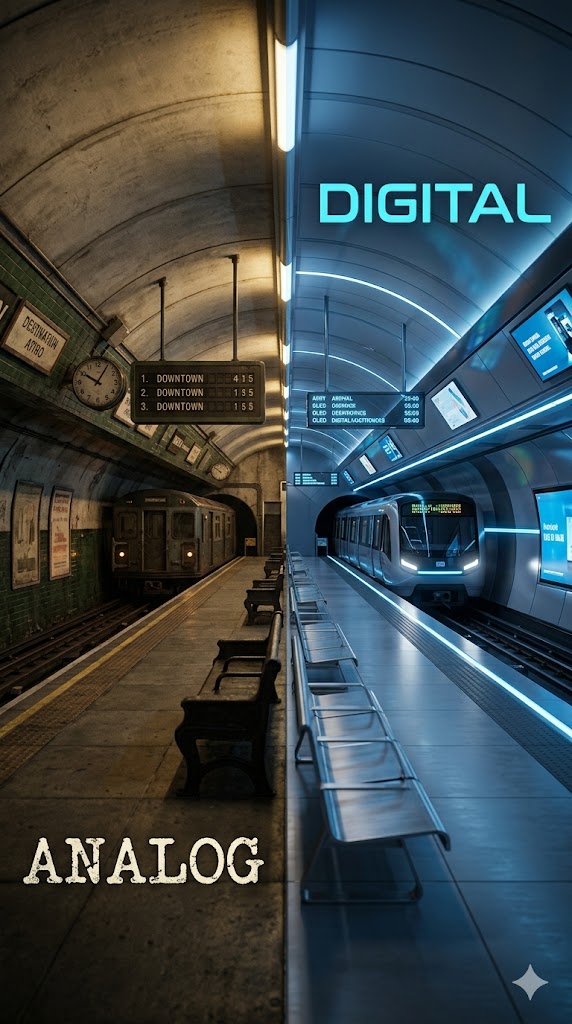
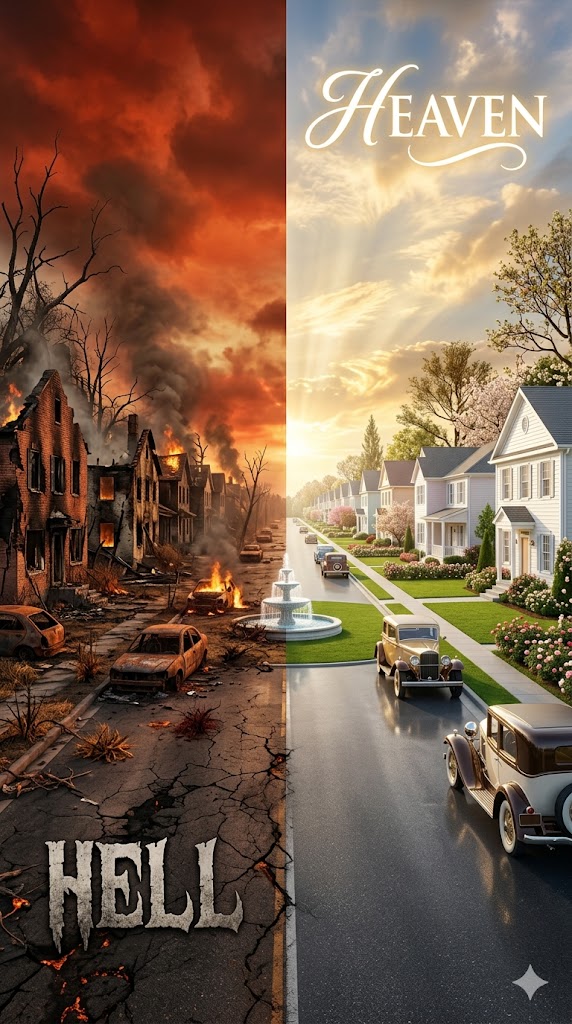
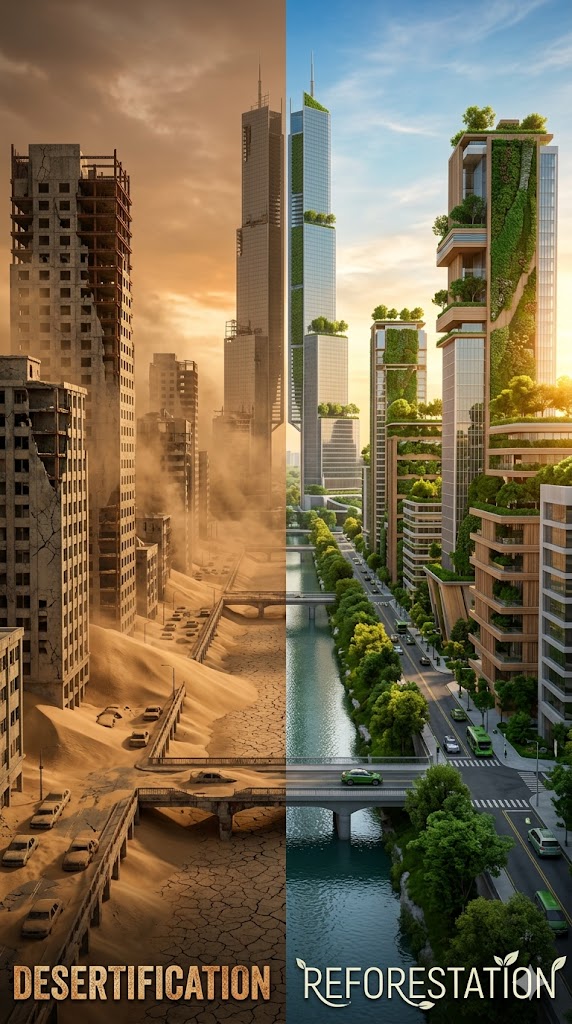
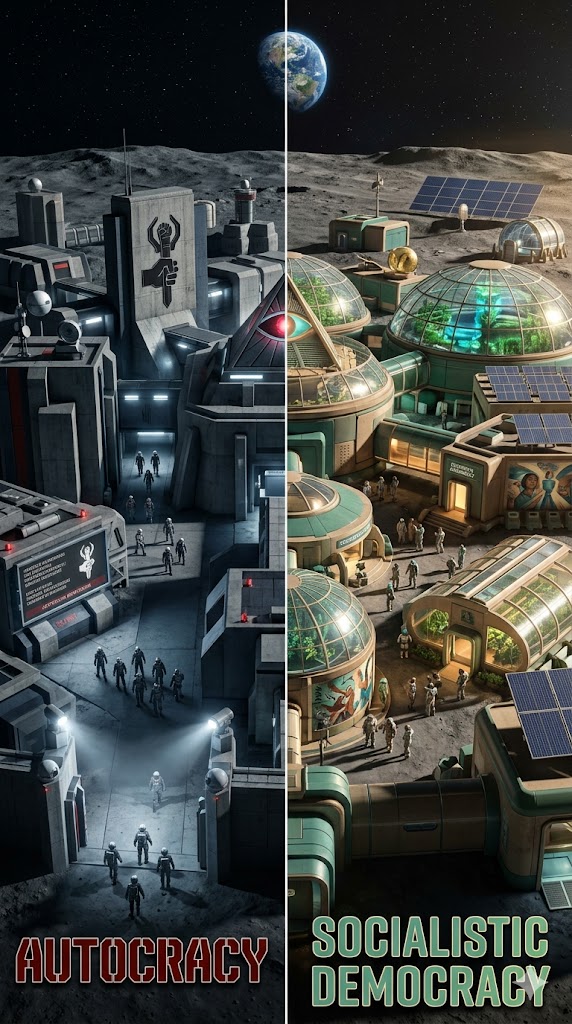
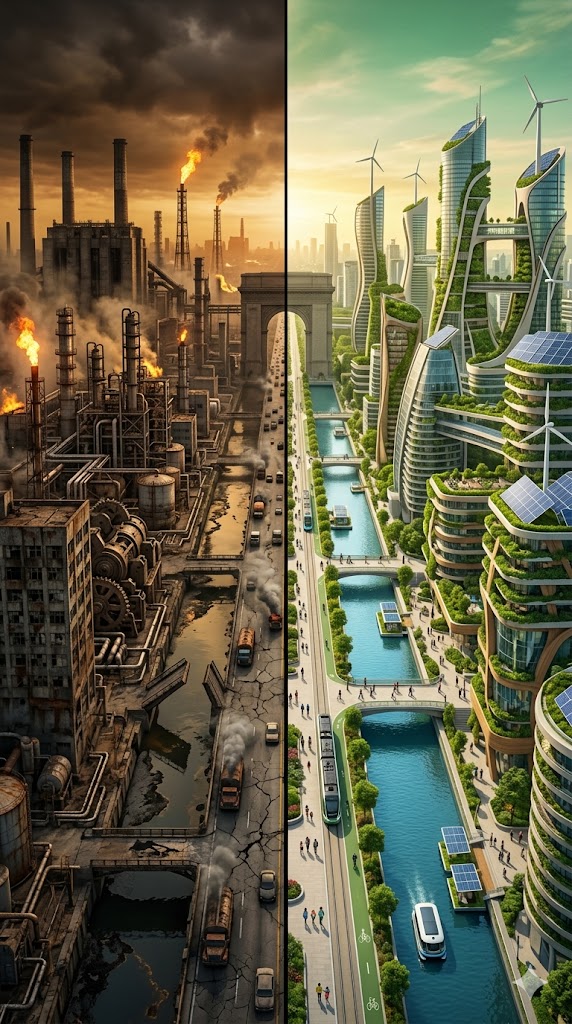
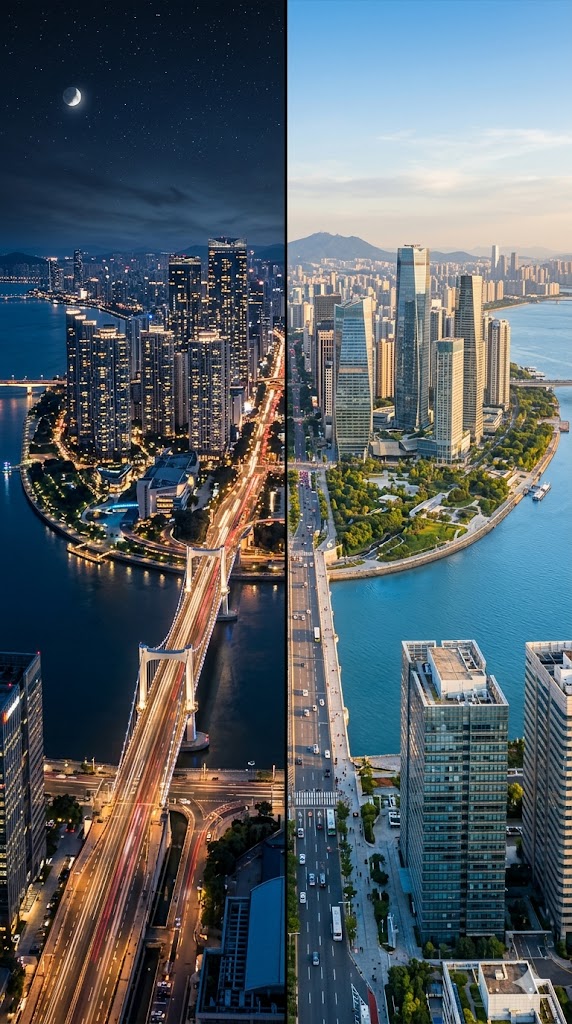
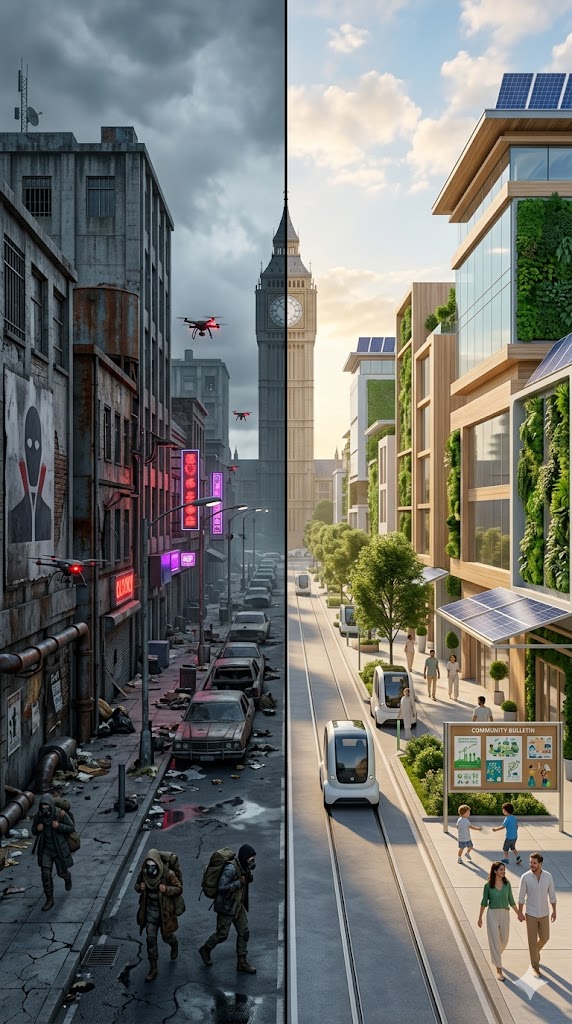
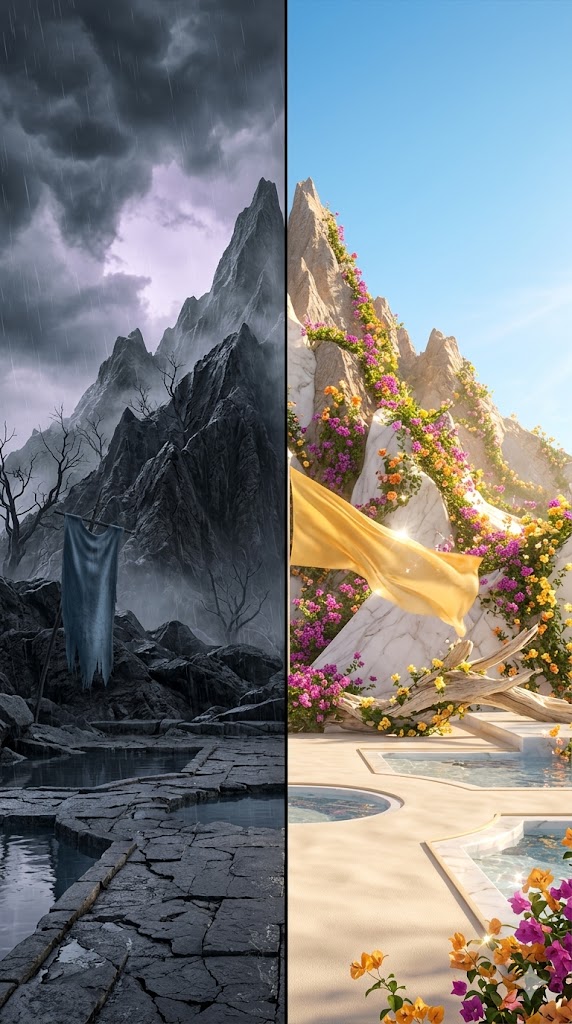
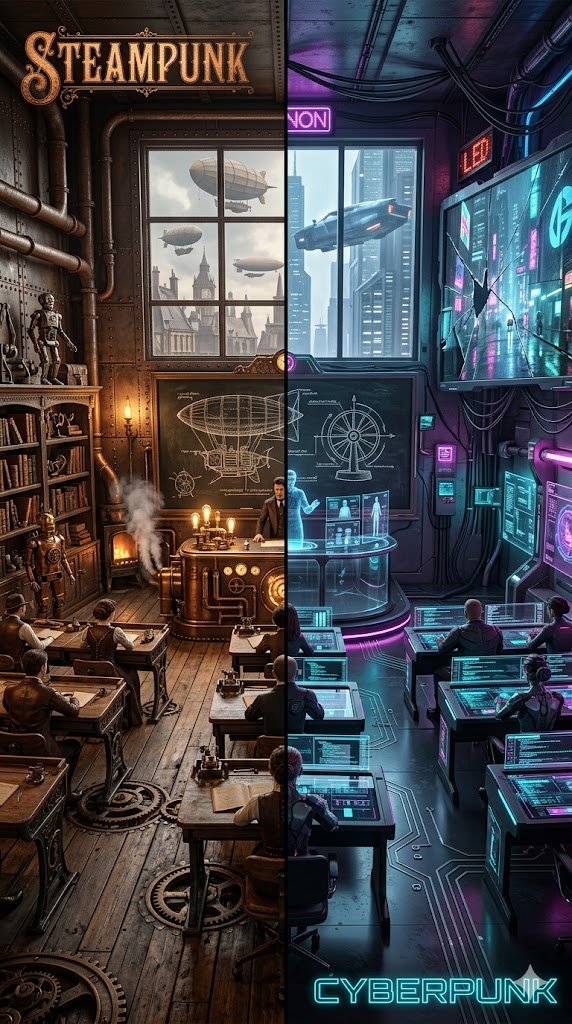
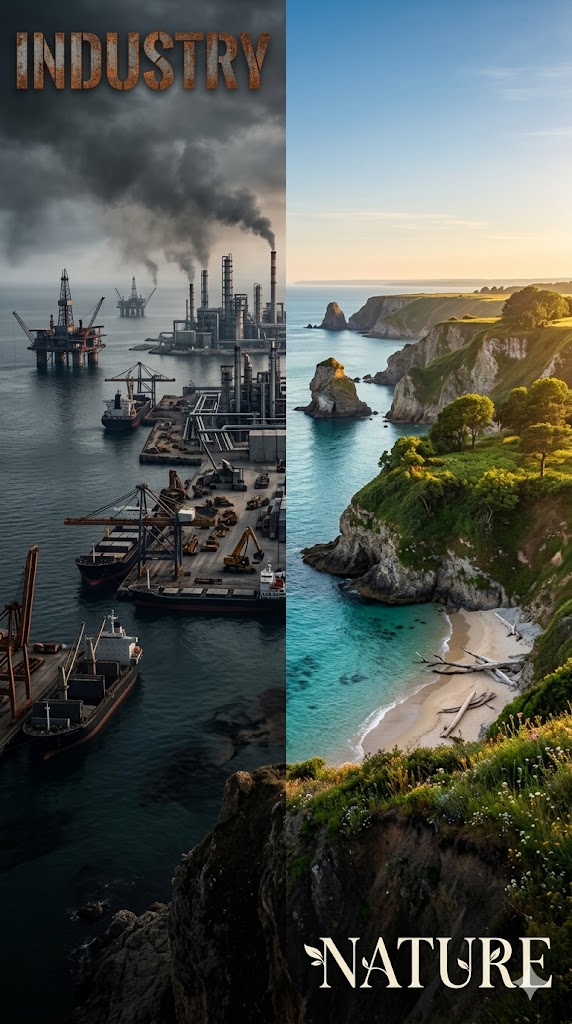
Step 1: Research the visual and emotional visualization of {{Contrast: # Society, Dystopia/Utopia, Anarchy/Order, Poverty/Wealth, War/Peace, Chaos/Harmony, Tyranny/Democracy, # Technology, Combustion Motors/Electric Vehicles, Analog/Digital, Steampunk/Cyberpunk, Manual Labor/Automation, Fossil Fuels/Green Energy, Industry/Nature, # Environment, Desertification/Reforestation, Pollution/Purity, Winter/Summer, Night/Day, Drought/Flood, Ash/Bloom, # Architecture, Brutalist/Organic, Ruined/Restored, Ancient/Modern, Concrete/Greenery, Vertical Slums/Floating Gardens, # Emotions & Abstract, Fear/Hope, Grief/Joy, Loneliness/Community, Decay/Growth, Static/Dynamic, Past/Future}}.

Step 2: Identify specific visual details and textures. If a style is set to 'Automatic', determine the most fitting palette and materials for that side. Otherwise, strictly apply the selected style.

Create a detailed image generation prompt for a single cinematic scene with an aspect ratio of {{Aspect Ratio:[image_sizes]}}, split perfectly down the vertical center.

Left half (First Concept): Features the visual traits of the first concept of the chosen pair. Apply the following aesthetic: {{Concept A Style: Automatic, Rust & Corroded Metal, Neon & Polished Chrome, Charcoal & Smog, Copper & Industrial Steel, Sand & Weathered Concrete, Plastic & Flashing LED, Dark Wood & Shadow, Muted Slate & Ash, Oil & Grime, Radioactive Green & Lead}}.

Right half (Second Concept): The exact same scene reborn or mirrored as the second concept. Apply the following aesthetic: {{Concept B Style: Automatic, Marble & Gold Leaf, Glass & White Ceramic, Moss & Weathered Stone, Bioluminescence & Silver, Solar Panels & Clear Water, Lush Greenery & Silk, Soft Sunlight & Oak, Polished Quartz & Pearl, Clean Chrome & Sky Blue, Holographic Glass & Light}}.

The split is razor-sharp at the exact center—same horizon line, same perspective, same camera angle, showcasing a seamlessly mirrored {{Scenery: # Urban & Architecture, Cityscape, Megacity, Suburban Neighborhood, Small Town Main Street, Industrial Zone, Factory, Shipyard, Underground Metro Station, Airport Terminal, Server Farm, Highway Interchange, # Natural Landscapes, Mountain Range, Forest, Desert, Ocean Coastline, Island, River Valley, Swamp, Cave, Tundra, Farmland, # Interiors, Bedroom, Library, Hospital Ward, Office Cubicle Farm, Classroom, Kitchen, Living Room, Gallery Hall, Temple Interior, # Special Locations, Space Station, Moon Base, Alien Planet Surface, Deep Sea Research Lab}}.

Text Overlay: If the following selection is not 'Invisible', include typography in the image. Integrate the text name of the first concept on the left half and the text name of the second concept on the right half. The typeface used for each text element must stylistically match the specific theme of its respective concept (e.g., grungy for Dystopia, clean for Utopia). The text color must be a contrasting color to the background for maximum readability. Position the text according to the selected layout: {{Text Placement: Invisible, Top, Top Left and Bottom Right, Left Bottom and Right Top, Bottom}}.

Photorealistic, 8K, cinematic lighting, dramatic composition. No watermarks.
# Society, Dystopia/Utopia, Anarchy/Order, Poverty/Wealth, War/Peace, Chaos/Harmony, Tyranny/Democracy, # Technology
[image_sizes]
Automatic, Rust & Corroded Metal, Neon & Polished Chrome, Charcoal & Smog, Copper & Industrial Steel, Sand & Weathered Concrete, Plastic & Flashing LED, Dark Wood & Shadow
Automatic, Marble & Gold Leaf, Glass & White Ceramic, Moss & Weathered Stone, Bioluminescence & Silver, Solar Panels & Clear Water, Lush Greenery & Silk, Soft Sunlight & Oak
# Urban & Architecture, Cityscape, Megacity, Suburban Neighborhood, Small Town Main Street, Industrial Zone, Factory, Shipyard
Invisible, Top, Top Left and Bottom Right, Left Bottom and Right Top, Bottom
Step 1: Research the visual and emotional visualization of # Society.

Step 2: Identify specific visual details and textures. If a style is set to 'Automatic', determine the most fitting palette and materials for that side. Otherwise, strictly apply the selected style.

Create a detailed image generation prompt for a single cinematic scene with an aspect ratio of [image_sizes], split perfectly down the vertical center.

Left half (First Concept): Features the visual traits of the first concept of the chosen pair. Apply the following aesthetic: Automatic.

Right half (Second Concept): The exact same scene reborn or mirrored as the second concept. Apply the following aesthetic: Automatic.

The split is razor-sharp at the exact center—same horizon line, same perspective, same camera angle, showcasing a seamlessly mirrored # Urban & Architecture.

Text Overlay: If the following selection...
Le variabili sono racchiuse tra {{ e }} e seguono questo schema:
Una selezione può fare riferimento a un elenco di variabili predefinito usando le parentesi quadre. Appaiono in [arancione] e forniscono valori di uso comune come colori, toni o lingue.
Puoi anche fornire un elenco di scelte in linea, separate da virgole.
Suggerimento: non hai bisogno dell'app PUCO per usare questi prompt! Copia semplicemente il modello e sostituisci ogni sezione {{…}} con il tuo testo direttamente in ChatGPT, Claude, Gemini o qualsiasi altro assistente IA.