Idéal pour
- Partir d'un prompt structuré et réutilisable plutôt que d'une conversation vierge.
- Adapter le prompt à vos propres données tout en conservant l'intention d'origine.
- Les workflows liés à Photography.

Génère une photo de nuit brute et très contrastée avec flash direct, pour une esthétique façon paparazzi.
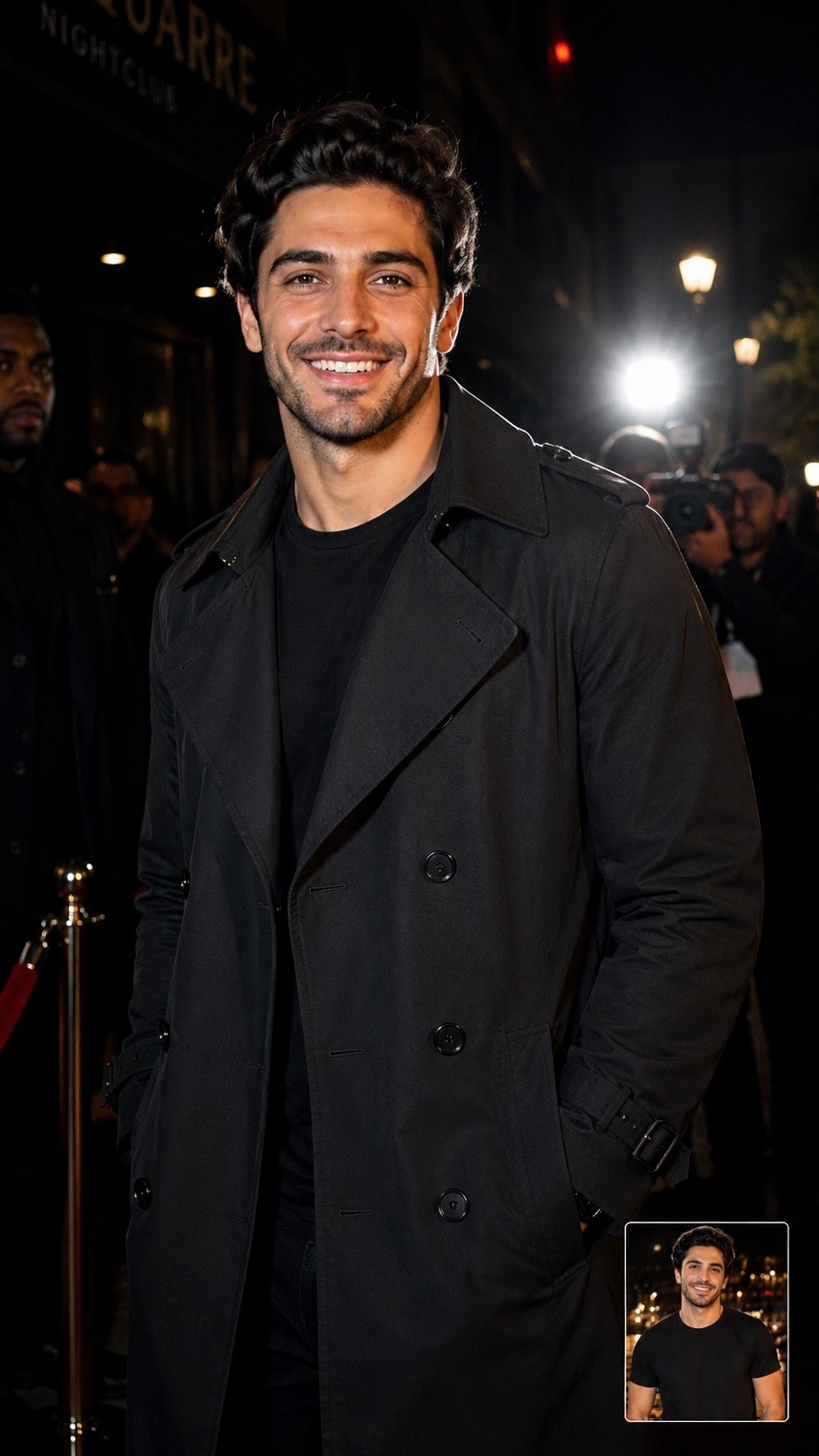
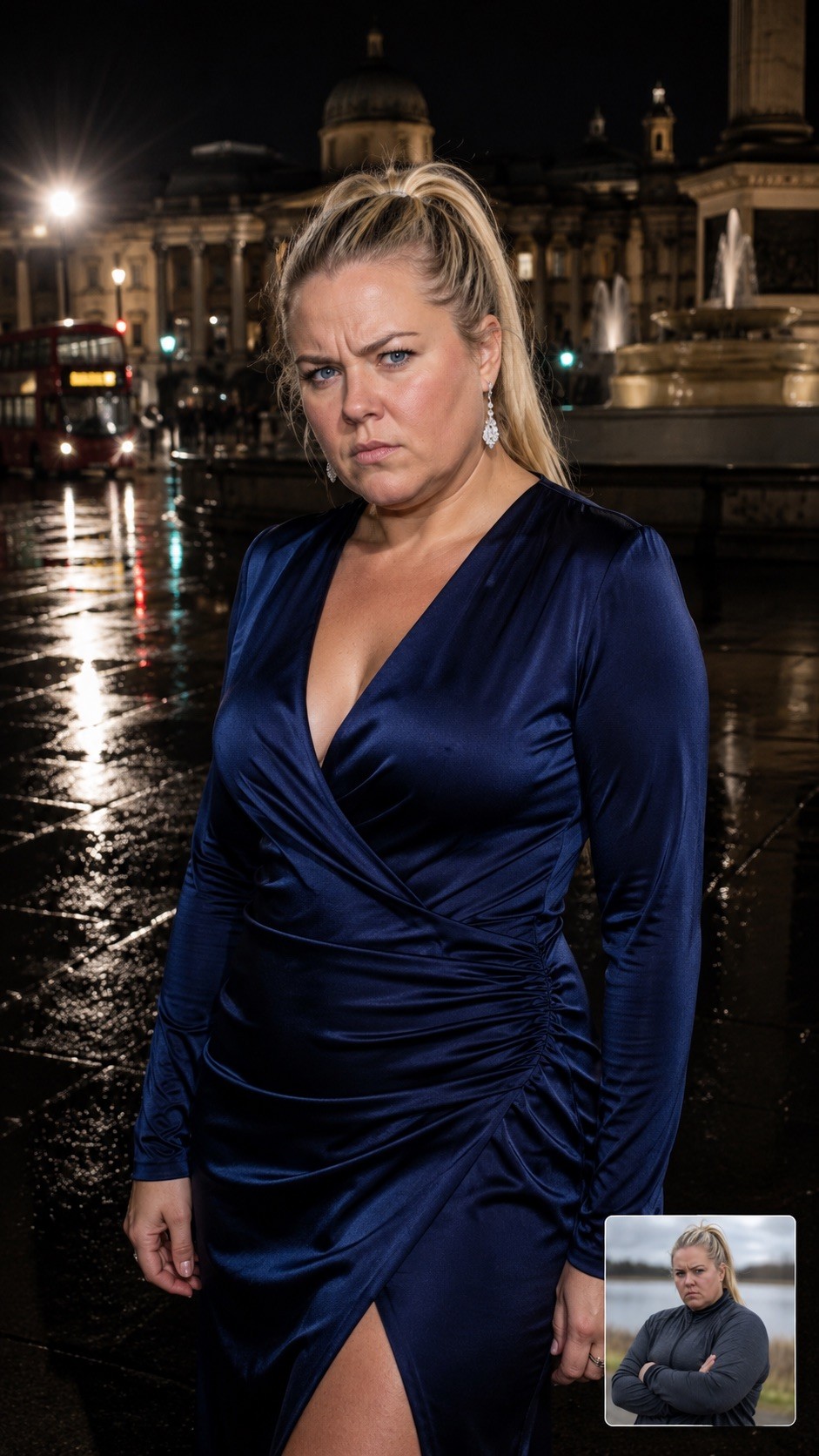
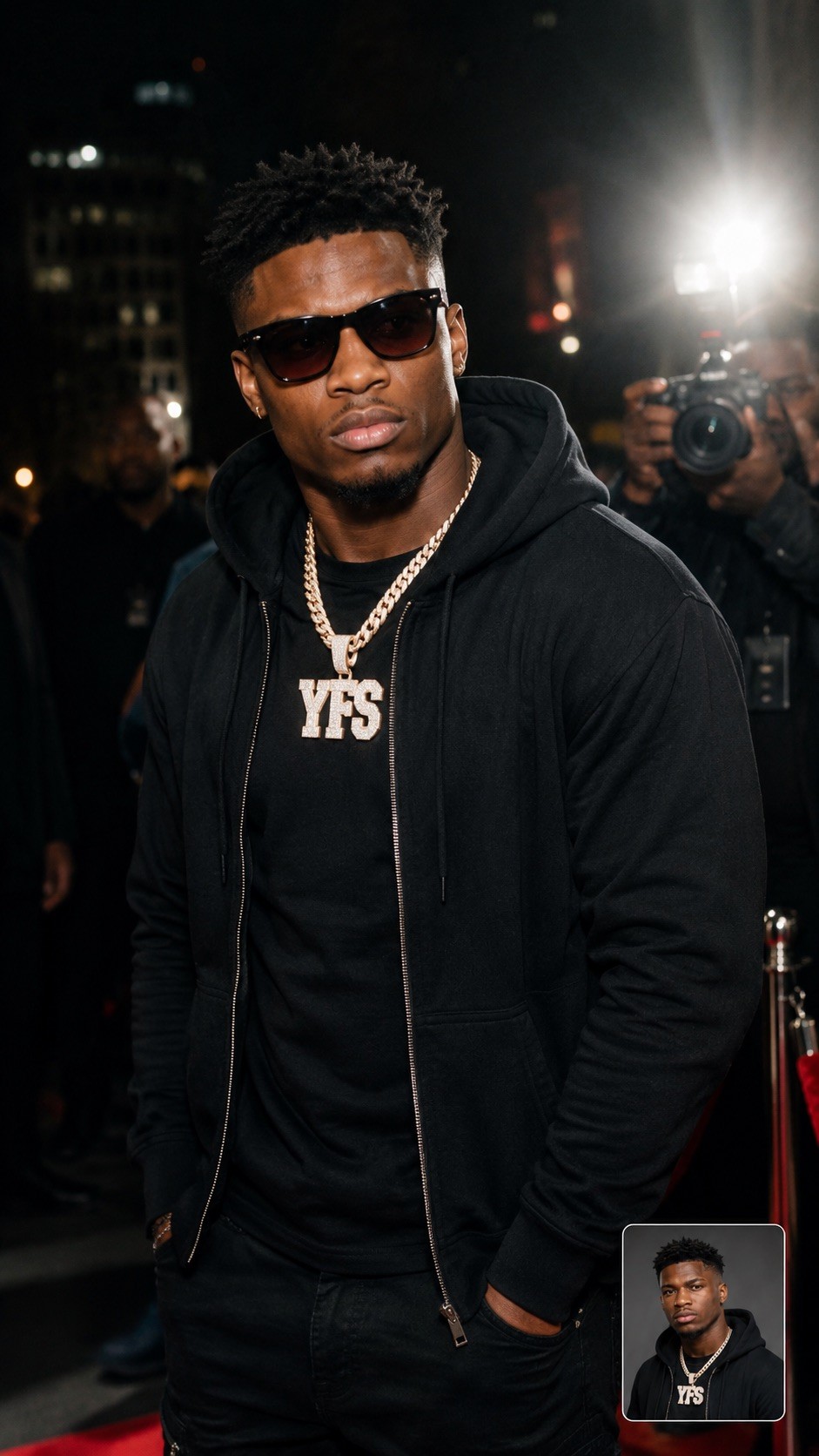
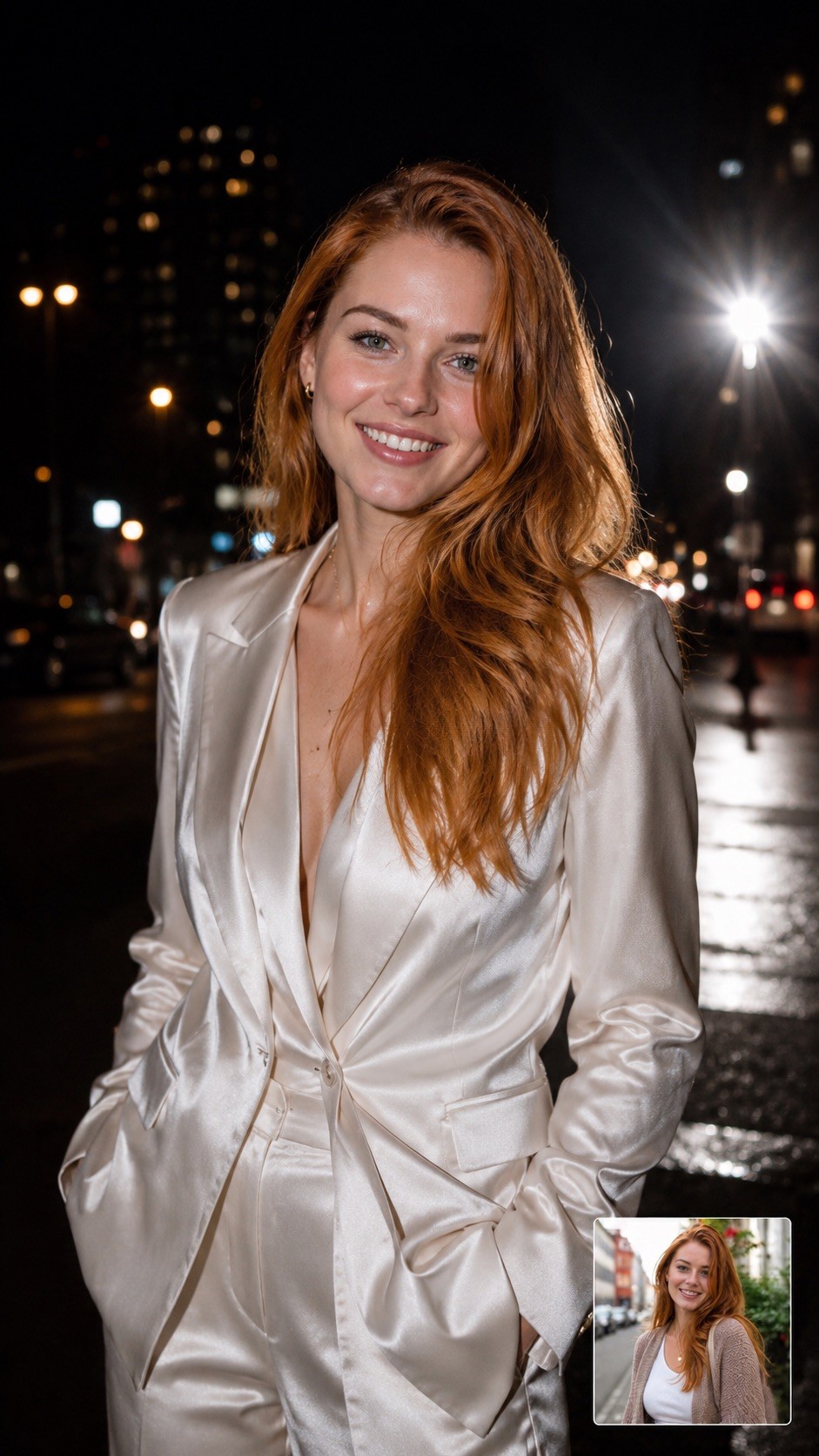
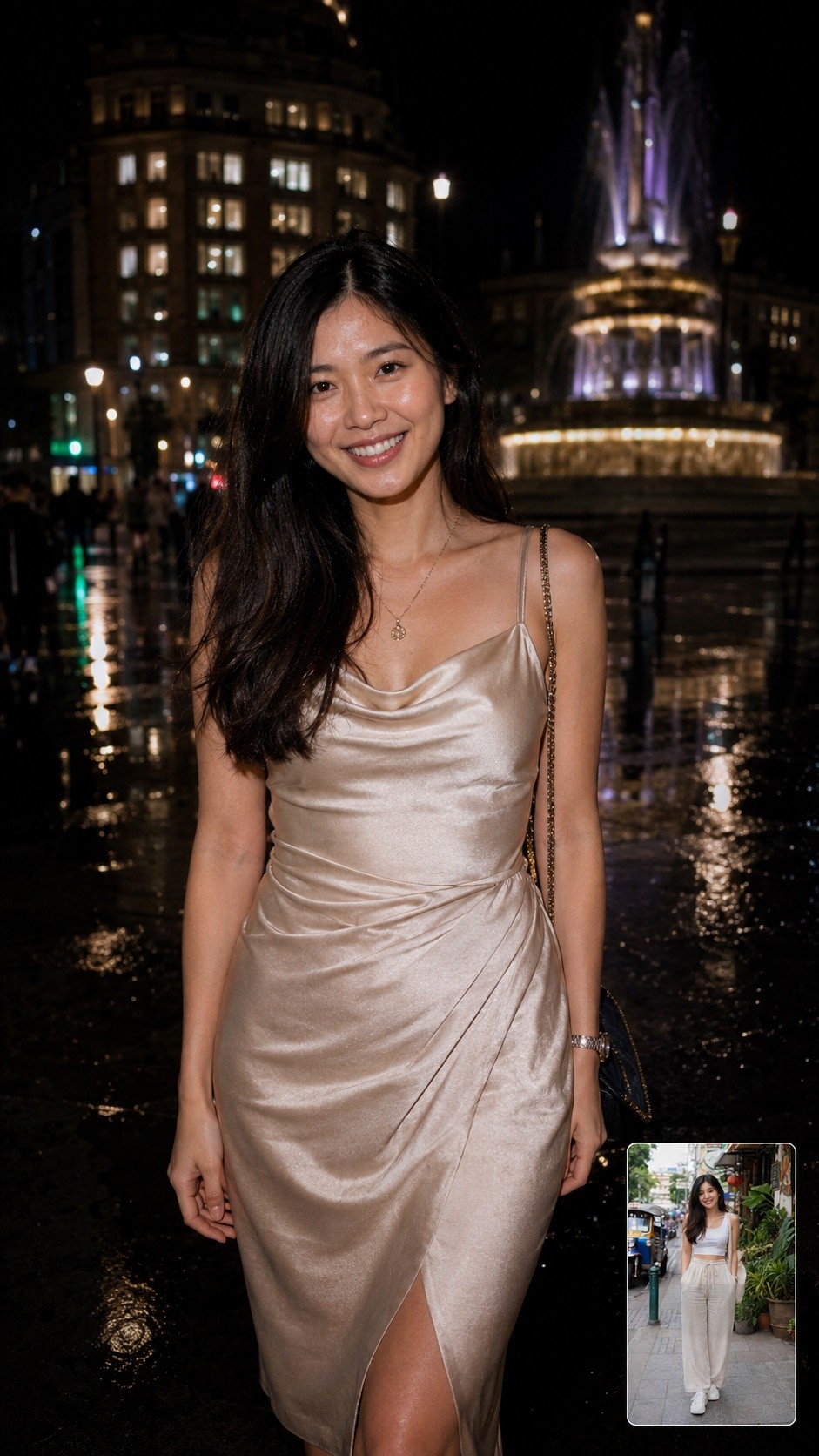
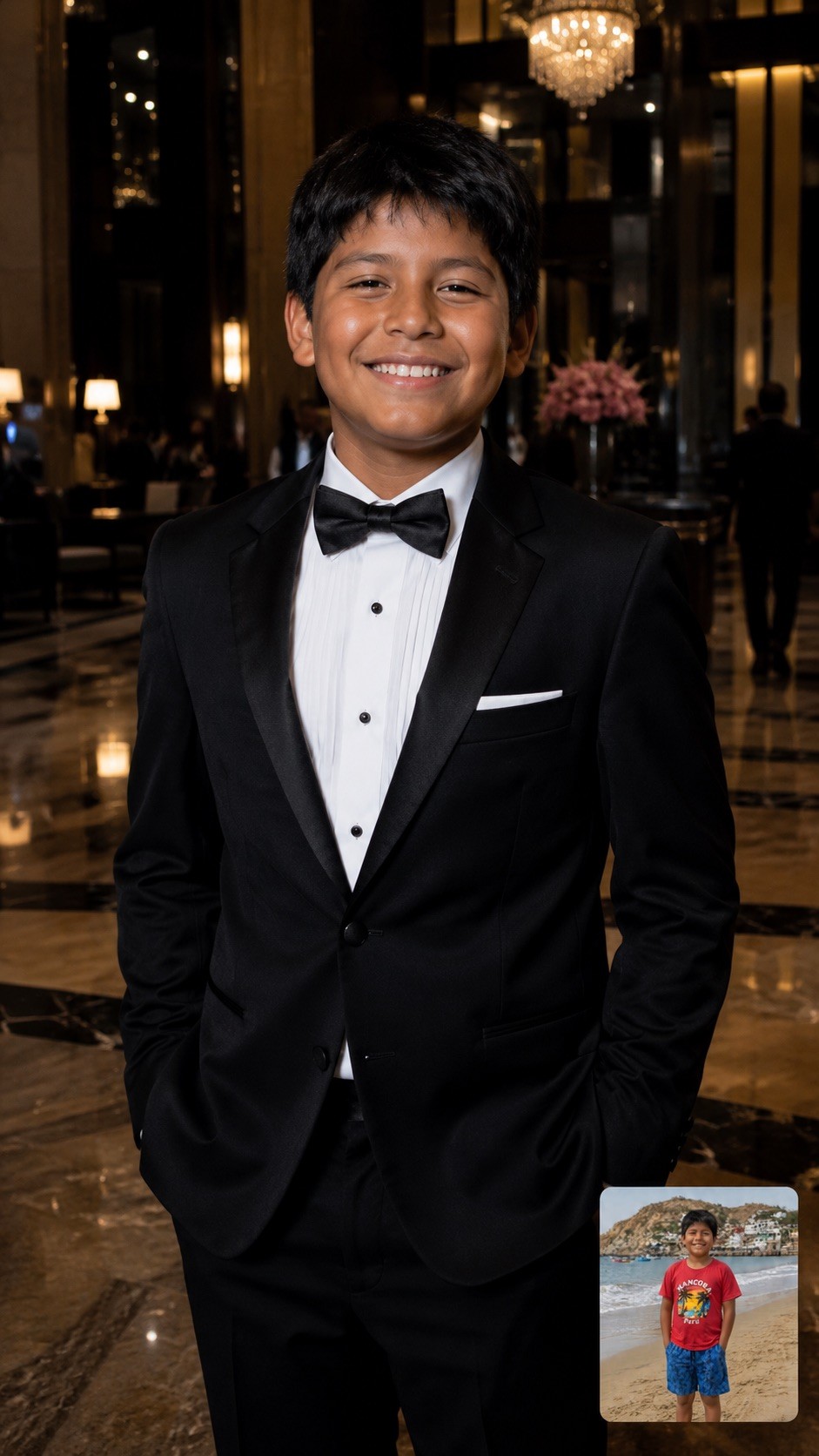
A hyper-realistic, half-body candid photograph of {{Subject: The person on the attached photo, a celebrity, a stylish woman, a man, a fashion model, a mysterious stranger, a socialite, a musician, an actor, a trendsetter, a high-profile athlete}} {{Dressing: in a designer trench coat, in a leather jacket, in a sharp tuxedo, in urban streetwear, in a fedora, in a sequined gown, in sunglasses and a hoodie, in a silk suit, in a cocktail dress, in casual chic attire}} captured at night on {{Location: a city street, a busy sidewalk, outside a premier nightclub, a red carpet entrance, a luxury hotel lobby, the back exit of a theater, a crowded airport terminal, the parking lot of a trendy restaurant, a busy subway entrance, a rainy London square, a Fifth Avenue storefront, a narrow alleyway in Soho, a beach club entrance at night}}. The lighting is dominated by a powerful, direct 'paparazzi-style' camera flash that creates bright, crisp skin tones and sharp highlights on the face. The background is a high-contrast, moody urban landscape with deep shadows. The image includes slight lens flare from the flash, maintaining a raw and authentic 'captured in the moment' nightlife aesthetic.
Aspect Ratio: {{Aspect Ratios: [aspect_ratios]}}
The person on the attached photo, a celebrity, a stylish woman, a man, a fashion model, a mysterious stranger, a socialite, a musician
in a designer trench coat, in a leather jacket, in a sharp tuxedo, in urban streetwear, in a fedora, in a sequined gown, in sunglasses and a hoodie, in a silk suit
a city street, a busy sidewalk, outside a premier nightclub, a red carpet entrance, a luxury hotel lobby, the back exit of a theater, a crowded airport terminal, the parking lot of a trendy restaurant
[aspect_ratios]
A hyper-realistic, half-body candid photograph of The person on the attached photo in a designer trench coat captured at night on a city street. The lighting is dominated by a powerful, direct 'paparazzi-style' camera flash that creates bright, crisp skin tones and sharp highlights on the face. The background is a high-contrast, moody urban landscape with deep shadows. The image includes slight lens flare from the flash, maintaining a raw and authentic 'captured in the moment' nightlife aesthetic.
Aspect Ratio: [aspect_ratios]
Les variables sont entourées de {{ et }} et suivent ce modèle :
Une sélection peut référencer une liste de variables prédéfinie à l'aide de crochets. Elles apparaissent en [orange] et fournissent des valeurs courantes comme des couleurs, des tons ou des langues.
Vous pouvez aussi fournir une liste de choix en ligne, séparés par des virgules.
Astuce : vous n'avez pas besoin de l'application PUCO pour utiliser ces prompts ! Copiez simplement le modèle et remplacez chaque section {{…}} par votre propre texte directement dans ChatGPT, Claude, Gemini ou tout autre assistant IA.