
Idéal pour
- Partir d'un prompt structuré et réutilisable plutôt que d'une conversation vierge.
- Adapter le prompt à vos propres données tout en conservant l'intention d'origine.
- Les workflows liés à Music & Audio.
Crée un diorama 3D construit sur un vinyle en rotation qui visualise la signature sonore d’un artiste musical.
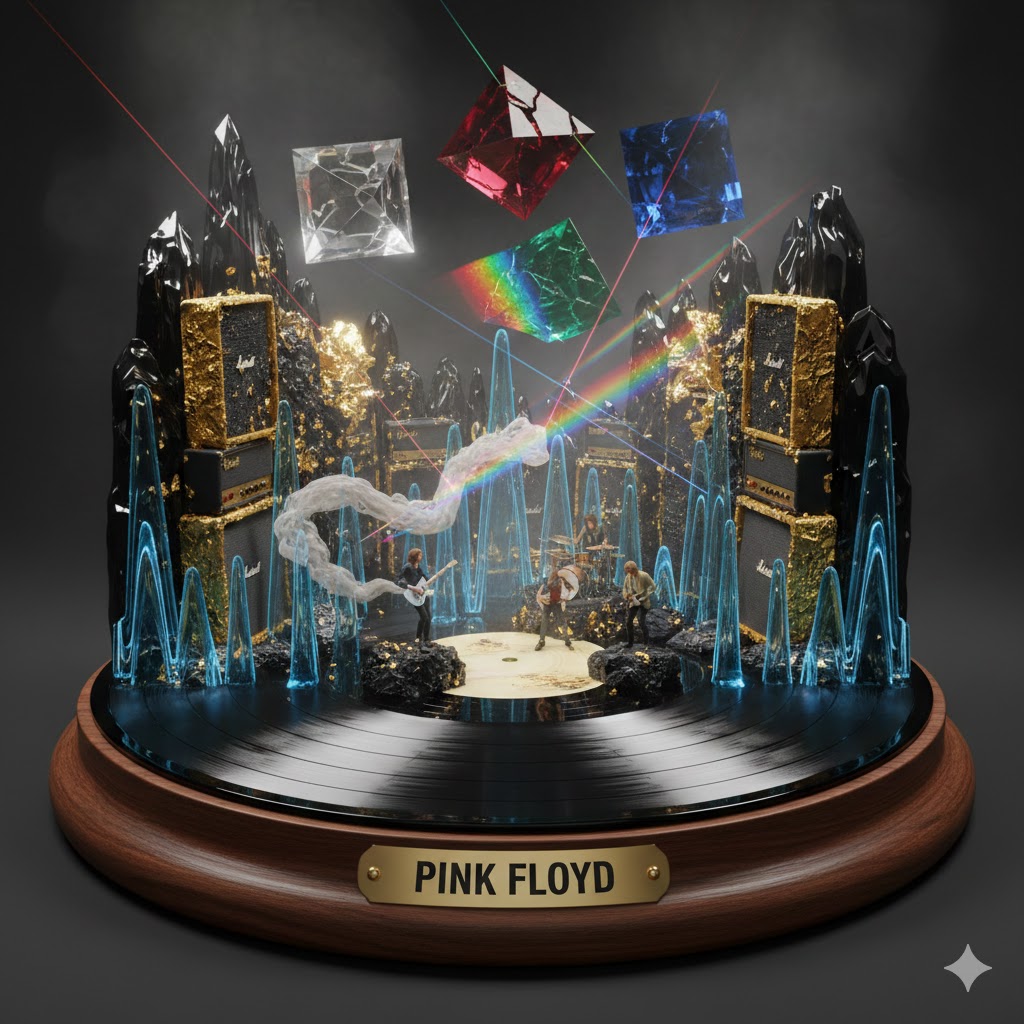
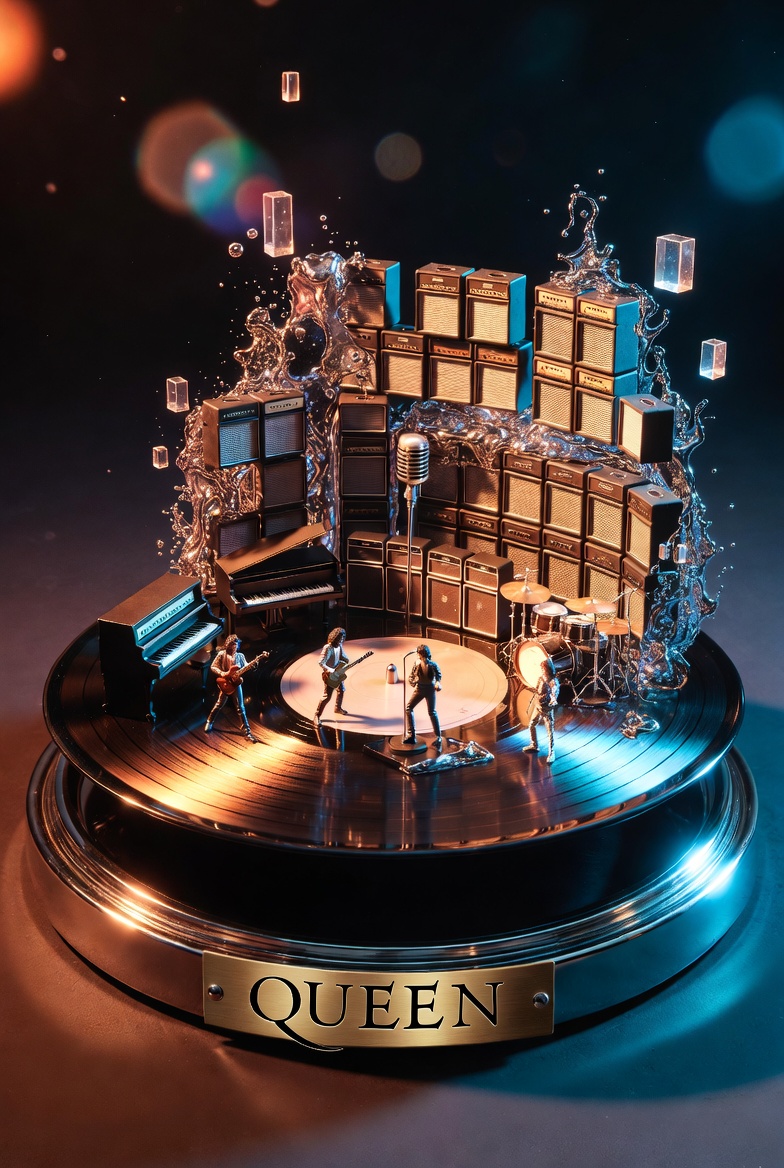

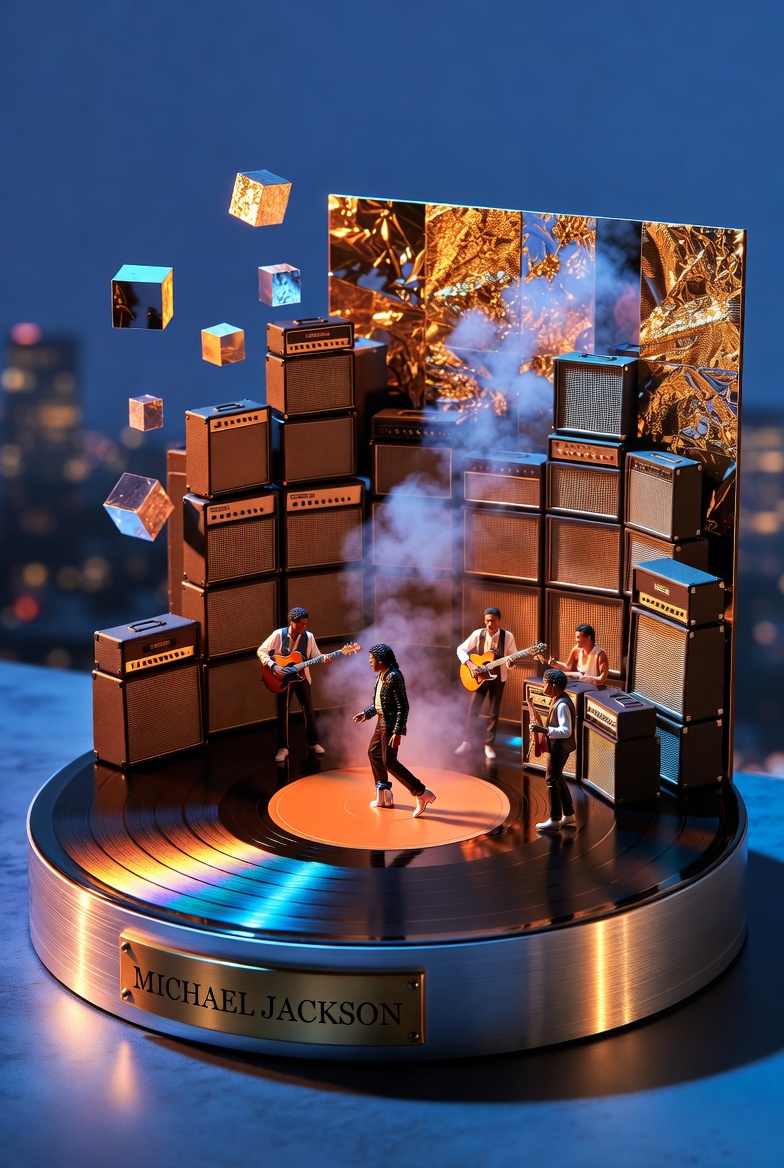
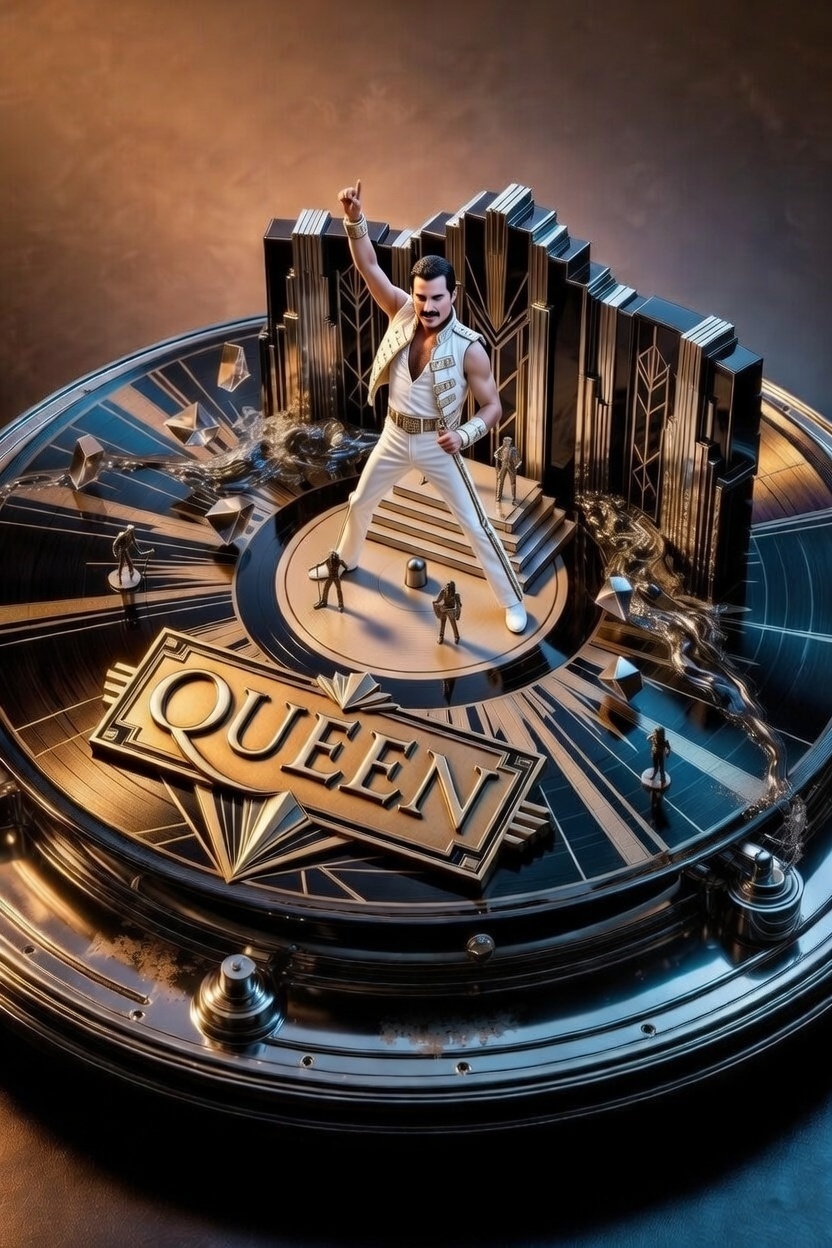

Act as a Music Historian and Set Designer. Create an audio-visual diorama based on the artist: {{Artist Name:Pink Floyd}}.

Design Rules:
1. The Base: The diorama is built on a spinning vinyl record acting as a circular stage, sitting on a high-end {{Turntable Material:Wood, Brushed Aluminum}} base.
2. The Plinth: A brass nameplate on the front must display '{{Artist Name:Pink Floyd}}' in bold capital letters.
3. Sonic Materiality: Translate the band's genre into textures. Use materials like {{Materiality:[materials]}}.
4. Composition: Architecture must rise from the grooves of the record (e.g., walls of amplifiers, floating prisms). Include tiny 1:87 scale band members performing inside the landscape.
5. Atmosphere: Use particle effects like smoke or vibrating liquid to visualize sound waves.
6. Style: 3D render, hyper-detailed, cinematic lighting.
Pink Floyd
Wood, Brushed Aluminum
[materials]
Act as a Music Historian and Set Designer. Create an audio-visual diorama based on the artist: Pink Floyd.

Design Rules:
1. The Base: The diorama is built on a spinning vinyl record acting as a circular stage, sitting on a high-end Wood base.
2. The Plinth: A brass nameplate on the front must display 'Pink Floyd' in bold capital letters.
3. Sonic Materiality: Translate the band's genre into textures. Use materials like [materials].
4. Composition: Architecture must rise from the grooves of the record (e.g., walls of amplifiers, floating prisms). Include tiny 1:87 scale band members performing inside the landscape.
5. Atmosphere: Use particle effects like smoke or vibrating liquid to visualize sound waves.
6. Style: 3D render, hyper-detailed, cinematic lighting.
Les variables sont entourées de {{ et }} et suivent ce modèle :
Une sélection peut référencer une liste de variables prédéfinie à l'aide de crochets. Elles apparaissent en [orange] et fournissent des valeurs courantes comme des couleurs, des tons ou des langues.
Vous pouvez aussi fournir une liste de choix en ligne, séparés par des virgules.
Astuce : vous n'avez pas besoin de l'application PUCO pour utiliser ces prompts ! Copiez simplement le modèle et remplacez chaque section {{…}} par votre propre texte directement dans ChatGPT, Claude, Gemini ou tout autre assistant IA.