Idéal pour
- Partir d'un prompt structuré et réutilisable plutôt que d'une conversation vierge.
- Adapter le prompt à vos propres données tout en conservant l'intention d'origine.
- Les workflows liés à Creative & Visuals.

Génère une caricature numérique humoristique et de haute qualité qui visualise le surnom d’une personne à travers des éléments symboliques et des traits exagérés.
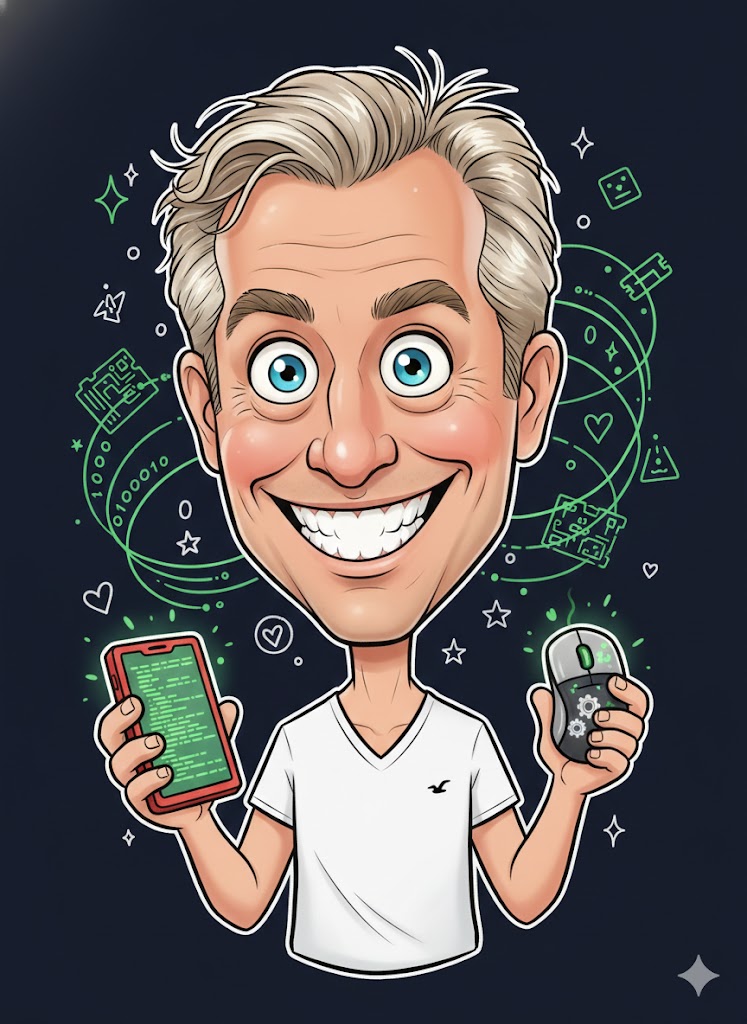
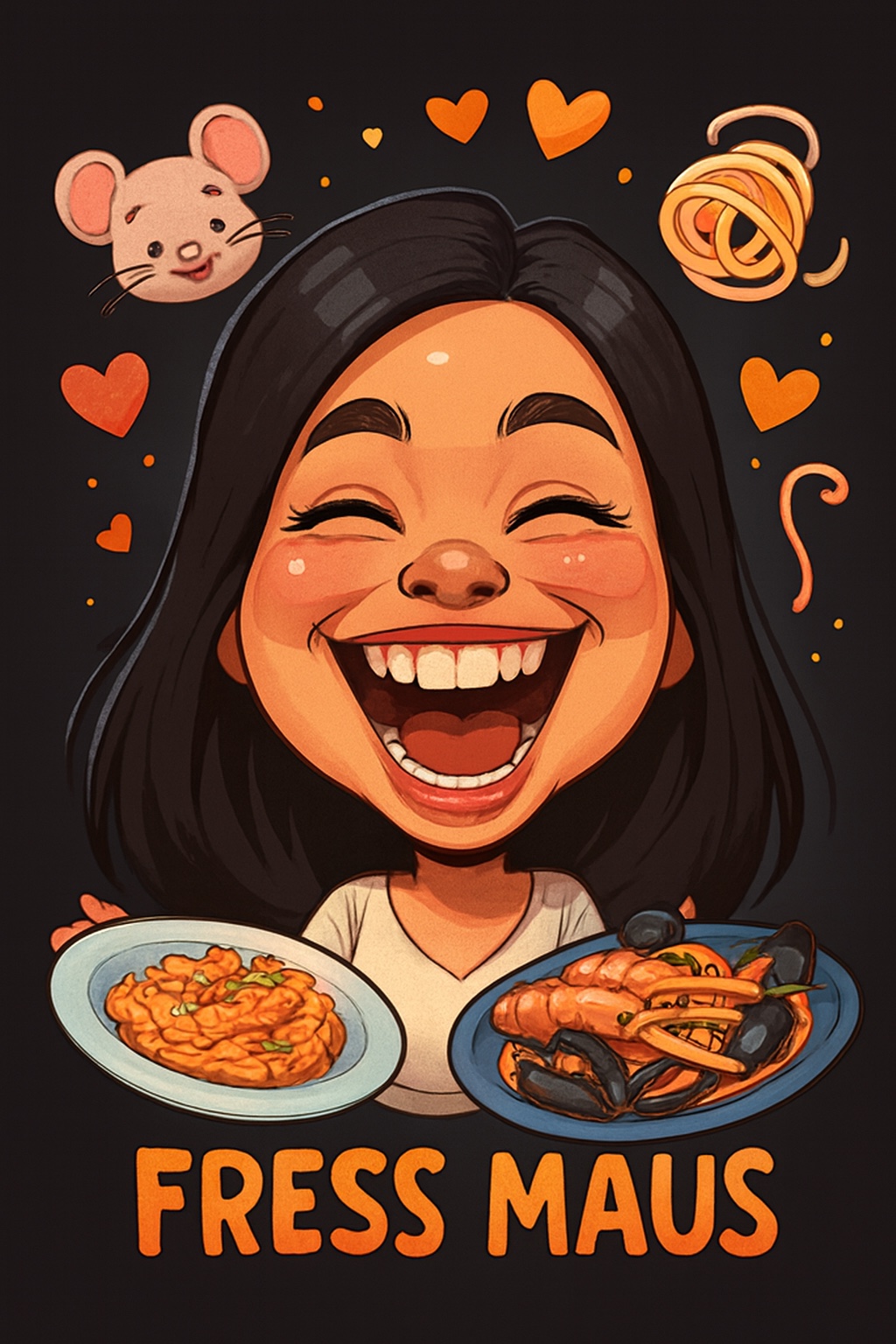
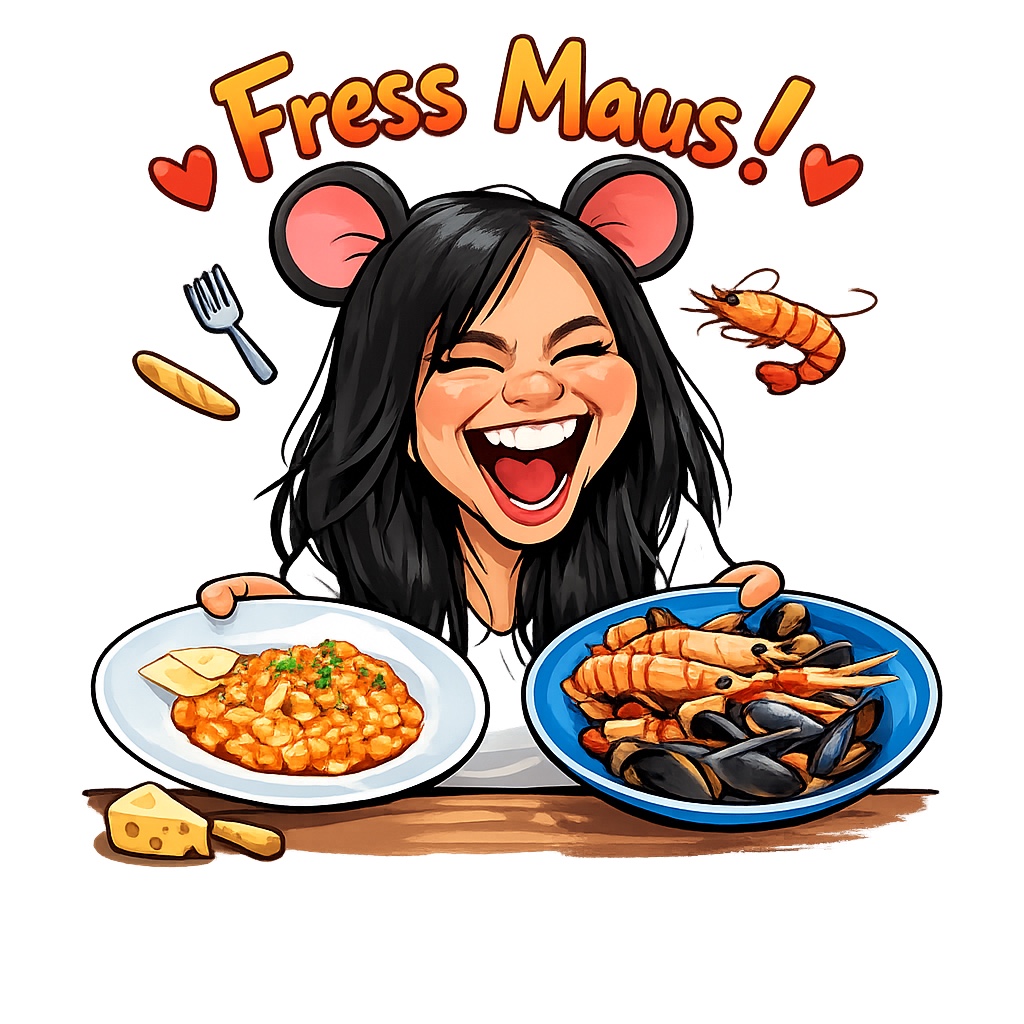
Create a humorous caricature of {{Subject: The subject on the attached picture}} in the style of a modern digital cartoon illustration. The person should remain recognizable but with strongly exaggerated facial features, specifically a {{Expression: Wide Smile, Huge Grin, Laughing Face}}, large eyes, and a slightly enlarged head on a smaller body. Use soft, clean outlines with varying line weight, organic shapes, and warm, saturated colors with soft-shading. The style should be semi-flat digital painting (Pixar/sticker aesthetic) with gentle highlights on skin and hair. Visually interpret the nickname '{{Nickname: e.g. The Code Wizard}}' by including symbolic elements related to it floating playfully around the head and having the subject hold thematic objects in their hands. Composition: Central frontal figure, dark or black background, with small supporting icons like hearts or symbols. The final image should look like a premium sticker or poster with high aesthetic appeal and friendly, non-offensive humor.
The subject on the attached picture
Wide Smile, Huge Grin, Laughing Face
e.g. The Code Wizard
Create a humorous caricature of The subject on the attached picture in the style of a modern digital cartoon illustration. The person should remain recognizable but with strongly exaggerated facial features, specifically a Wide Smile, large eyes, and a slightly enlarged head on a smaller body. Use soft, clean outlines with varying line weight, organic shapes, and warm, saturated colors with soft-shading. The style should be semi-flat digital painting (Pixar/sticker aesthetic) with gentle highlights on skin and hair. Visually interpret the nickname 'e.g. The Code Wizard' by including symbolic elements related to it floating playfully around the head and having the subject hold thematic objects in their hands. Composition: Central frontal figure, dark or black background, with small supporting icons like hearts or symbols. The final image should look like a premium sticker or poster with...
Les variables sont entourées de {{ et }} et suivent ce modèle :
Une sélection peut référencer une liste de variables prédéfinie à l'aide de crochets. Elles apparaissent en [orange] et fournissent des valeurs courantes comme des couleurs, des tons ou des langues.
Vous pouvez aussi fournir une liste de choix en ligne, séparés par des virgules.
Astuce : vous n'avez pas besoin de l'application PUCO pour utiliser ces prompts ! Copiez simplement le modèle et remplacez chaque section {{…}} par votre propre texte directement dans ChatGPT, Claude, Gemini ou tout autre assistant IA.