Idéal pour
- Partir d'un prompt structuré et réutilisable plutôt que d'une conversation vierge.
- Adapter le prompt à vos propres données tout en conservant l'intention d'origine.
- Les workflows liés à Design & Art.

Transformez une image importée dans le style précis d’un peintre célèbre.
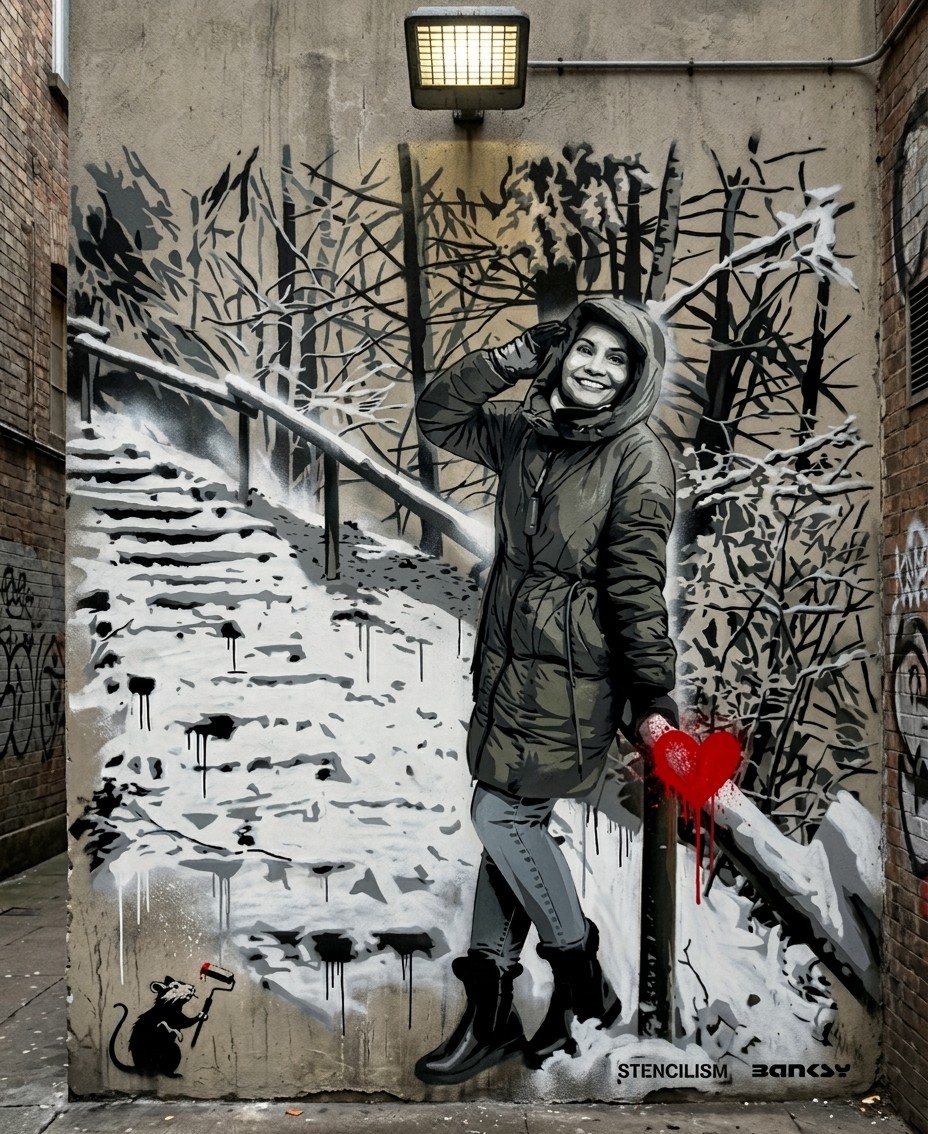
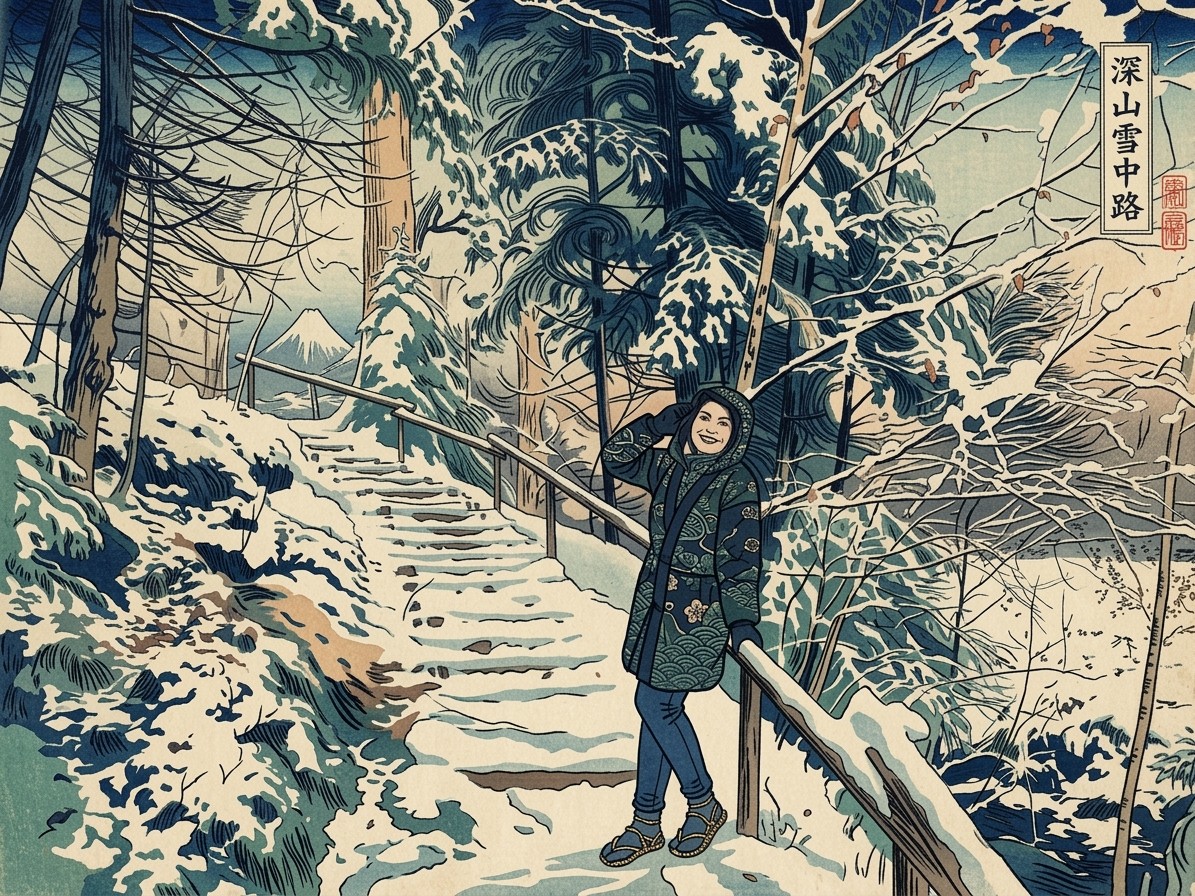
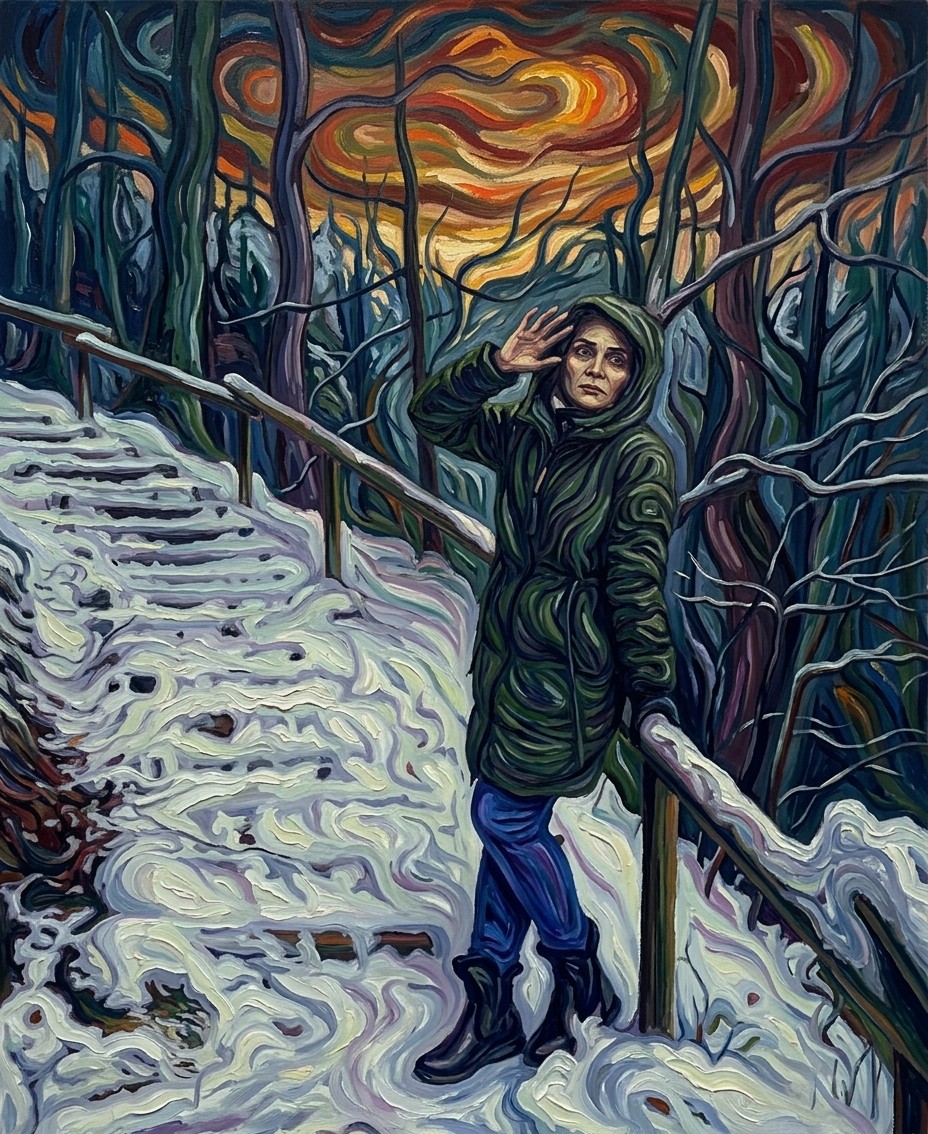
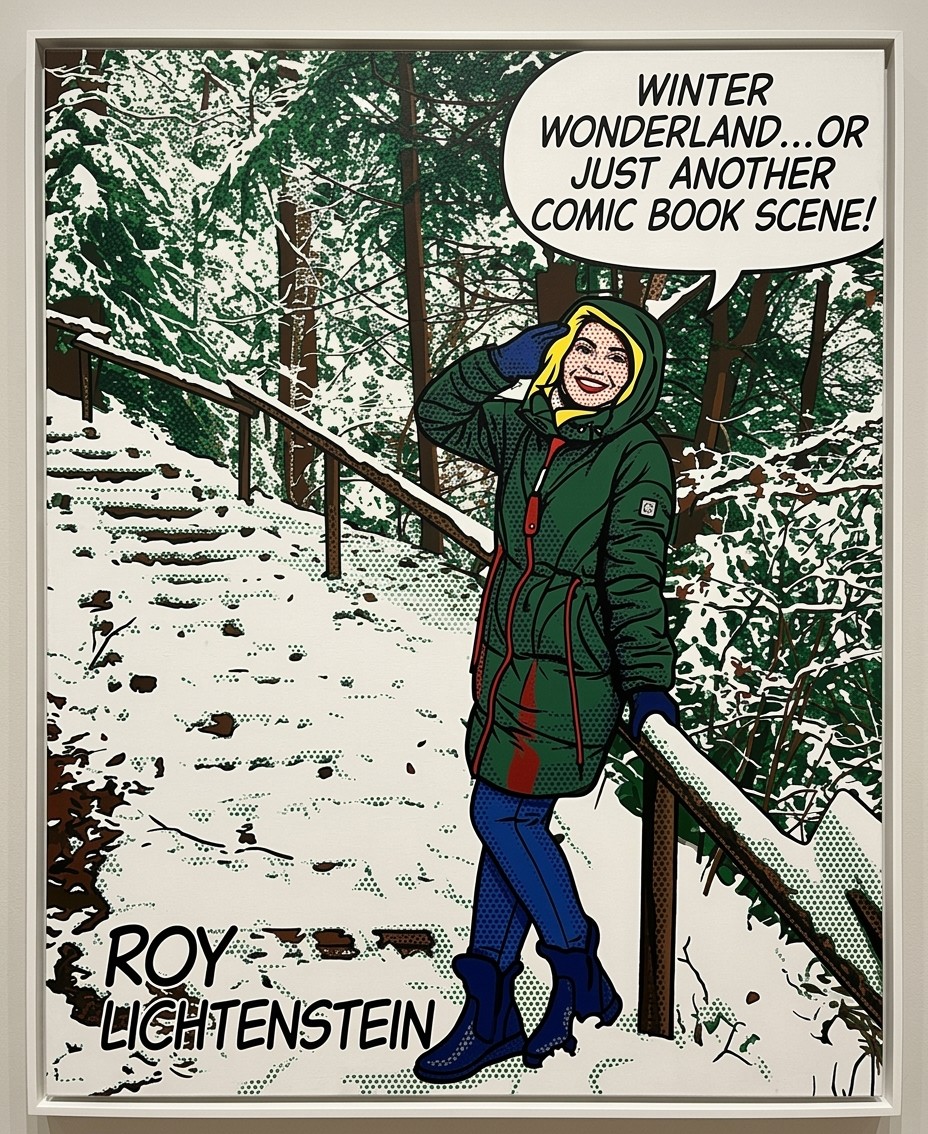
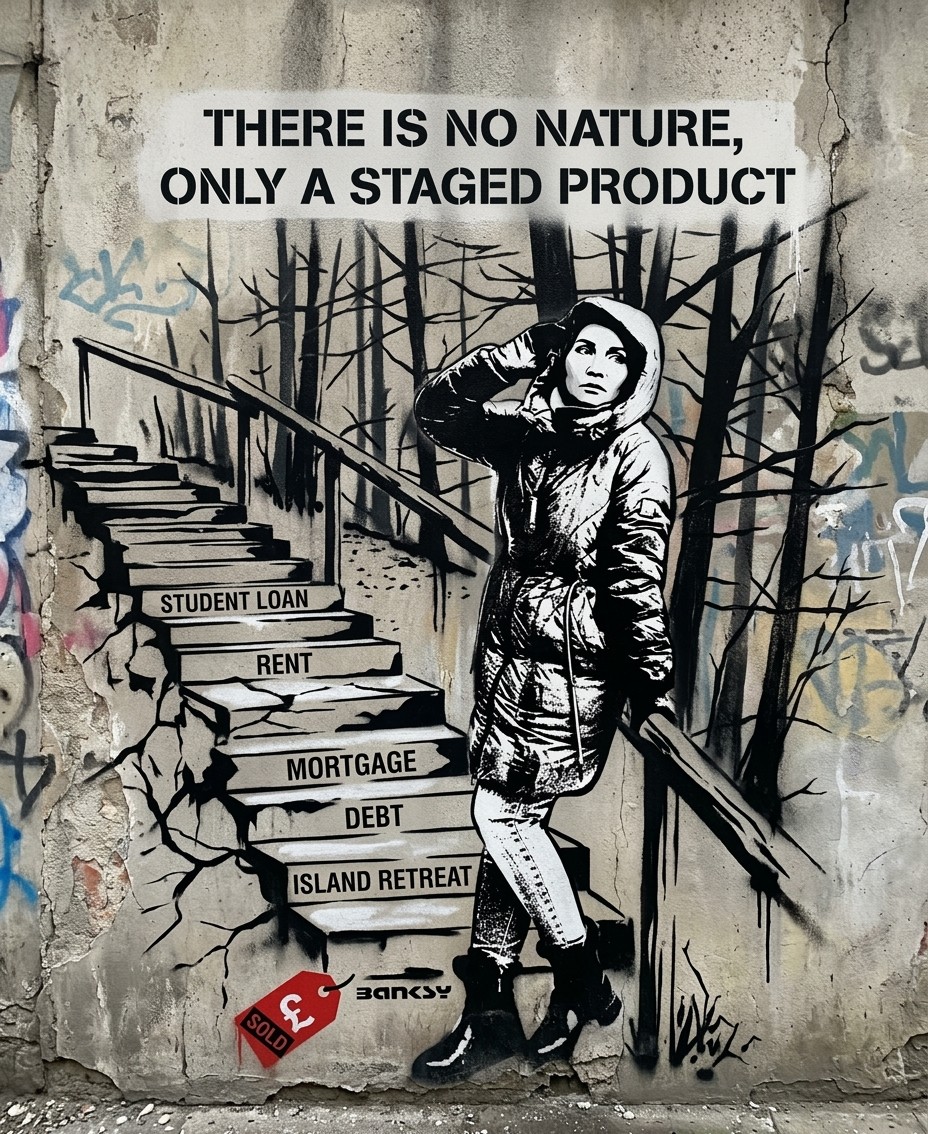
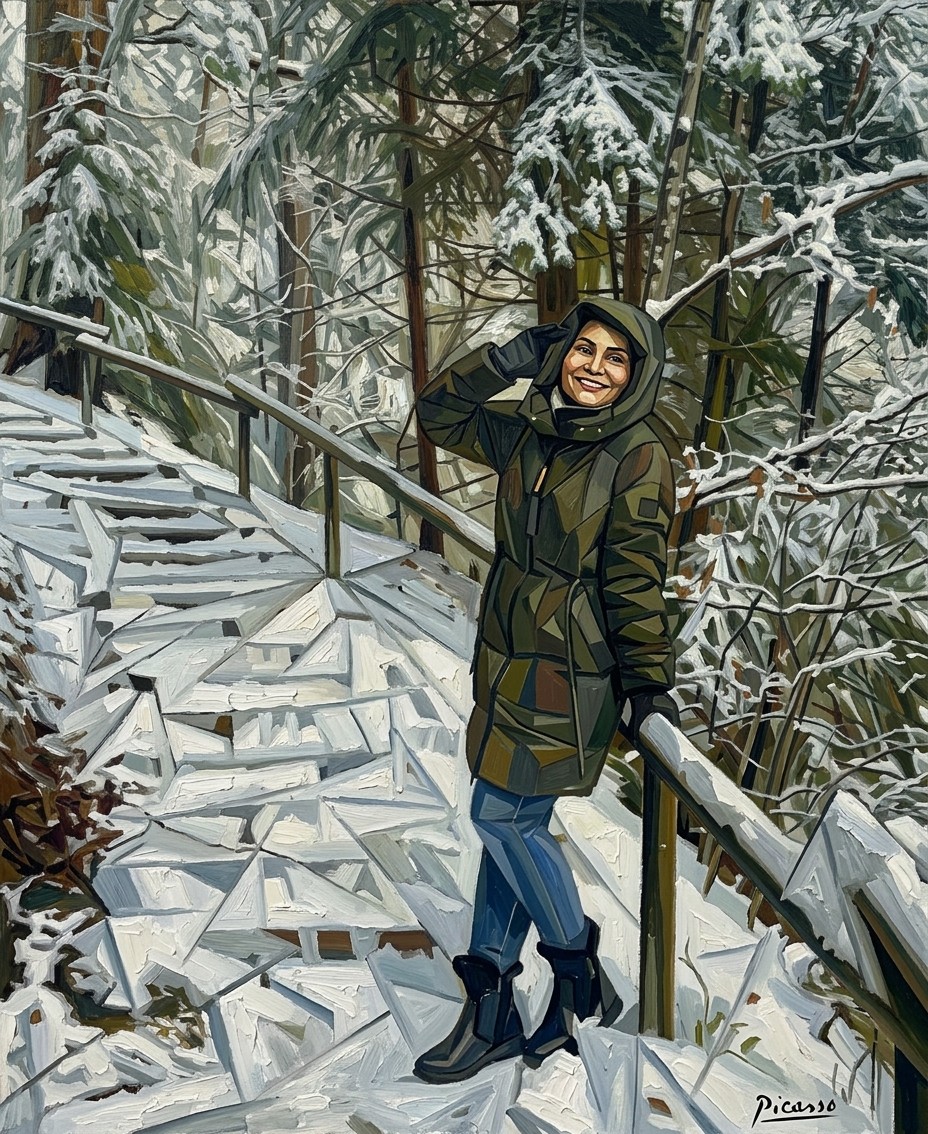
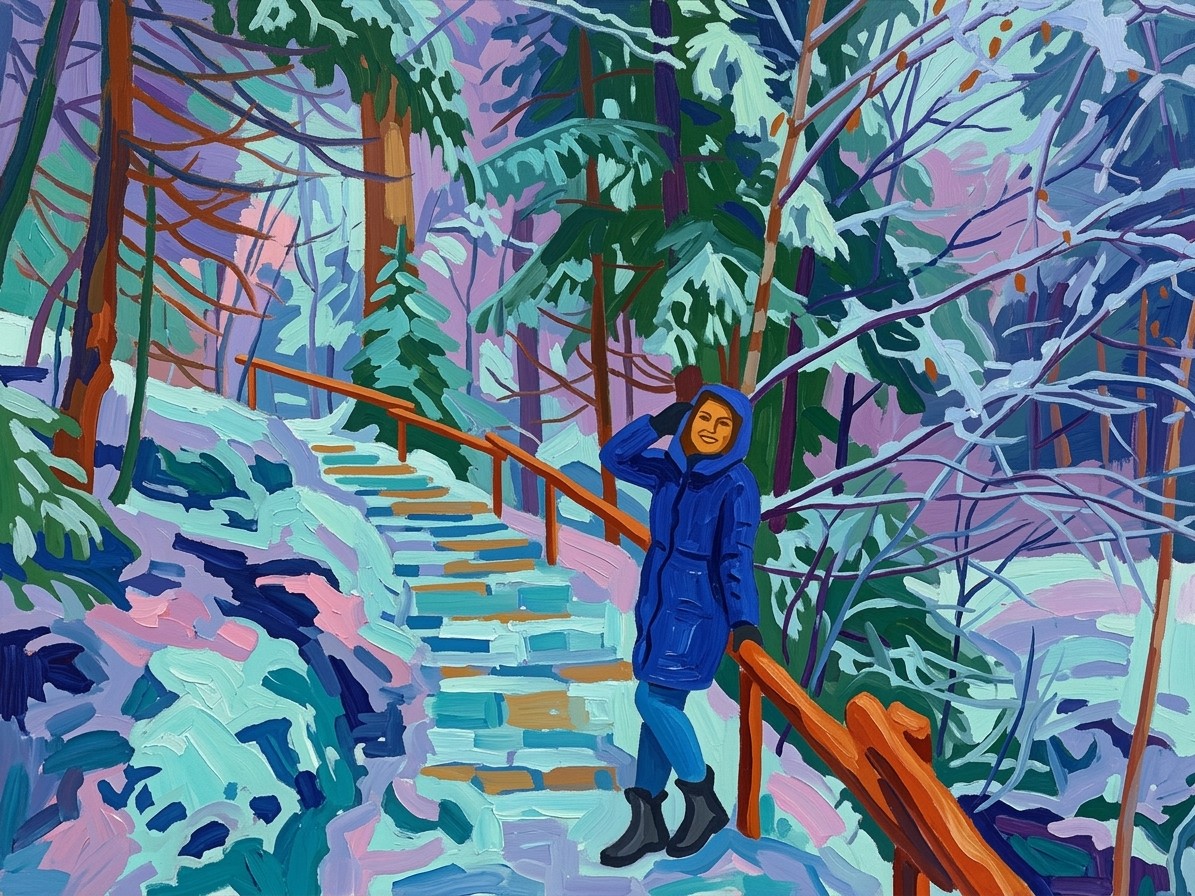
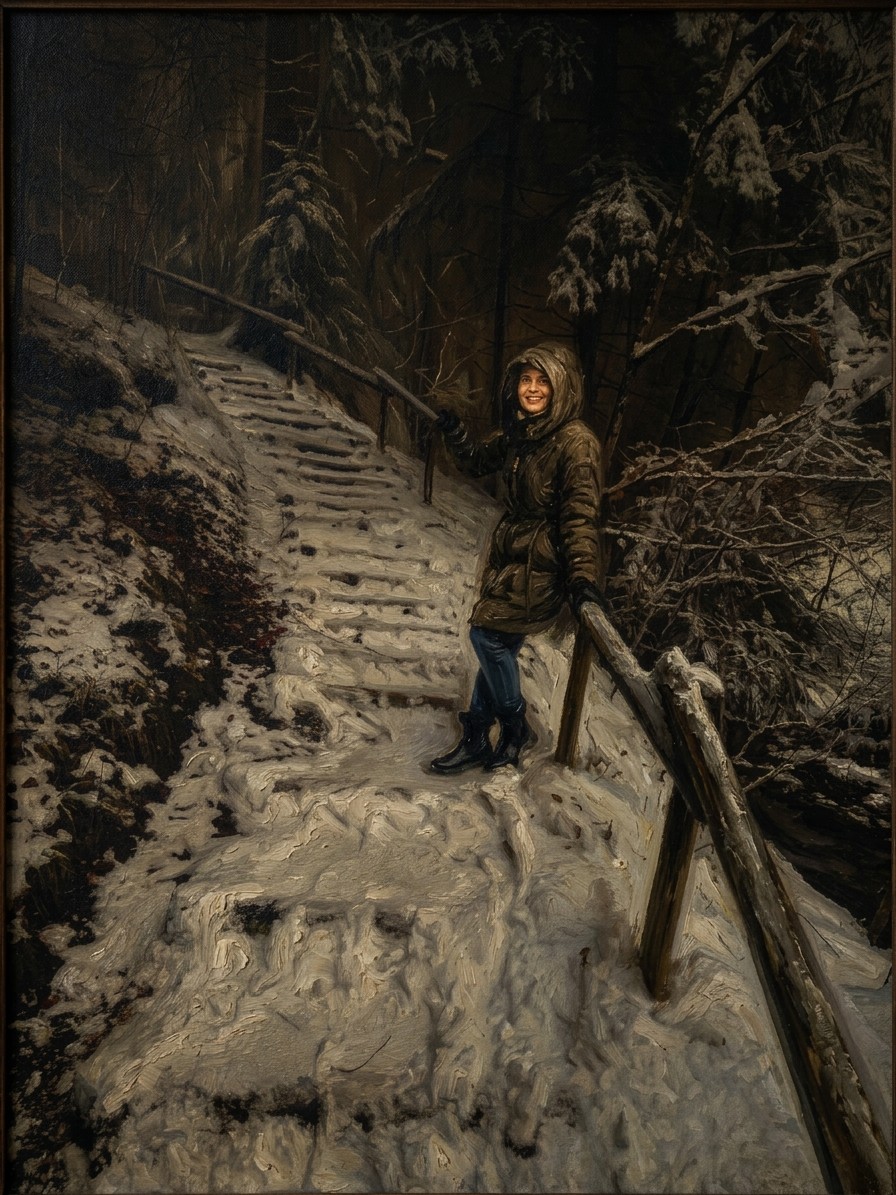
I have attached an image. Please follow these steps:

Step 1: Assemble a detailed description of the artistic style of {{Painter:[painters]}}, focusing on their characteristic brushwork, color palette, lighting, and techniques.

Step 2: Take the attached image and use the description from Step 1 to modify it. Create an  image that looks exactly like a work by {{Painter:[painters]}}.

{{Scope: Only create the image and don’t print out the description, Show the description first and then create the image}}
[painters]
Only create the image and don’t print out the description, Show the description first and then create the image
I have attached an image. Please follow these steps:

Step 1: Assemble a detailed description of the artistic style of [painters], focusing on their characteristic brushwork, color palette, lighting, and techniques.

Step 2: Take the attached image and use the description from Step 1 to modify it. Create an  image that looks exactly like a work by [painters].

Only create the image and don’t print out the description
Les variables sont entourées de {{ et }} et suivent ce modèle :
Une sélection peut référencer une liste de variables prédéfinie à l'aide de crochets. Elles apparaissent en [orange] et fournissent des valeurs courantes comme des couleurs, des tons ou des langues.
Vous pouvez aussi fournir une liste de choix en ligne, séparés par des virgules.
Astuce : vous n'avez pas besoin de l'application PUCO pour utiliser ces prompts ! Copiez simplement le modèle et remplacez chaque section {{…}} par votre propre texte directement dans ChatGPT, Claude, Gemini ou tout autre assistant IA.