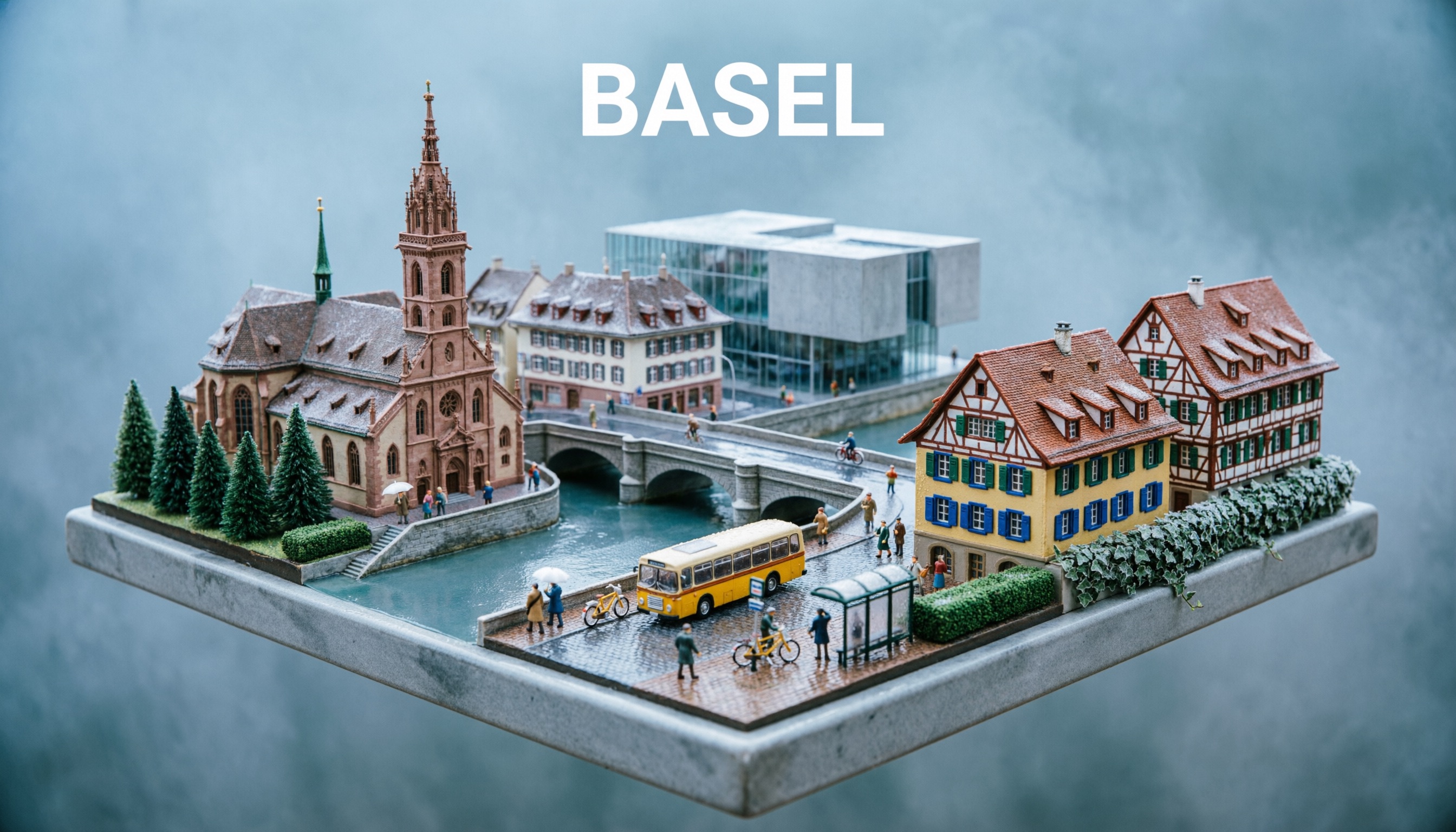
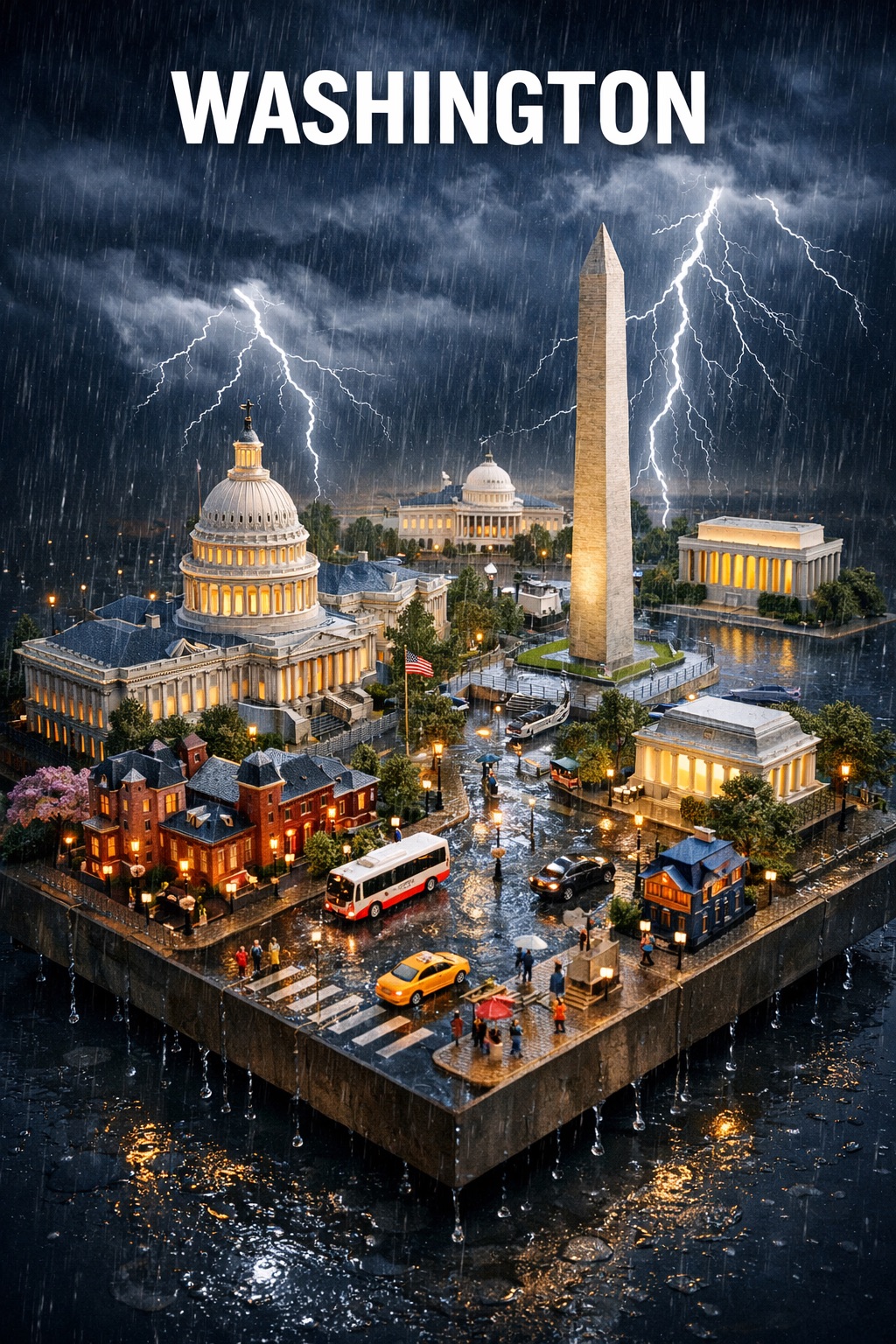
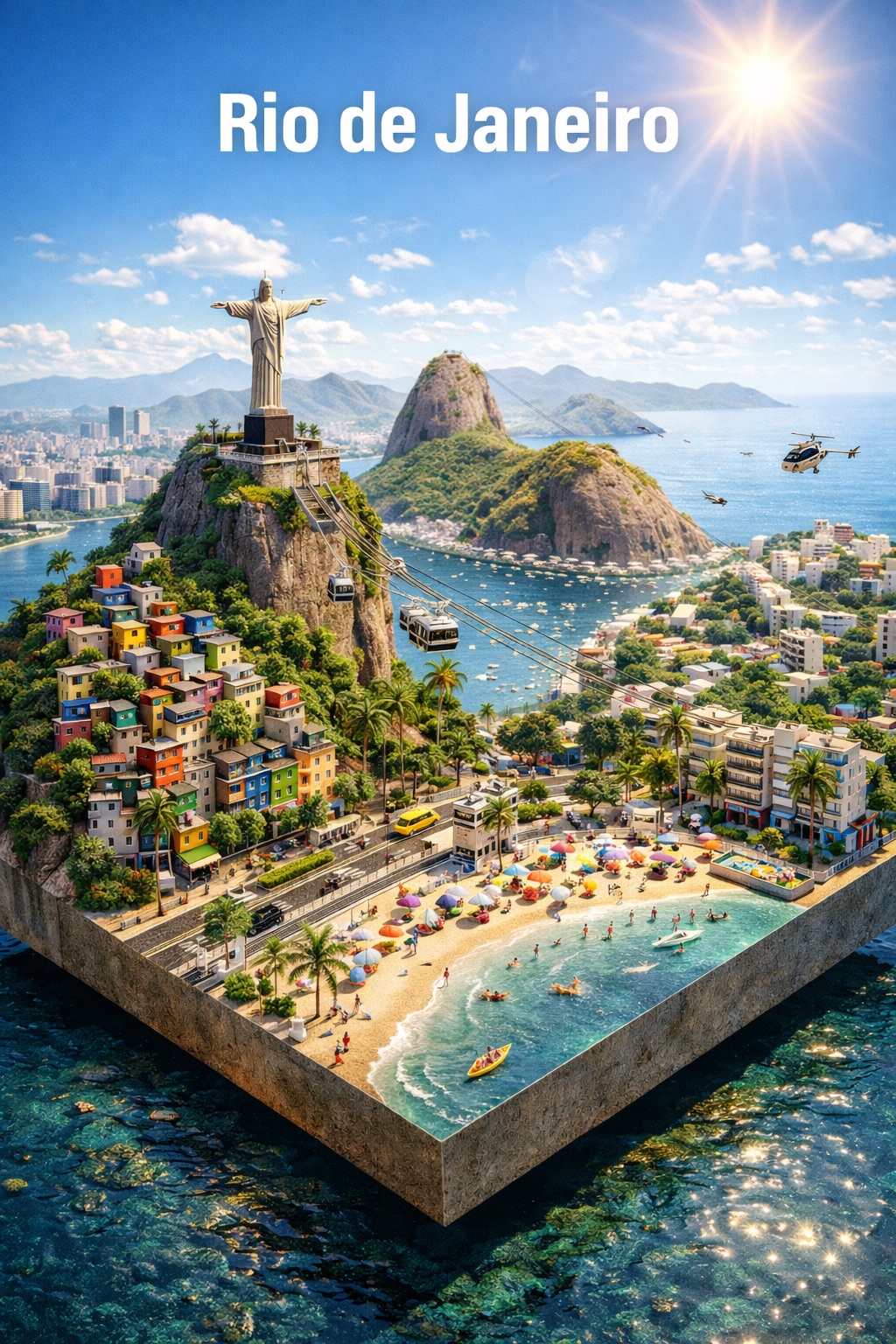
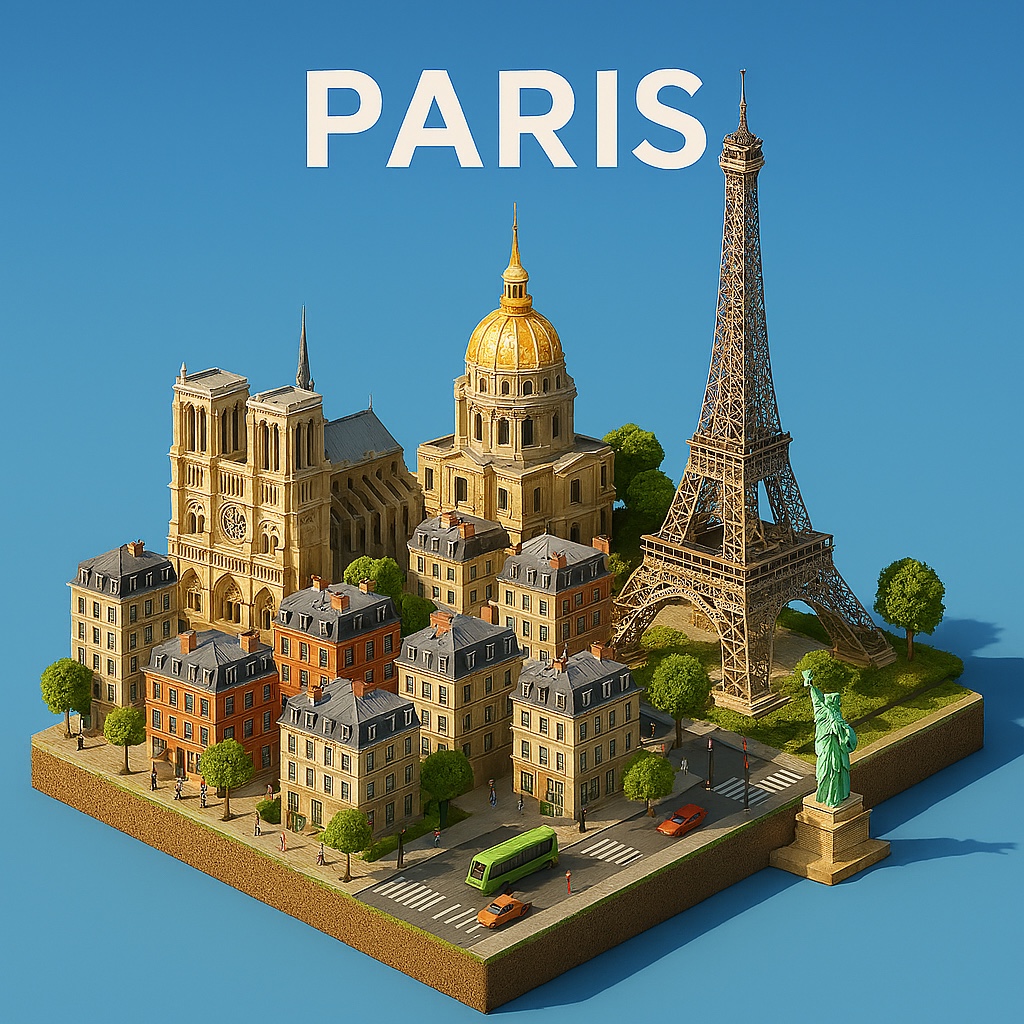
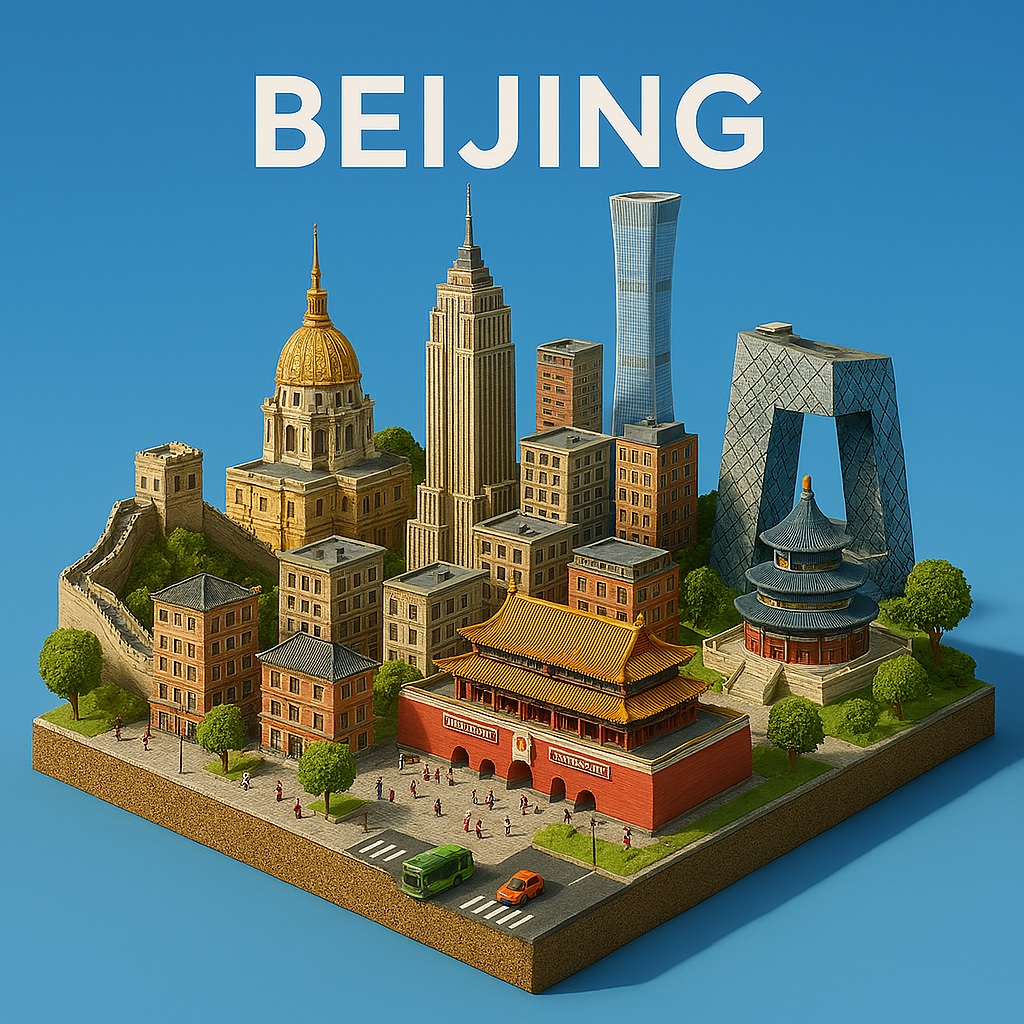
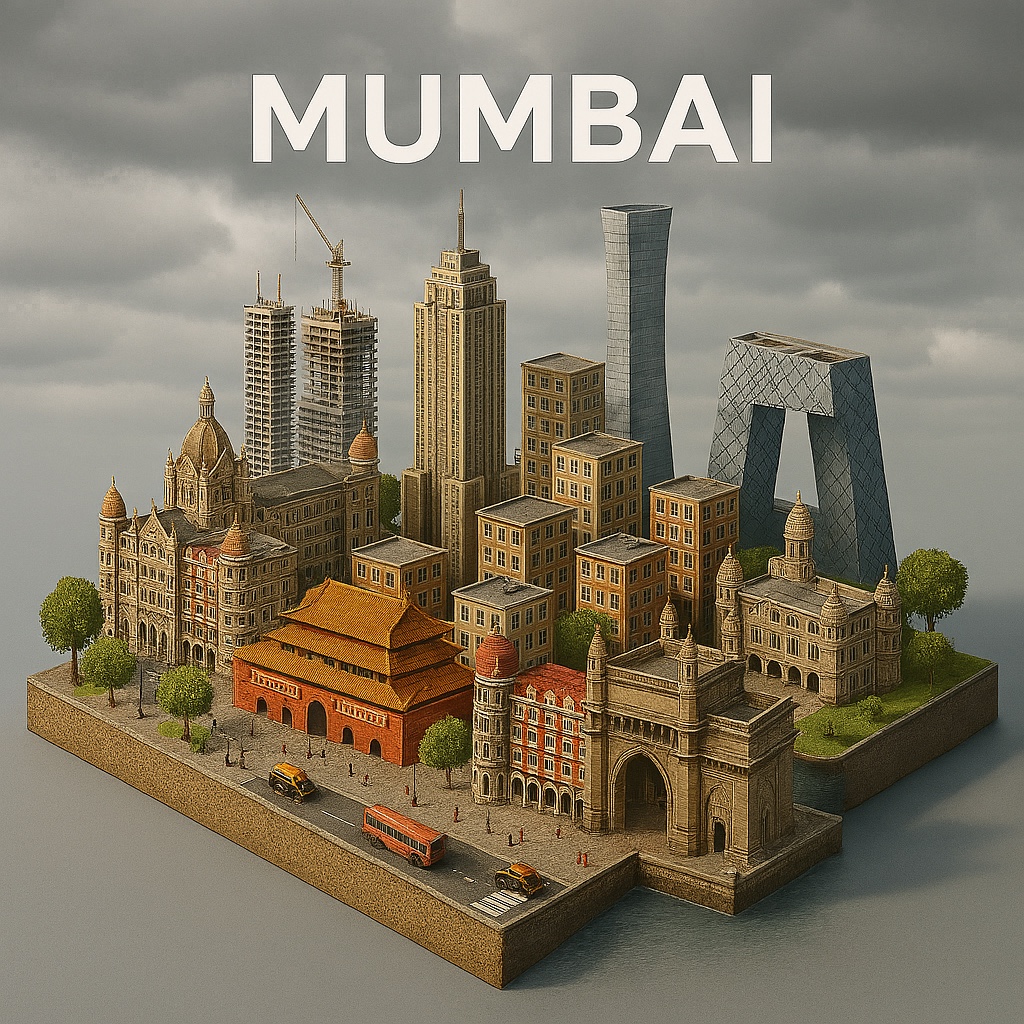
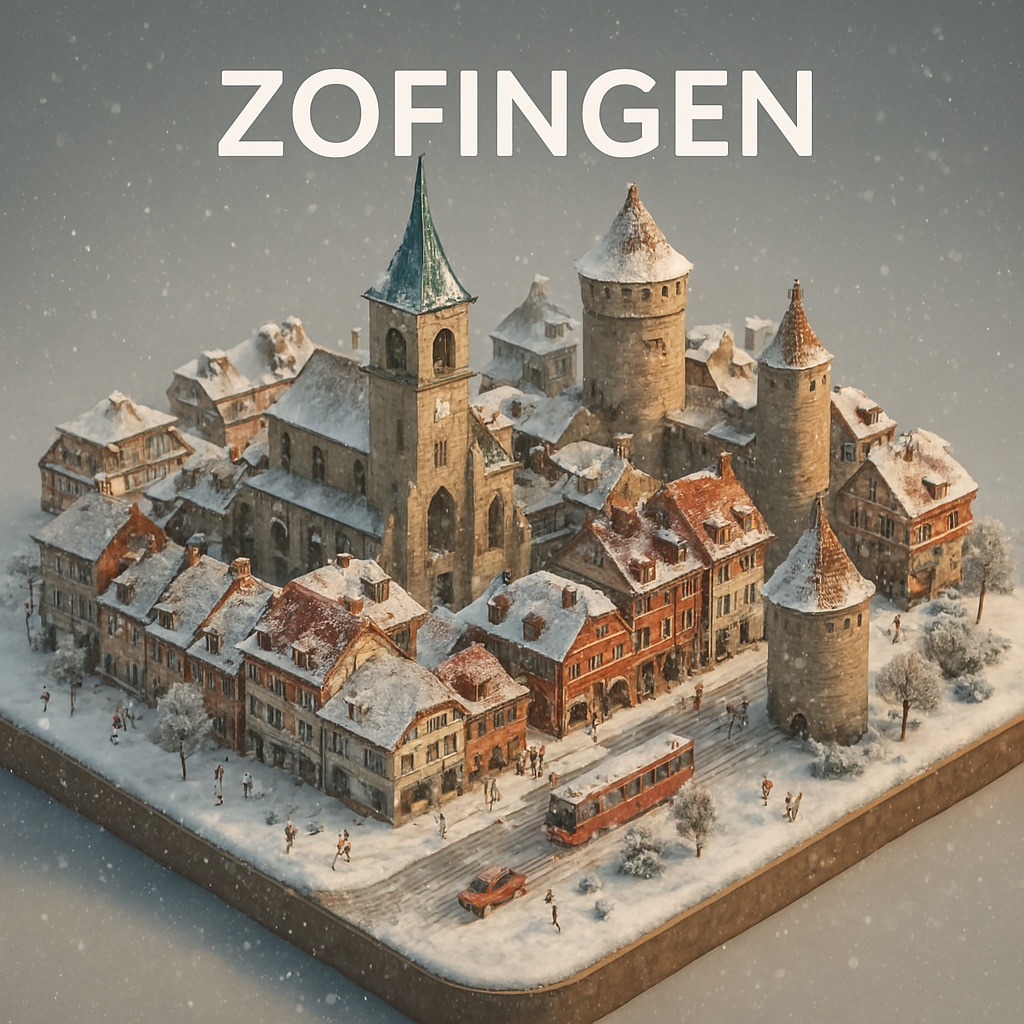
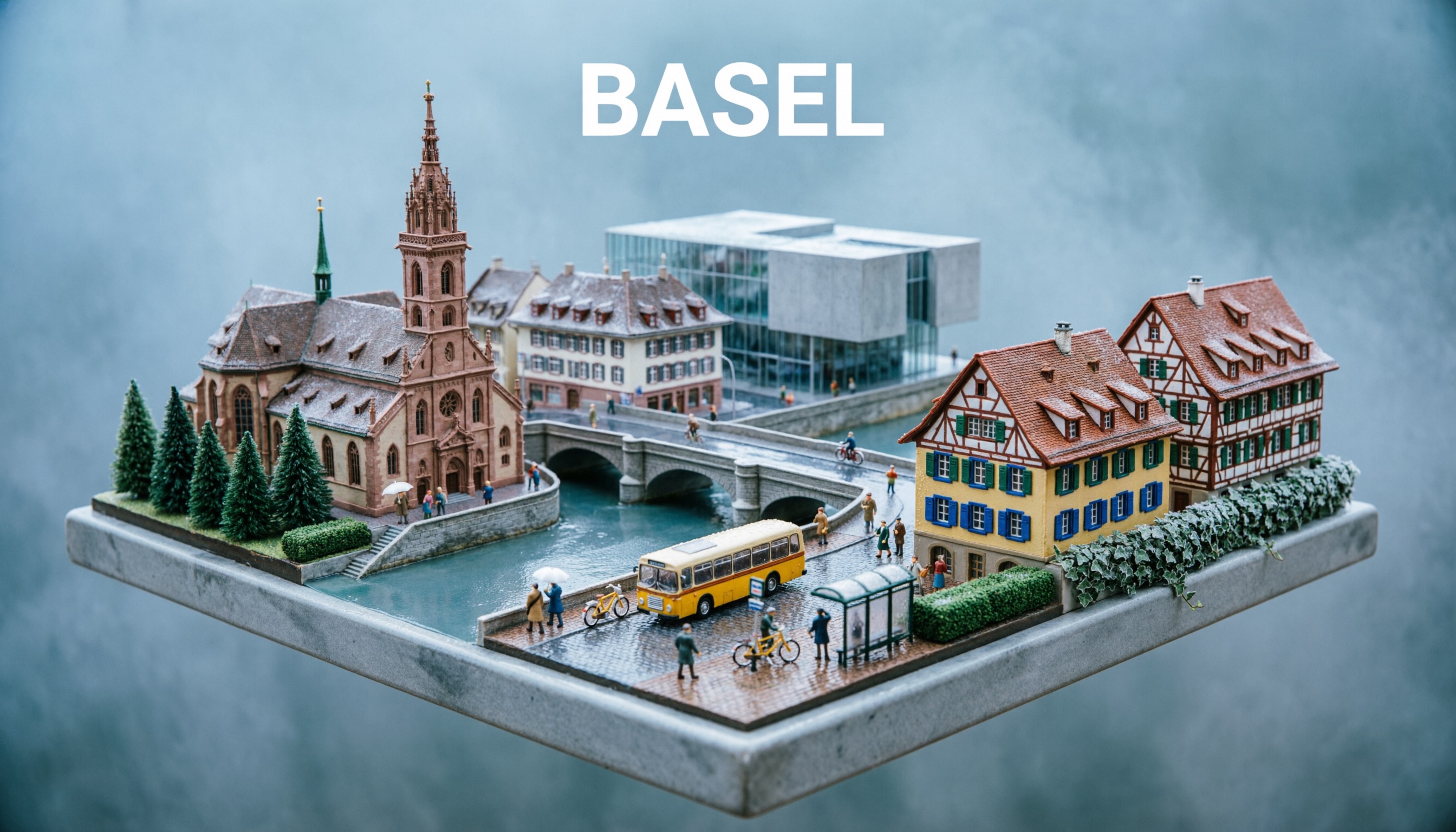
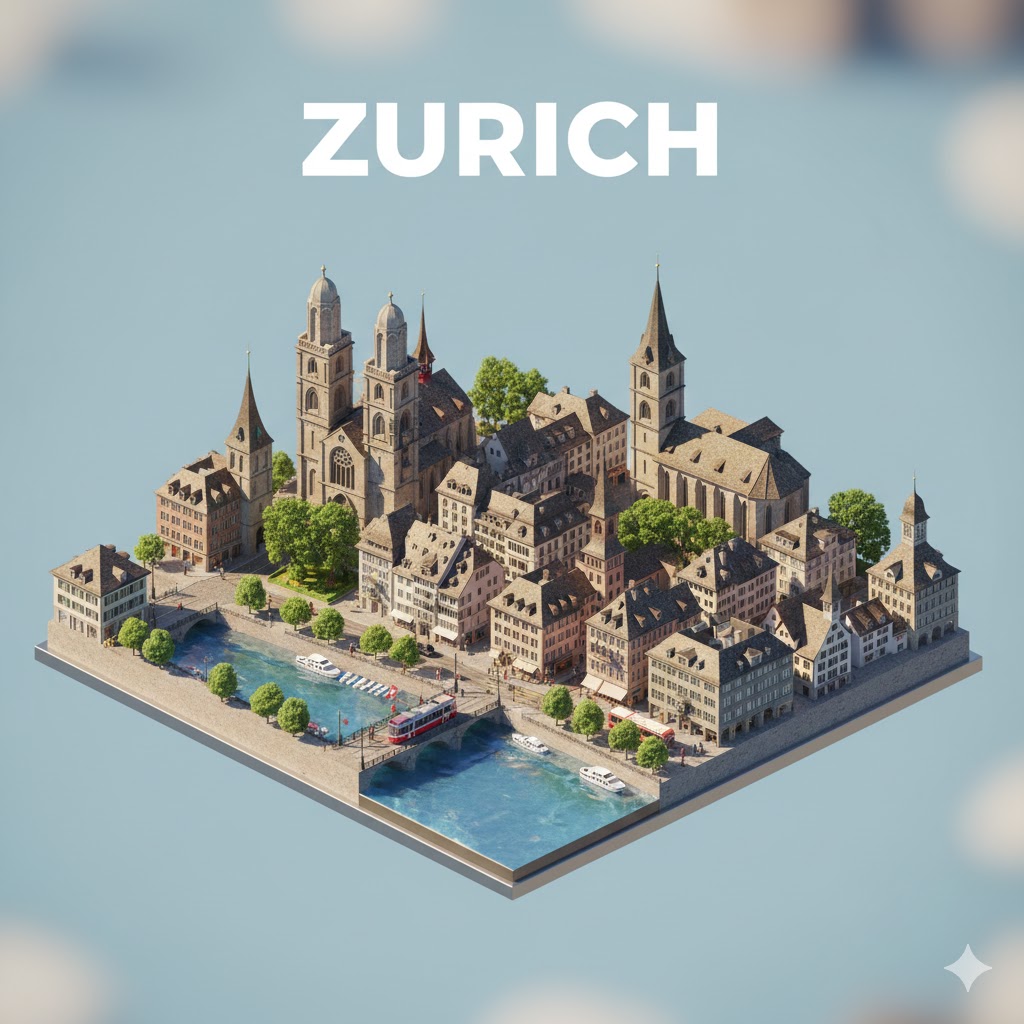
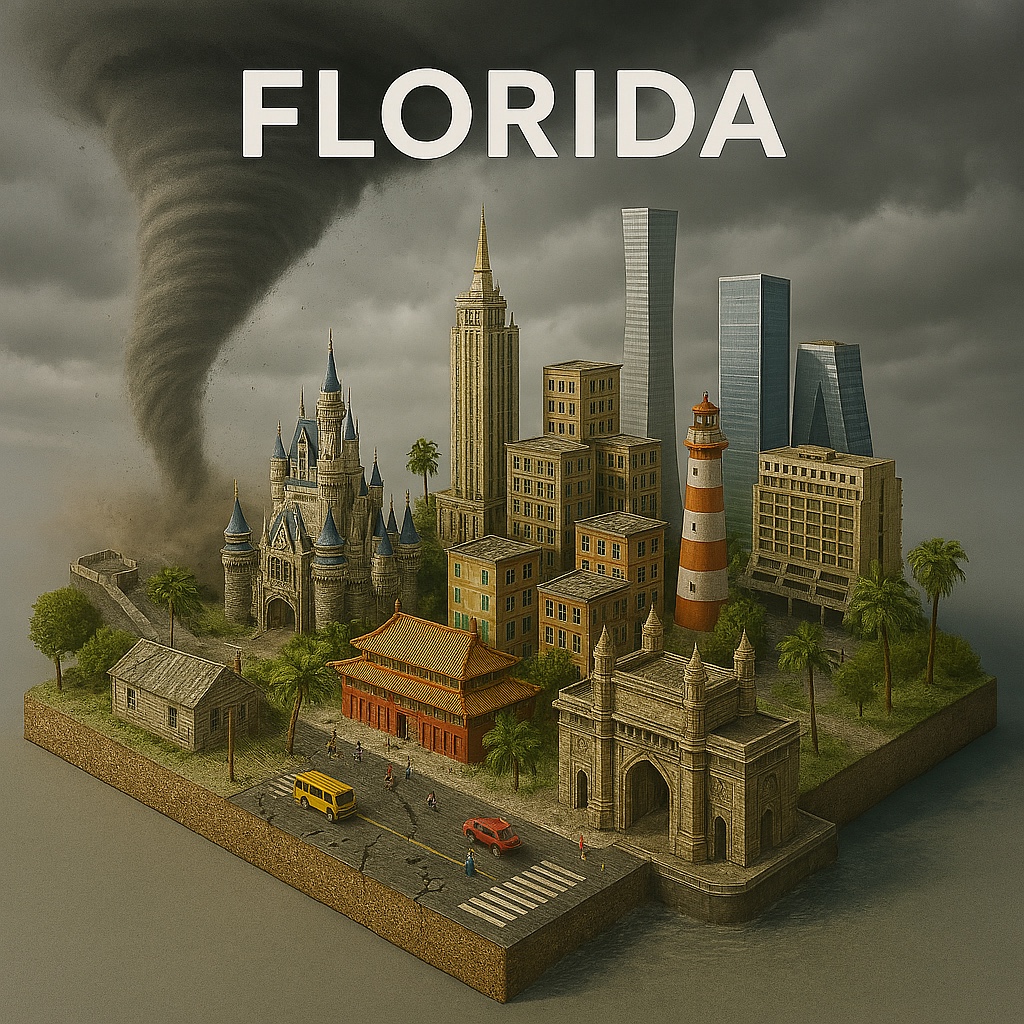
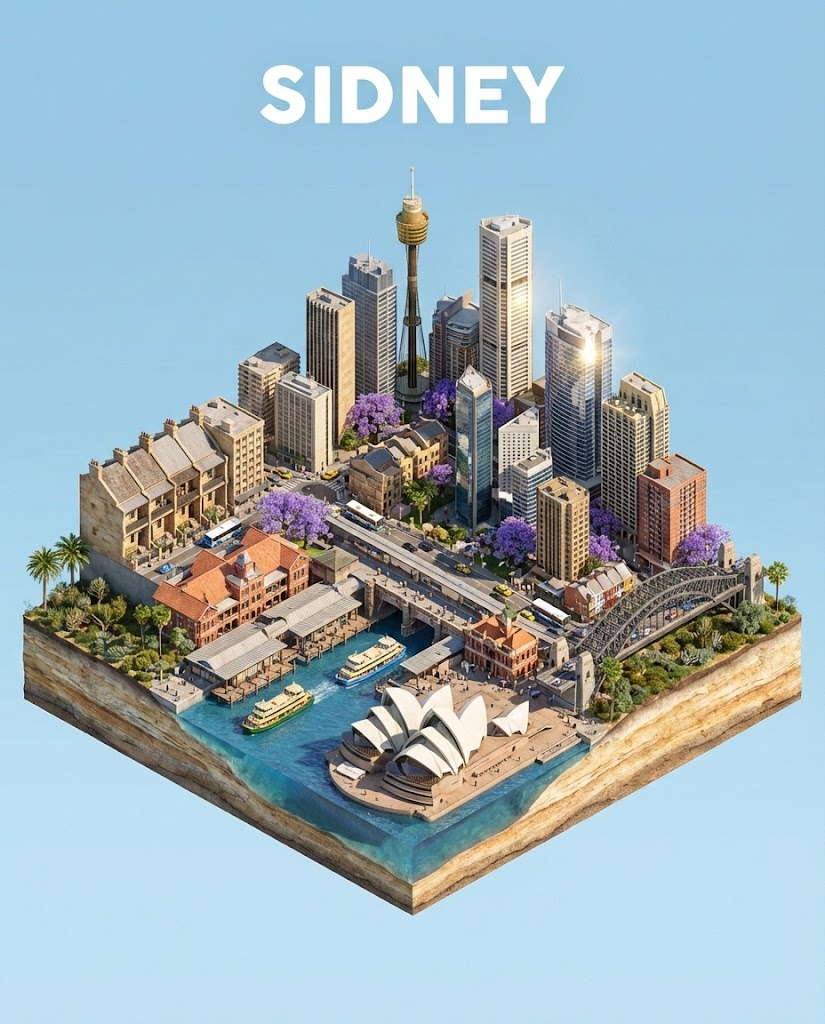
Generate an image of a high-detail isometric 3D diorama of {{City: Paris}}.

**Visual Specifications:**
- **View:** Isometric camera view, miniature model resting on a floating square base.
- **Style:** Realistic textures (stone, glass, brick), toy-like but sophisticated 3D render.
- **Weather & Atmosphere:**  {{Weather Conditions: [weather_conditions]}} (lighting and ground conditions should match).
- **Architecture:** Dense cluster of vernacular buildings and iconic landmarks specific to {{City}}.
- **Details:** Miniature street elements (iconic vehicles, local vegetation) and tiny stylized figures.
- **Typography:** The text "{{City}}" floating at the top in white, sans-serif, bold, uppercase letters.
- **Aspect Ratio:** {{Aspect Ratios: [aspect_ratios]}}
Guía del prompt
Ideal para
Empezar desde un prompt estructurado y reutilizable en lugar de un chat en blanco.
Adaptar el prompt a tus propios datos manteniendo intacta la intención original.
Flujos de trabajo relacionados con Creative & Visuals, Design & Art, Global Travel.
Cómo usarlo
Copia la plantilla de prompt completa.
Sustituye cada variable por tu propio contexto o elige una de las opciones sugeridas.
Pega el prompt completado en ChatGPT, Claude, Gemini u otro asistente de IA.
Variables de este prompt
City
Paris
Weather ConditionsLista predefinida
[weather_conditions]
Aspect RatiosLista predefinida
[aspect_ratios]
Ejemplo de partida
Generate an image of a high-detail isometric 3D diorama of Paris.

**Visual Specifications:**
- **View:** Isometric camera view, miniature model resting on a floating square base.
- **Style:** Realistic textures (stone, glass, brick), toy-like but sophisticated 3D render.
- **Weather & Atmosphere:**  [weather_conditions] (lighting and ground conditions should match).
- **Architecture:** Dense cluster of vernacular buildings and iconic landmarks specific to Paris.
- **Details:** Miniature street elements (iconic vehicles, local vegetation) and tiny stylized figures.
- **Typography:** The text "Paris" floating at the top in white, sans-serif, bold, uppercase letters.
- **Aspect Ratio:** [aspect_ratios]
Cómo funcionan las variables
Sintaxis de variables
Las variables van entre {{ y }} y siguen este patrón:
{{variable name: option1, option2, option3}}
Variables predefinidas
Una selección puede hacer referencia a una lista de variables predefinida usando corchetes. Aparecen en [naranja] y proporcionan valores de uso común como colores, tonos o idiomas.
{{Tone: [tones]}}
Listas de selección personalizadas
También puedes proporcionar una lista de opciones en línea, separadas por comas.
Consejo: ¡no necesitas la app PUCO para usar estos prompts! Solo copia la plantilla y sustituye cada sección {{…}} por tu propio texto directamente en ChatGPT, Claude, Gemini o cualquier otro asistente de IA.
Prompts relacionados
Sketchnote Visual Summary Generator
Analyzes a provided topic and creates a highly detailed prompt for generating a hand-drawn sketchnote visual summary.