
Ideal para
- Empezar desde un prompt estructurado y reutilizable en lugar de un chat en blanco.
- Adaptar el prompt a tus propios datos manteniendo intacta la intención original.
- Flujos de trabajo relacionados con Creative & Visuals.
Modifica el peinado y el color del cabello de una persona en una imagen adjunta, manteniendo el realismo.


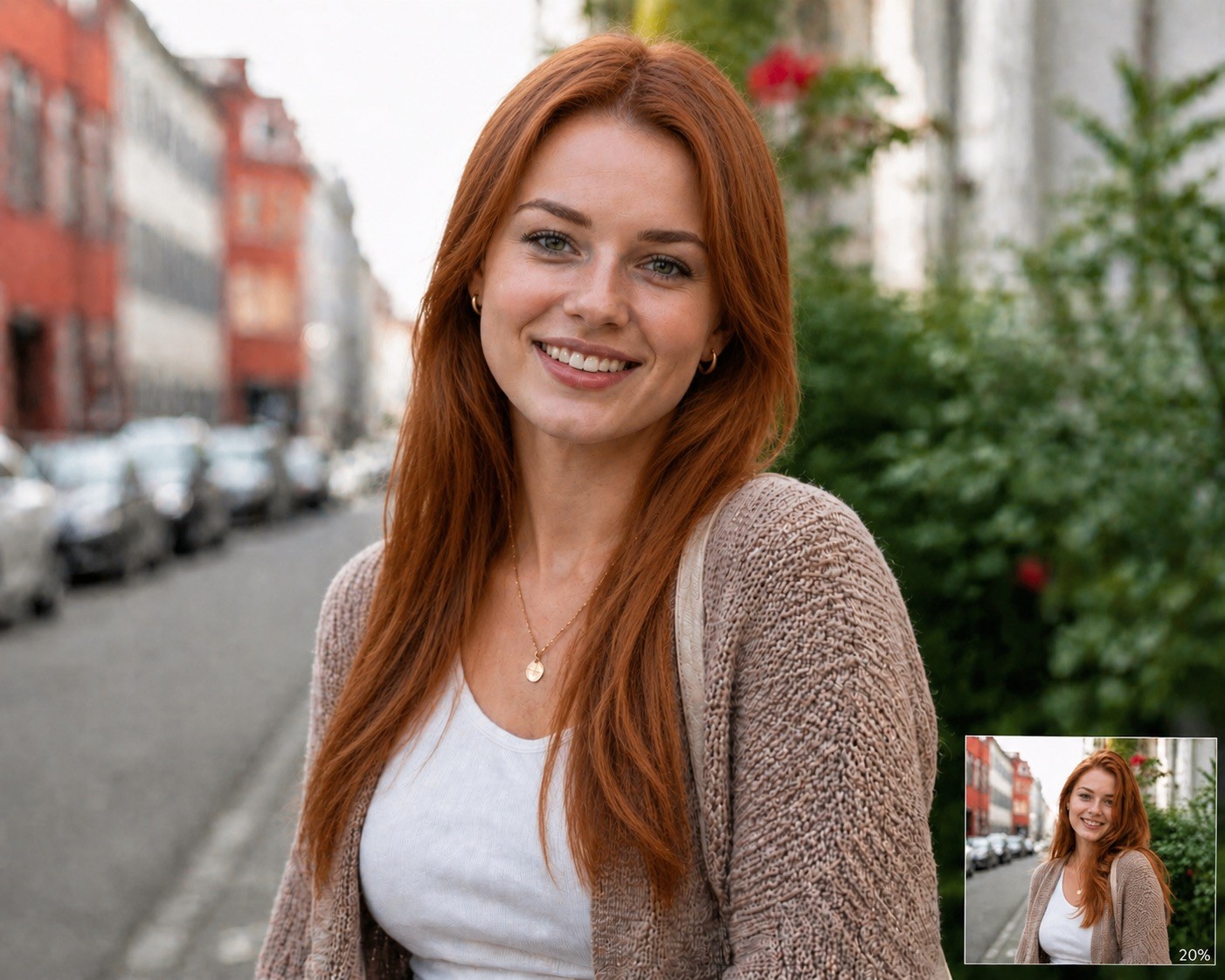







Modify the attached image by changing the person's hair. Set the hairstyle to {{Hairstyle: Original Hair, # Woman - Short, Pixie Cut, Buzz Cut, Short Bob, # Woman - Middle, Shoulder-length Waves, Lob, Shag Cut, # Woman - Long, Straight Long Hair, Beach Waves, Braided Crown, High Ponytail, # Man - Short, Crew Cut, Fade, Undercut, Pompadour, # Man - Middle, Man Bun, Slicked Back, Shoulder-length, # Man - Long, Long Waves, Viking Braids, Top Knot}} and the hair color to {{Color: Original Color, # Natural, Black, Dark Brown, Light Brown, Blonde, Platinum Blonde, Red, Auburn, Grey, White, # Extraordinary, Pastel Pink, Electric Blue, Lavender, Neon Green, Silver, Rose Gold, Sunset Orange}} and the Facial hair like beard and/or eyebrows to {{Color}}. Ensure the result is photorealistic, blends naturally with the lighting, and preserves the person's original facial features.
Original Hair, # Woman - Short, Pixie Cut, Buzz Cut, Short Bob, # Woman - Middle, Shoulder-length Waves, Lob
Original Color, # Natural, Black, Dark Brown, Light Brown, Blonde, Platinum Blonde, Red
Modify the attached image by changing the person's hair. Set the hairstyle to Original Hair and the hair color to Original Color and the Facial hair like beard and/or eyebrows to Original Color. Ensure the result is photorealistic, blends naturally with the lighting, and preserves the person's original facial features.
Las variables van entre {{ y }} y siguen este patrón:
Una selección puede hacer referencia a una lista de variables predefinida usando corchetes. Aparecen en [naranja] y proporcionan valores de uso común como colores, tonos o idiomas.
También puedes proporcionar una lista de opciones en línea, separadas por comas.
Consejo: ¡no necesitas la app PUCO para usar estos prompts! Solo copia la plantilla y sustituye cada sección {{…}} por tu propio texto directamente en ChatGPT, Claude, Gemini o cualquier otro asistente de IA.