
Ideal para
- Empezar desde un prompt estructurado y reutilizable en lugar de un chat en blanco.
- Adaptar el prompt a tus propios datos manteniendo intacta la intención original.
- Flujos de trabajo relacionados con Creative & Visuals, Kitchen & Food.
Genera un diseño de receta premium y dinámico, con un plato protagonista rodeado de iconos de ingredientes y paneles paso a paso.
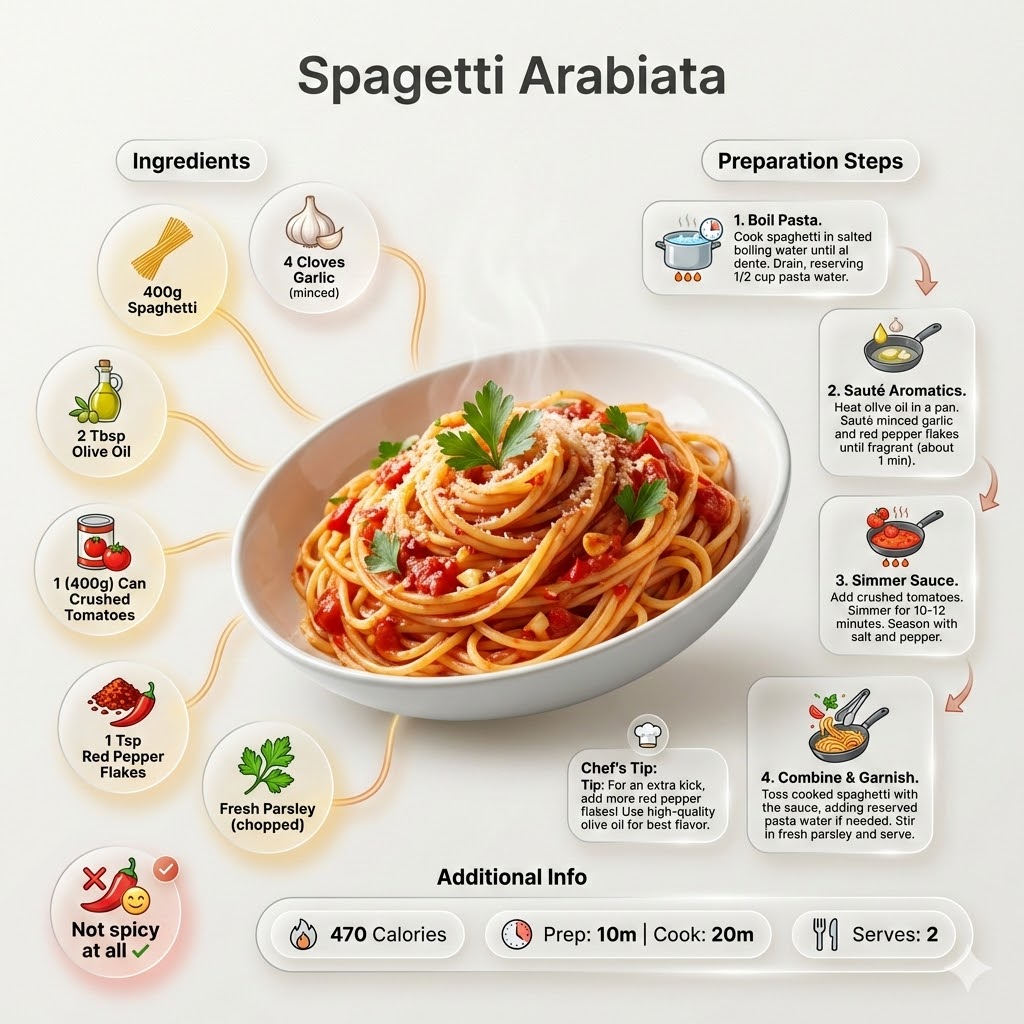
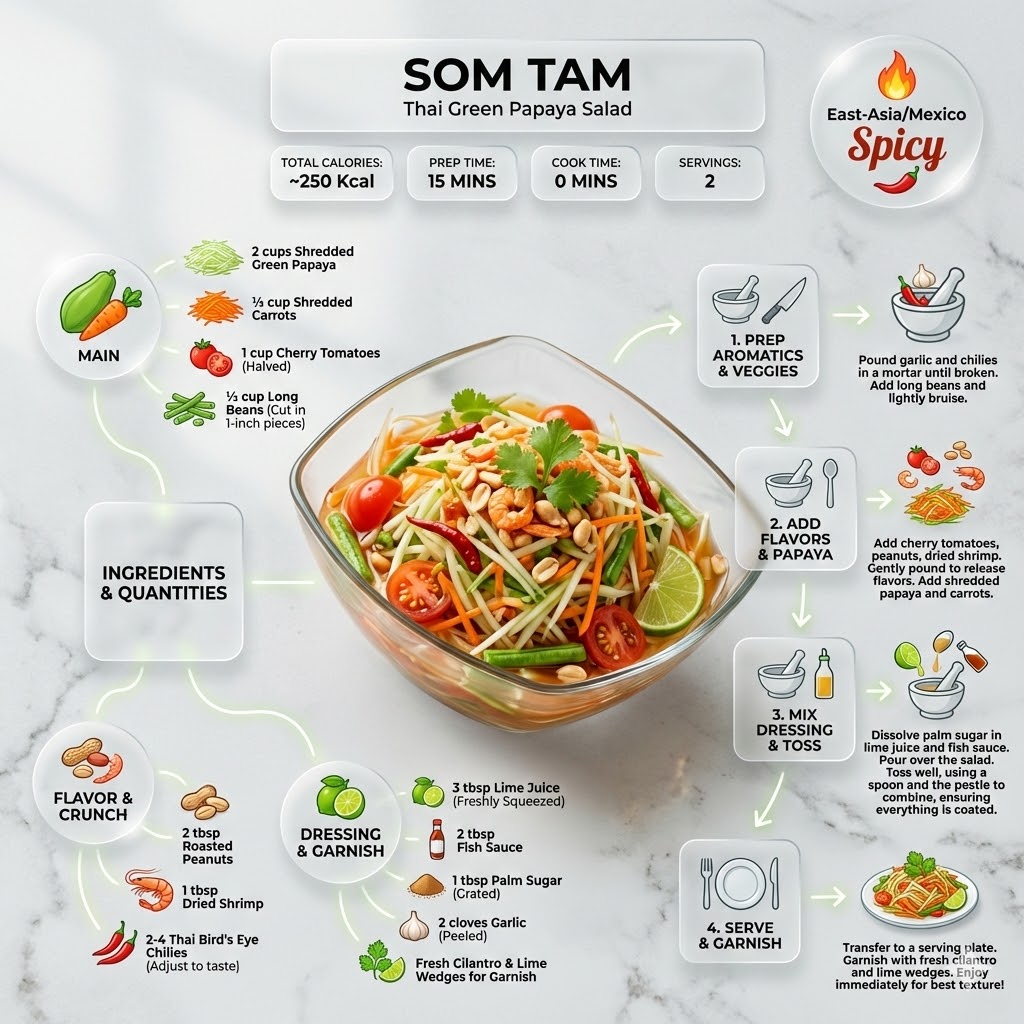
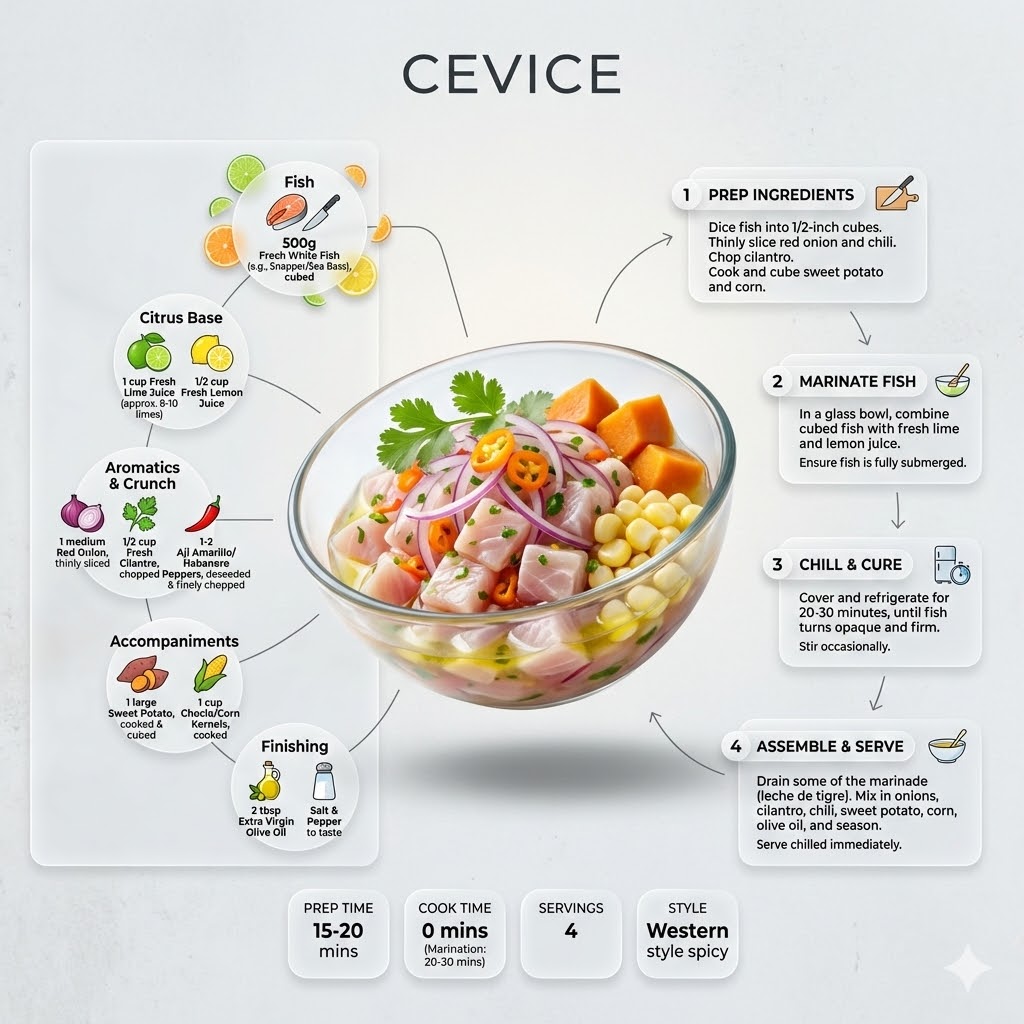
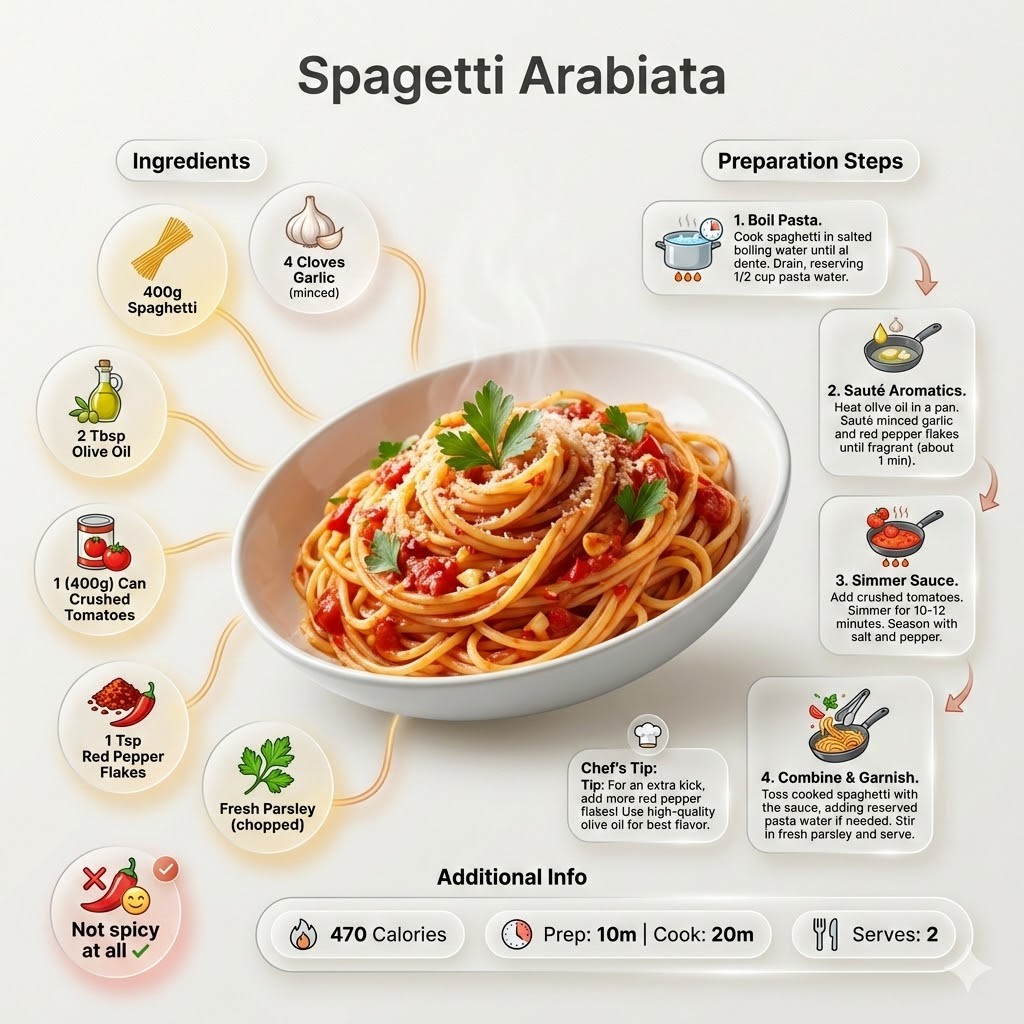

Ultra-clean modern recipe infographic for {{Dish:[dishes]}}. Adapt the recipe to accommodate the following dietary restriction: {{Dietary Option: Standard, Vegan, Vegetarian, Gluten-Free, Dairy-Free, Low-Carb}}. Provide a clear list of ingredients, necessary substitutions.
Showcase the food in a visually appealing finished form—sliced, plated, or portioned—floating slightly in perspective or angled view. Arrange ingredients, steps, and tips around the dish in a dynamic editorial layout. Ingredients Section: Include icons or mini illustrations for each ingredient with quantities arranged in clusters or circular flows connected to the dish. Steps Section: Show preparation steps with numbered panels, arrows, or lines, forming a logical flow. Include small cooking icons (knife, pan, oven, timer). Additional Info: Total calories, prep/cook time, servings, and {{Spice Level: *Default, Not spicy at all, Western style spicy, Spicy, East-Asia/Mexico Spicy}}—displayed as clean bubbles or badges. Visual Style: Editorial lifestyle food photography, vibrant natural colors, soft drop shadows, clean vector icons, and glassmorphism for panels. Composition: {{Dish}} as hero visual, clear hierarchy, and enough negative space to keep the design airy. Lighting: Soft, natural studio lighting with a minimal textured background. Output: 1080×1080, ultra-crisp, social-feed optimized.",
  "title" : "Modern Recipe Editorial Infographic",
  "updated" : "2026-04-20 17:45:02"
}
[dishes]
Standard, Vegan, Vegetarian, Gluten-Free, Dairy-Free, Low-Carb
Default, Not spicy at all, Western style spicy, Spicy, East-Asia/Mexico Spicy
Ultra-clean modern recipe infographic for [dishes]. Adapt the recipe to accommodate the following dietary restriction: Standard. Provide a clear list of ingredients, necessary substitutions.
Showcase the food in a visually appealing finished form—sliced, plated, or portioned—floating slightly in perspective or angled view. Arrange ingredients, steps, and tips around the dish in a dynamic editorial layout. Ingredients Section: Include icons or mini illustrations for each ingredient with quantities arranged in clusters or circular flows connected to the dish. Steps Section: Show preparation steps with numbered panels, arrows, or lines, forming a logical flow. Include small cooking icons (knife, pan, oven, timer). Additional Info: Total calories, prep/cook time, servings, and Default—displayed as clean bubbles or badges. Visual Style: Editorial lifestyle food photography, vibrant natural...
Las variables van entre {{ y }} y siguen este patrón:
Una selección puede hacer referencia a una lista de variables predefinida usando corchetes. Aparecen en [naranja] y proporcionan valores de uso común como colores, tonos o idiomas.
También puedes proporcionar una lista de opciones en línea, separadas por comas.
Consejo: ¡no necesitas la app PUCO para usar estos prompts! Solo copia la plantilla y sustituye cada sección {{…}} por tu propio texto directamente en ChatGPT, Claude, Gemini o cualquier otro asistente de IA.