Ideal para
- Empezar desde un prompt estructurado y reutilizable en lugar de un chat en blanco.
- Adaptar el prompt a tus propios datos manteniendo intacta la intención original.
- Flujos de trabajo relacionados con Design & Art.

Genera una ilustración de postal de viaje retro de los años 50 basada en una imagen de referencia y un sujeto adjuntos.
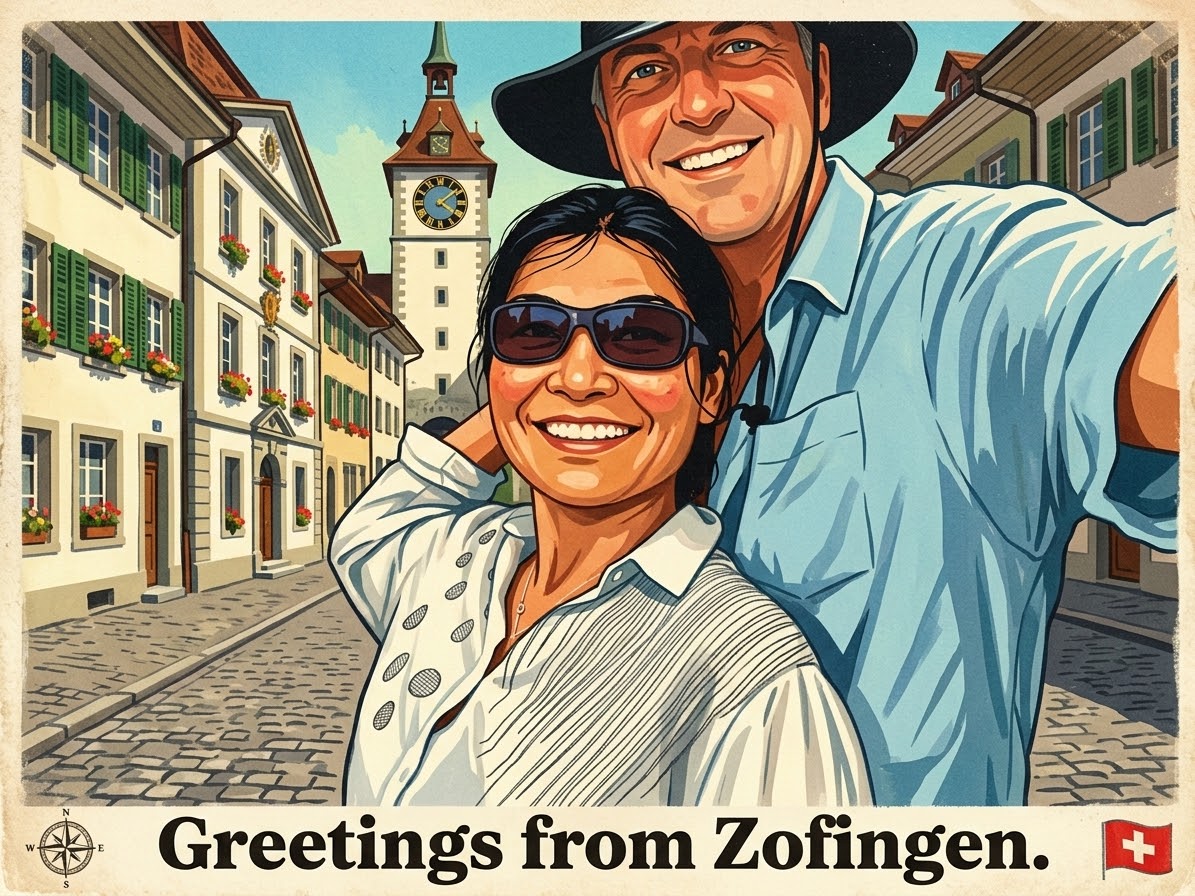
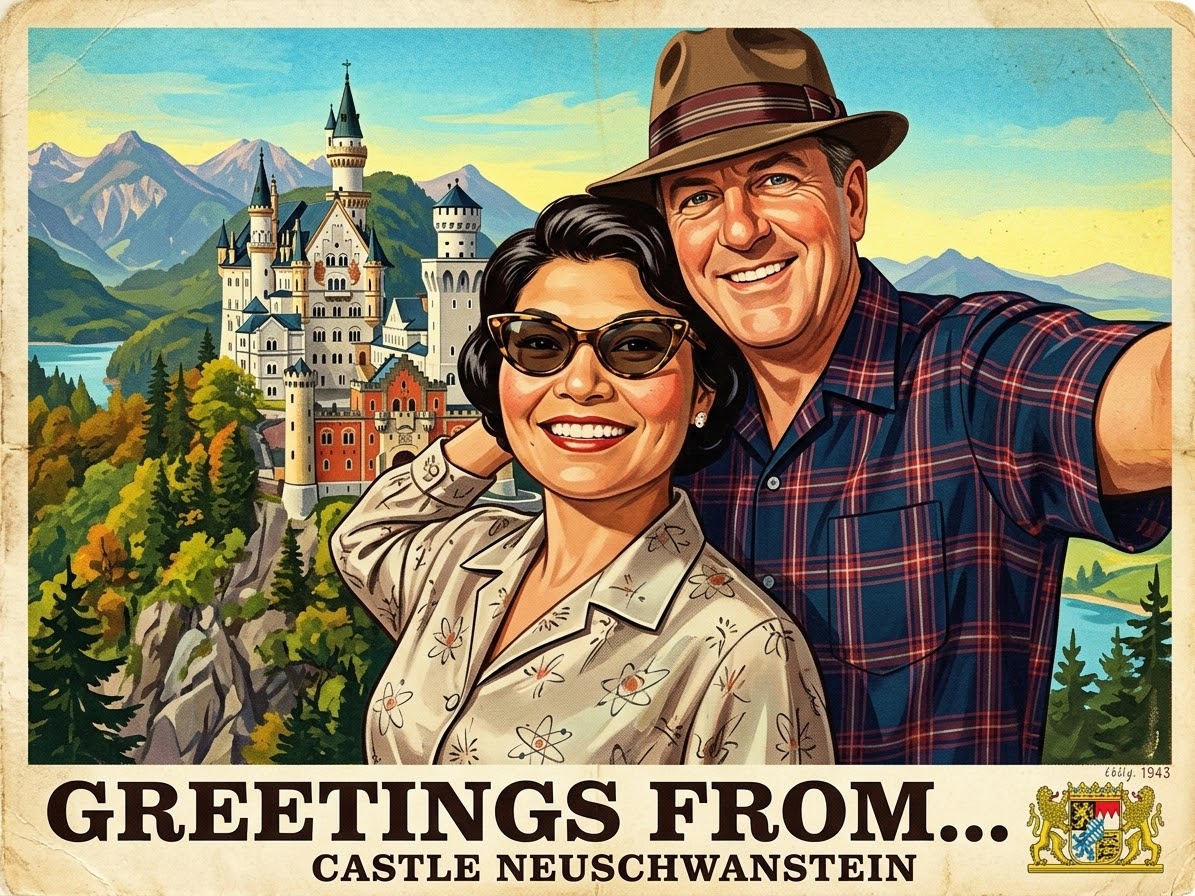
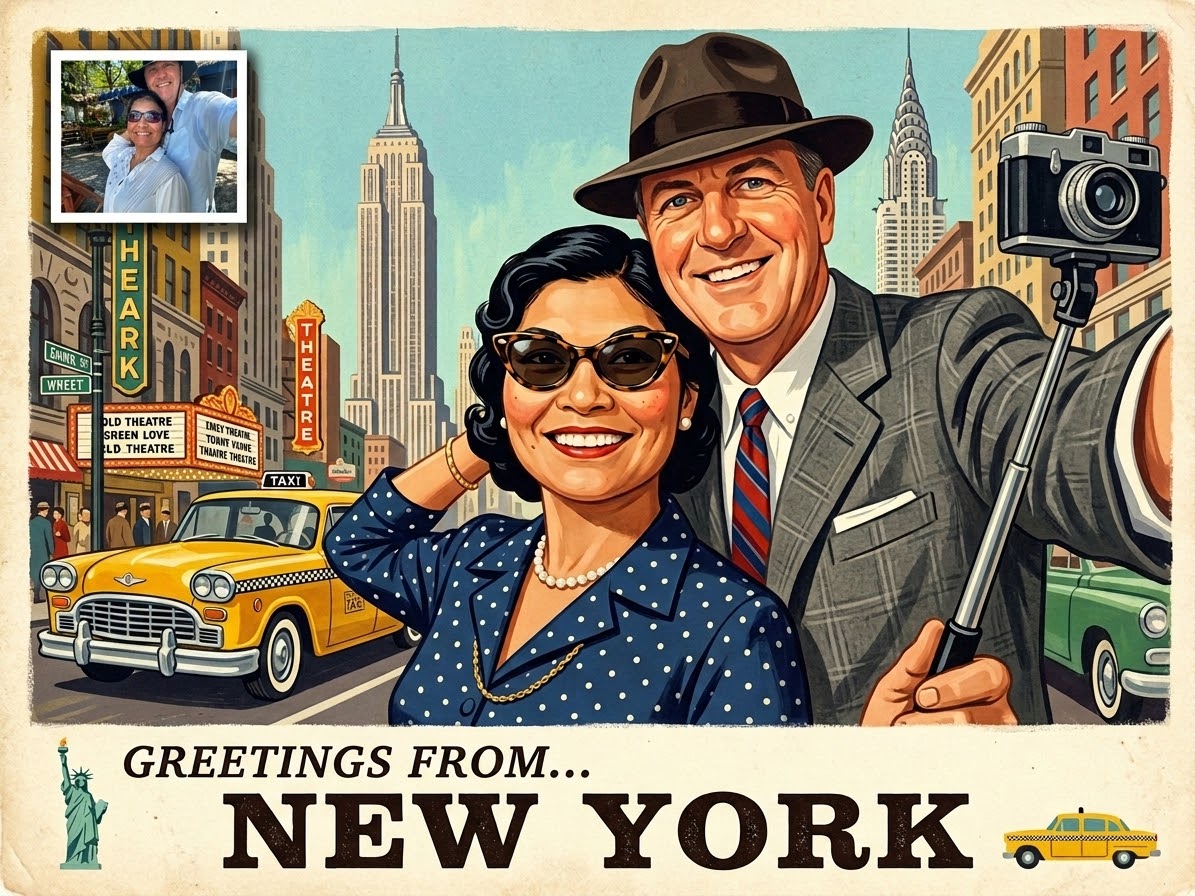
A vintage mid-century travel postcard illustration of {{Place or City: e.g. Zofingen}}. Vibrant lithographic colors, textured matte paper effect, bold serif typography at the bottom saying 'Greetings from...', retro gouache painting style, 1950s aesthetic, slightly faded edges, high grain. Use the attached image as a reference for the subject. {{Clothing: change the Clothing to match the era, keep the clothing}}
e.g. Zofingen
change the Clothing to match the era, keep the clothing
A vintage mid-century travel postcard illustration of e.g. Zofingen. Vibrant lithographic colors, textured matte paper effect, bold serif typography at the bottom saying 'Greetings from...', retro gouache painting style, 1950s aesthetic, slightly faded edges, high grain. Use the attached image as a reference for the subject. change the Clothing to match the era
Las variables van entre {{ y }} y siguen este patrón:
Una selección puede hacer referencia a una lista de variables predefinida usando corchetes. Aparecen en [naranja] y proporcionan valores de uso común como colores, tonos o idiomas.
También puedes proporcionar una lista de opciones en línea, separadas por comas.
Consejo: ¡no necesitas la app PUCO para usar estos prompts! Solo copia la plantilla y sustituye cada sección {{…}} por tu propio texto directamente en ChatGPT, Claude, Gemini o cualquier otro asistente de IA.