Ideal para
- Empezar desde un prompt estructurado y reutilizable en lugar de un chat en blanco.
- Adaptar el prompt a tus propios datos manteniendo intacta la intención original.
- Flujos de trabajo relacionados con Creative & Visuals.

Transforma una imagen subida en un diorama 3D de bloques de plástico Lego muy detallado, conservando la composición, los sujetos y la iluminación originales.
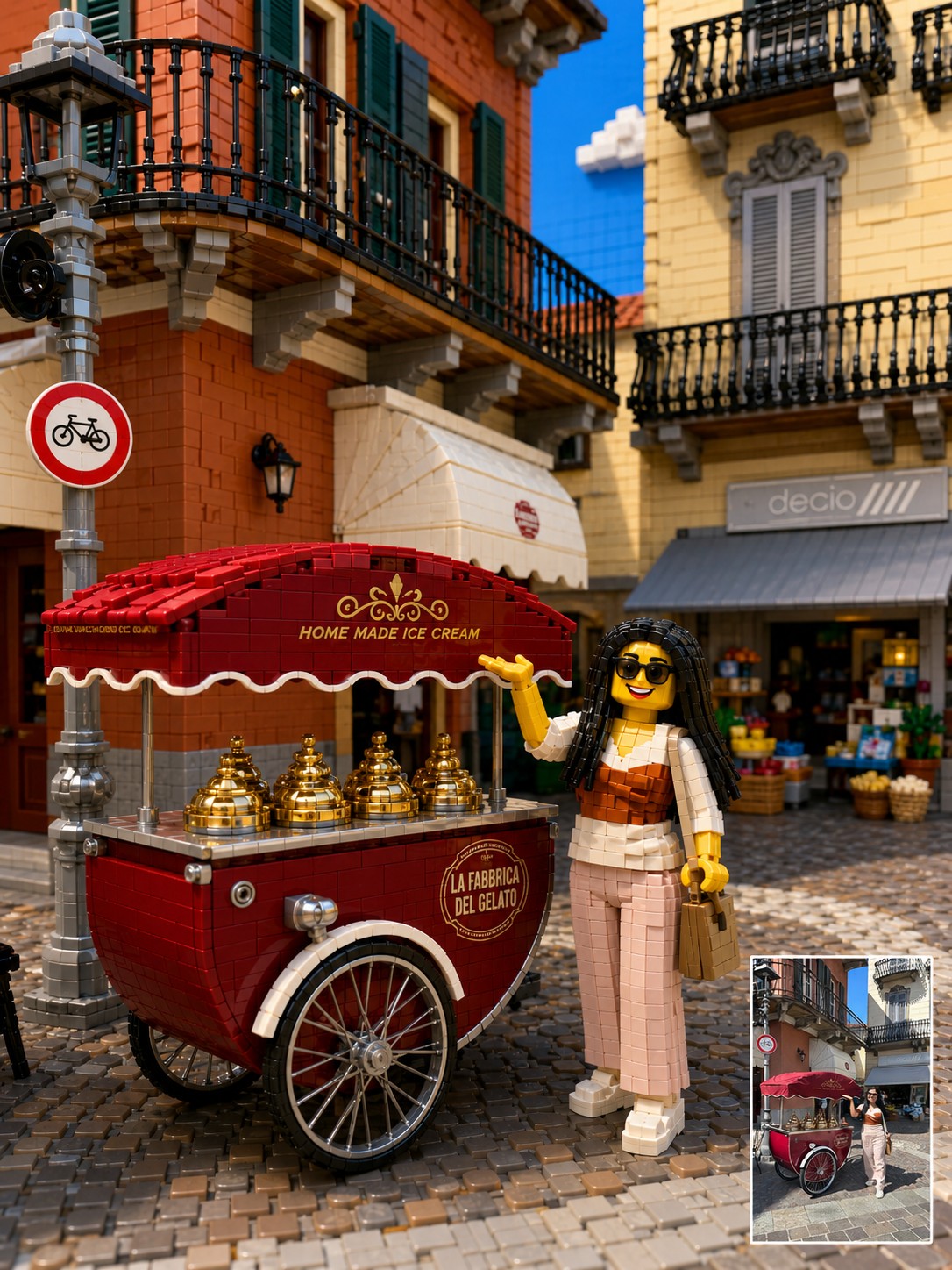
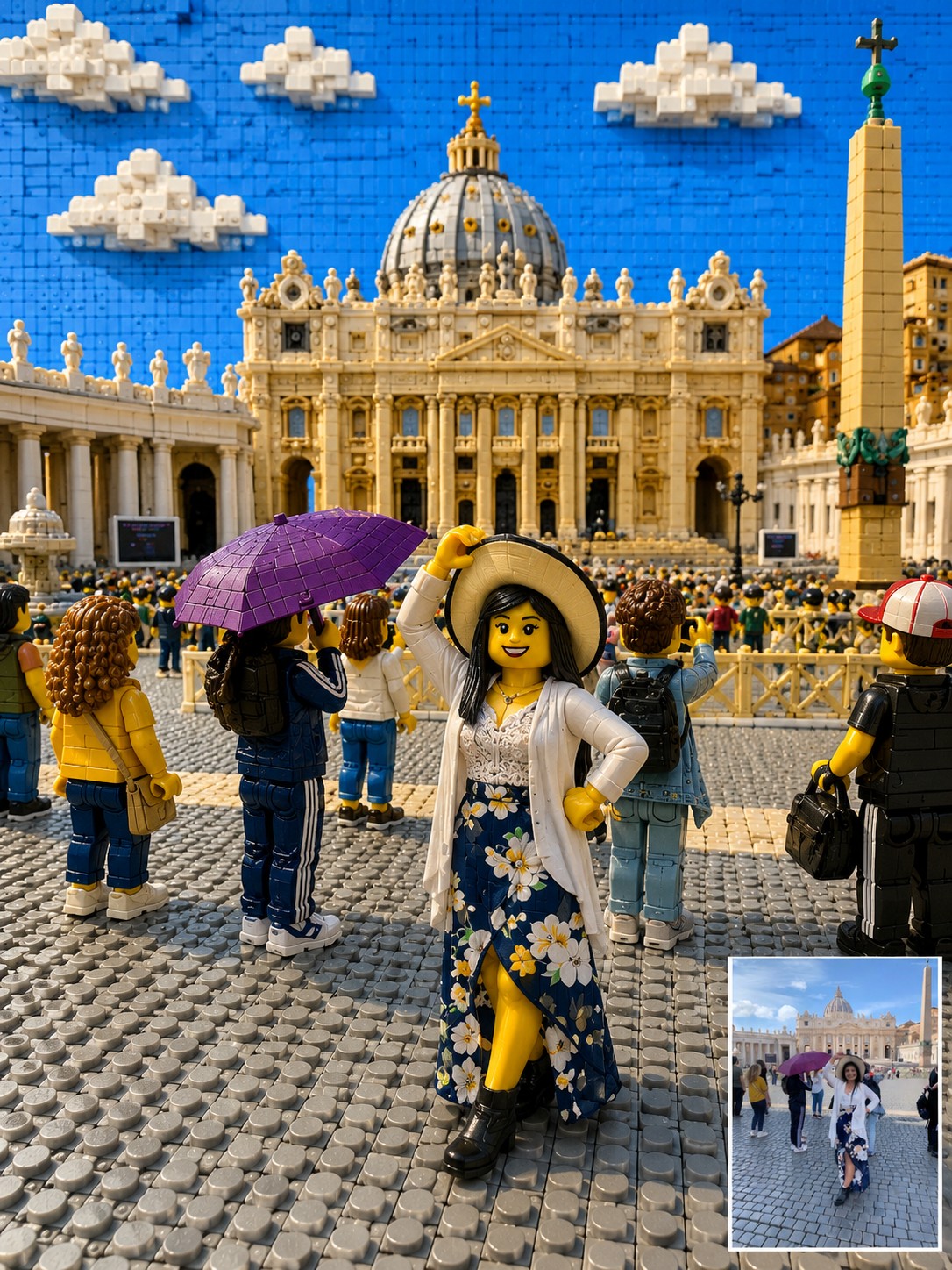
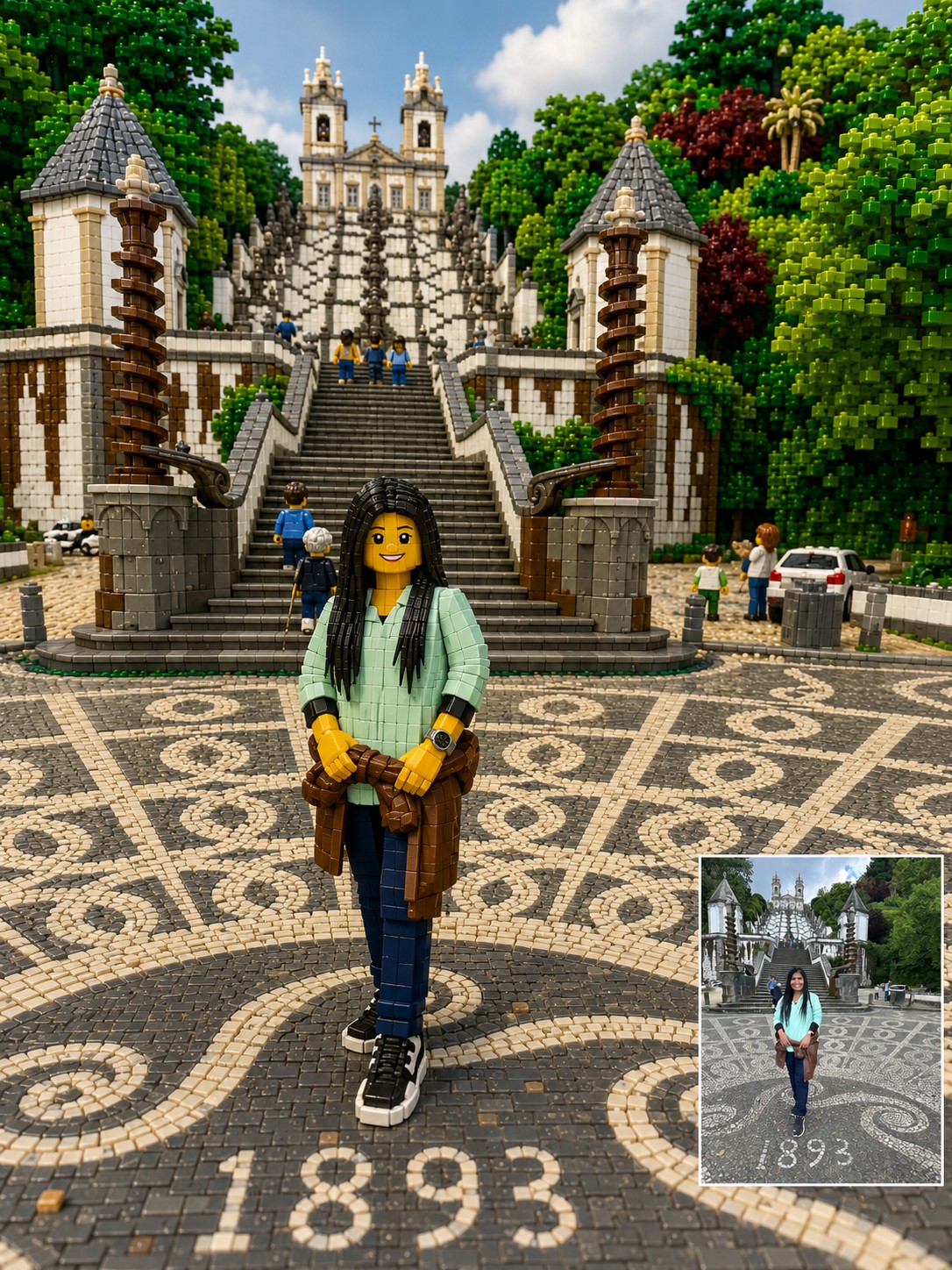
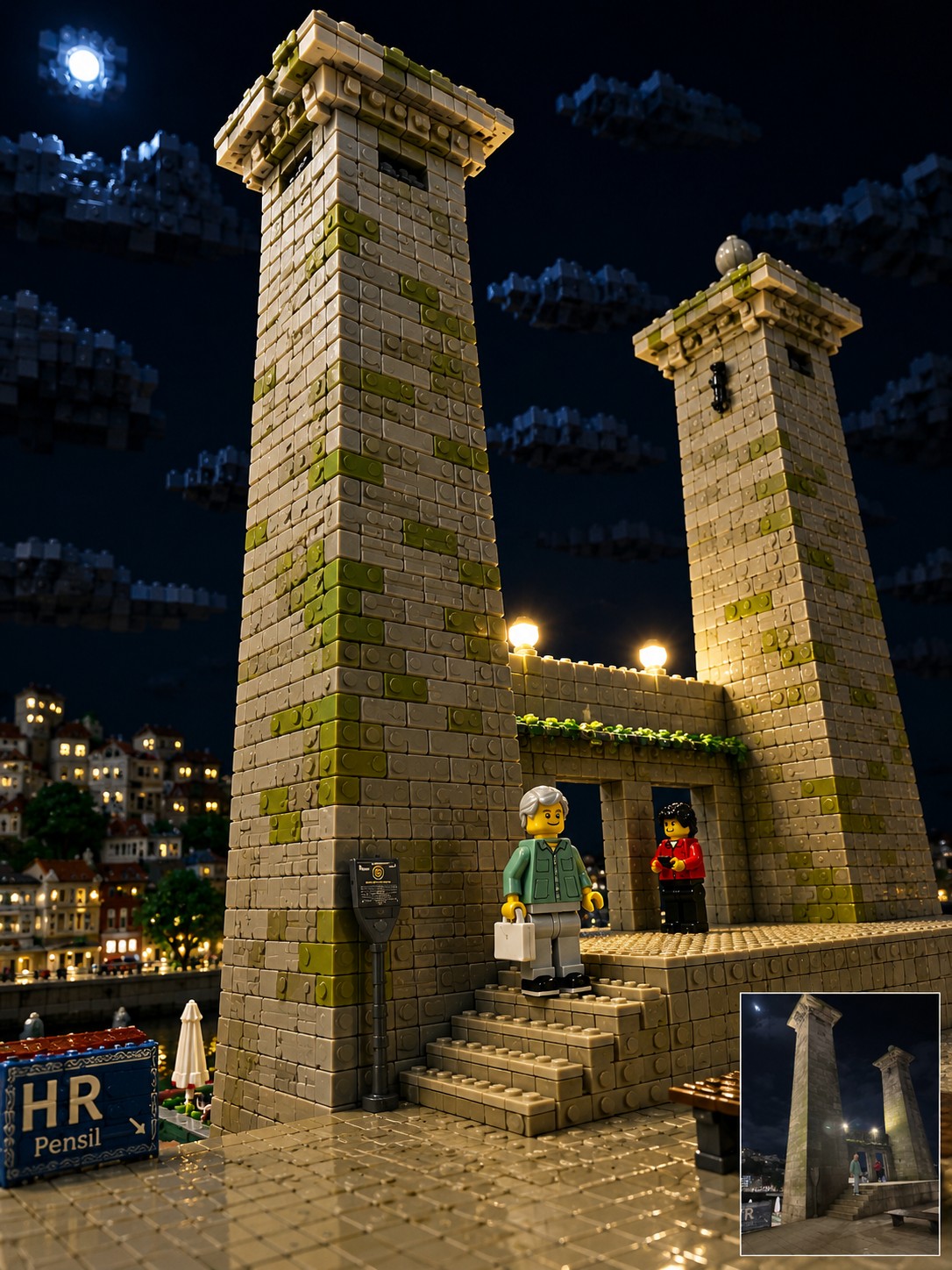
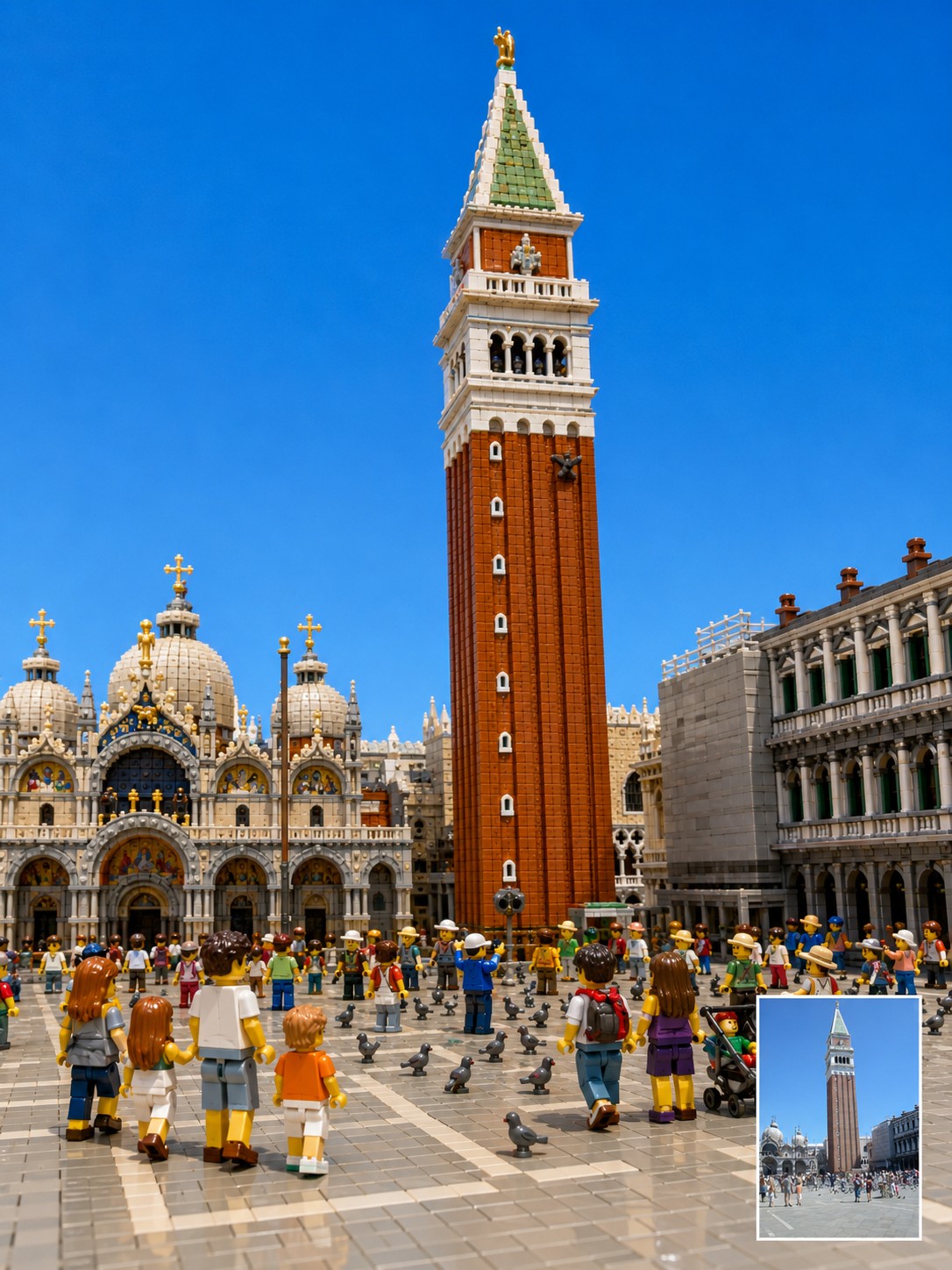
Reinterpret the uploaded photo as a highly detailed, three-dimensional toy-brick diorama built from interlocking plastic building blocks. Focus on translating the context. Preserve the original photo’s camera angle, framing, perspective, subject placement, pose, lighting direction, landmark identity, room layout, background architecture, visible objects, and overall mood as closely as possible. The final image should feel like a premium miniature brick-built scene photographed in a studio, not a flat cartoon or generic toy illustration. Every major object in the original photo should be rebuilt as volumetric plastic bricks with visible studs, seams, layered plates, curved specialty pieces, and a subtle glossy plastic sheen. Keep the location recognizable. If the photo includes a famous landmark, bridge, monument, skyline, interior room, street, sign, window view, furniture, railing, road, artwork, desk setup, pet, or travel prop, preserve its position and visual role in the composition. Translate these elements into brick form instead of replacing them with unrelated objects. Transform people and animals into cute, detailed brick figures while preserving their essence. Maintain the original pose, body orientation, outfit colors, hairstyle silhouette, accessories, pet breed, pet posture, facial expression, and emotional vibe. If a face is blurred, hidden, very small, or unclear, do not invent a realistic identity. Use a simple friendly brick-figure face while preserving the pose, clothing colors, and scene relationship. Use a {{Palette: Bright and Vivid, Pastel, Muted, Vintage Travel-Poster}} color palette with crisp details, clean edges, realistic miniature depth, and playful craftsmanship. Make the scene look {{Vibe: Joyful, Playful, Retro, Cinematic}}, tactile, and collectible, as if it were a custom display set built from thousands of pieces. Important constraints: Do not change the location. Do not move the main subject. Do not replace the landmark. Do not add fantasy elements. Do not simplify the scene into a children’s cartoon. Do not make it look like clay, paper, plush, or low-poly 3D. Keep it recognizably based on the uploaded photo while converting the entire material world into detailed plastic building blocks.
Bright and Vivid, Pastel, Muted, Vintage Travel-Poster
Joyful, Playful, Retro, Cinematic
Reinterpret the uploaded photo as a highly detailed, three-dimensional toy-brick diorama built from interlocking plastic building blocks. Focus on translating the context. Preserve the original photo’s camera angle, framing, perspective, subject placement, pose, lighting direction, landmark identity, room layout, background architecture, visible objects, and overall mood as closely as possible. The final image should feel like a premium miniature brick-built scene photographed in a studio, not a flat cartoon or generic toy illustration. Every major object in the original photo should be rebuilt as volumetric plastic bricks with visible studs, seams, layered plates, curved specialty pieces, and a subtle glossy plastic sheen. Keep the location recognizable. If the photo includes a famous landmark, bridge, monument, skyline, interior room, street, sign, window view, furniture, railing...
Las variables van entre {{ y }} y siguen este patrón:
Una selección puede hacer referencia a una lista de variables predefinida usando corchetes. Aparecen en [naranja] y proporcionan valores de uso común como colores, tonos o idiomas.
También puedes proporcionar una lista de opciones en línea, separadas por comas.
Consejo: ¡no necesitas la app PUCO para usar estos prompts! Solo copia la plantilla y sustituye cada sección {{…}} por tu propio texto directamente en ChatGPT, Claude, Gemini o cualquier otro asistente de IA.