
Ideal para
- Empezar desde un prompt estructurado y reutilizable en lugar de un chat en blanco.
- Adaptar el prompt a tus propios datos manteniendo intacta la intención original.
- Flujos de trabajo relacionados con Design & Art.
Transforma una imagen subida al estilo específico de un pintor famoso.
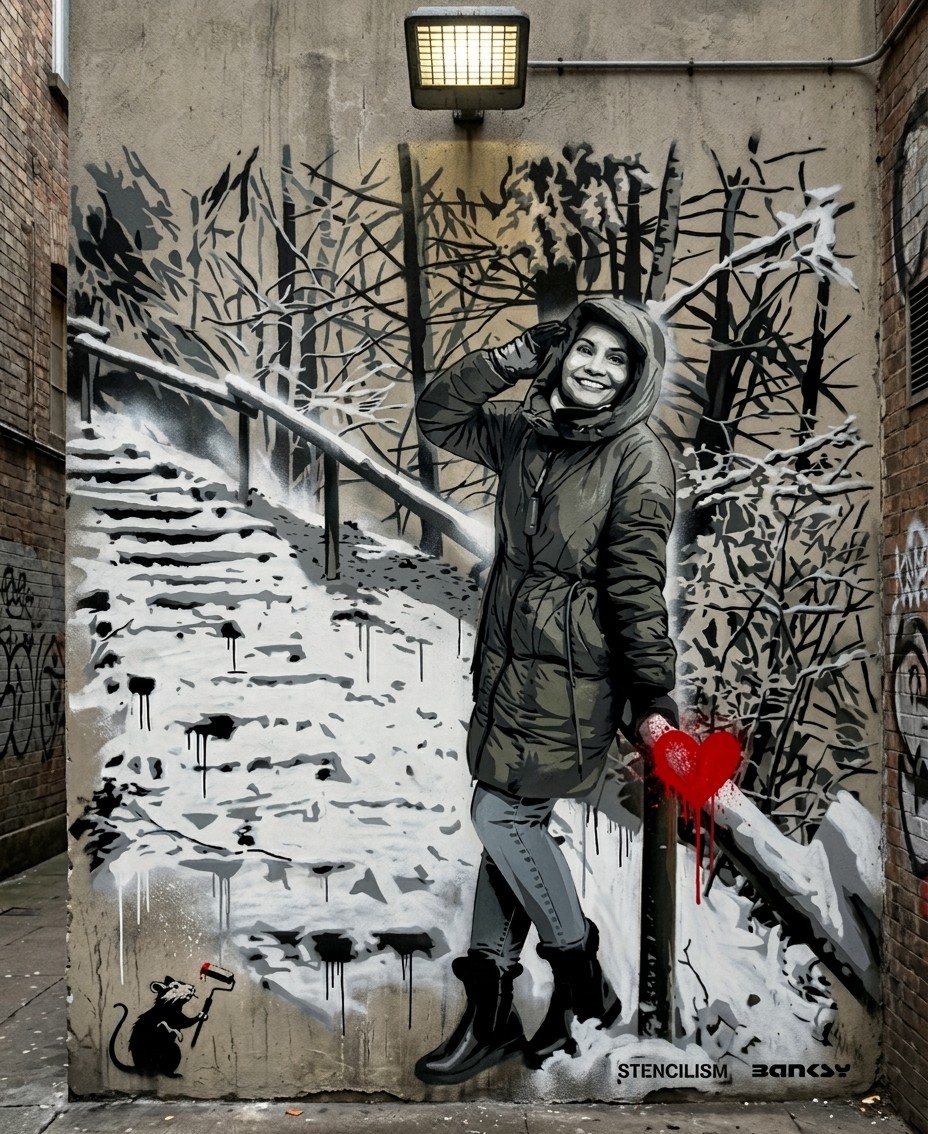
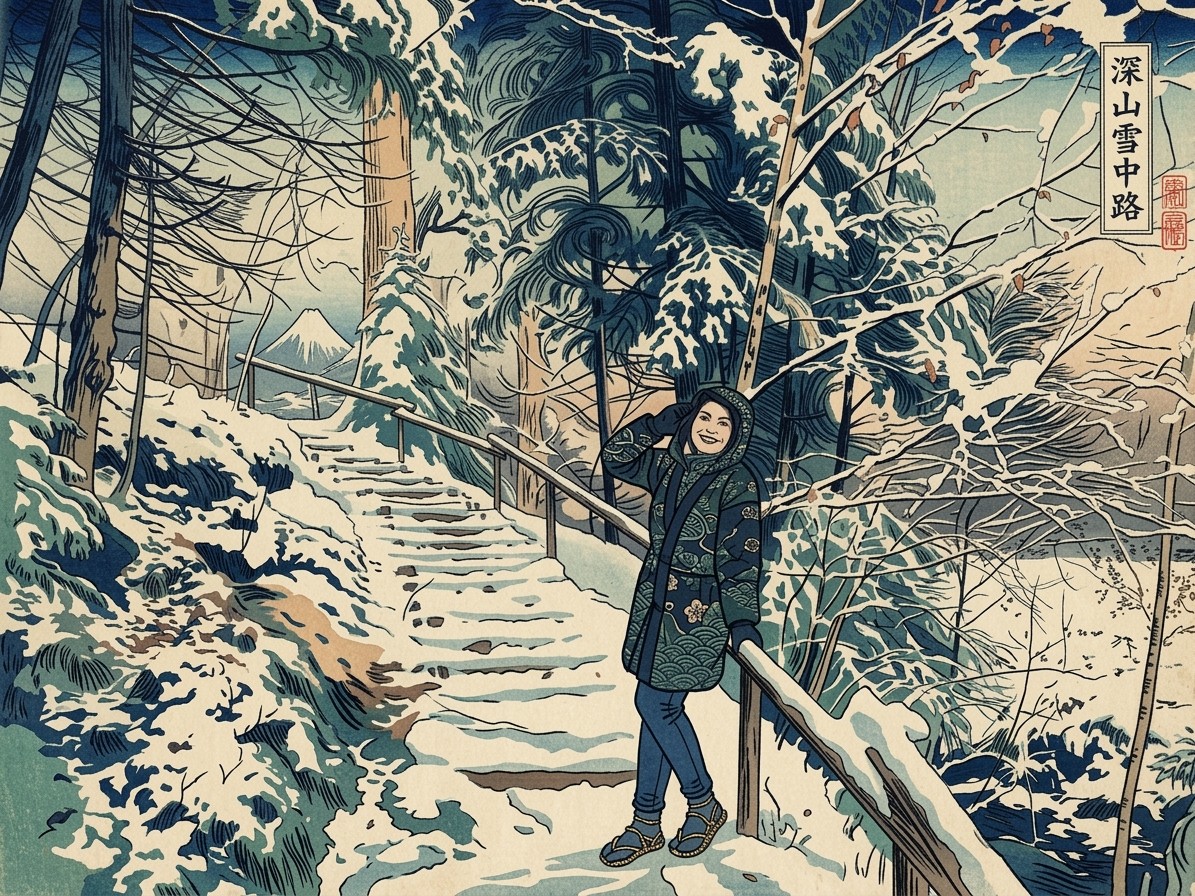
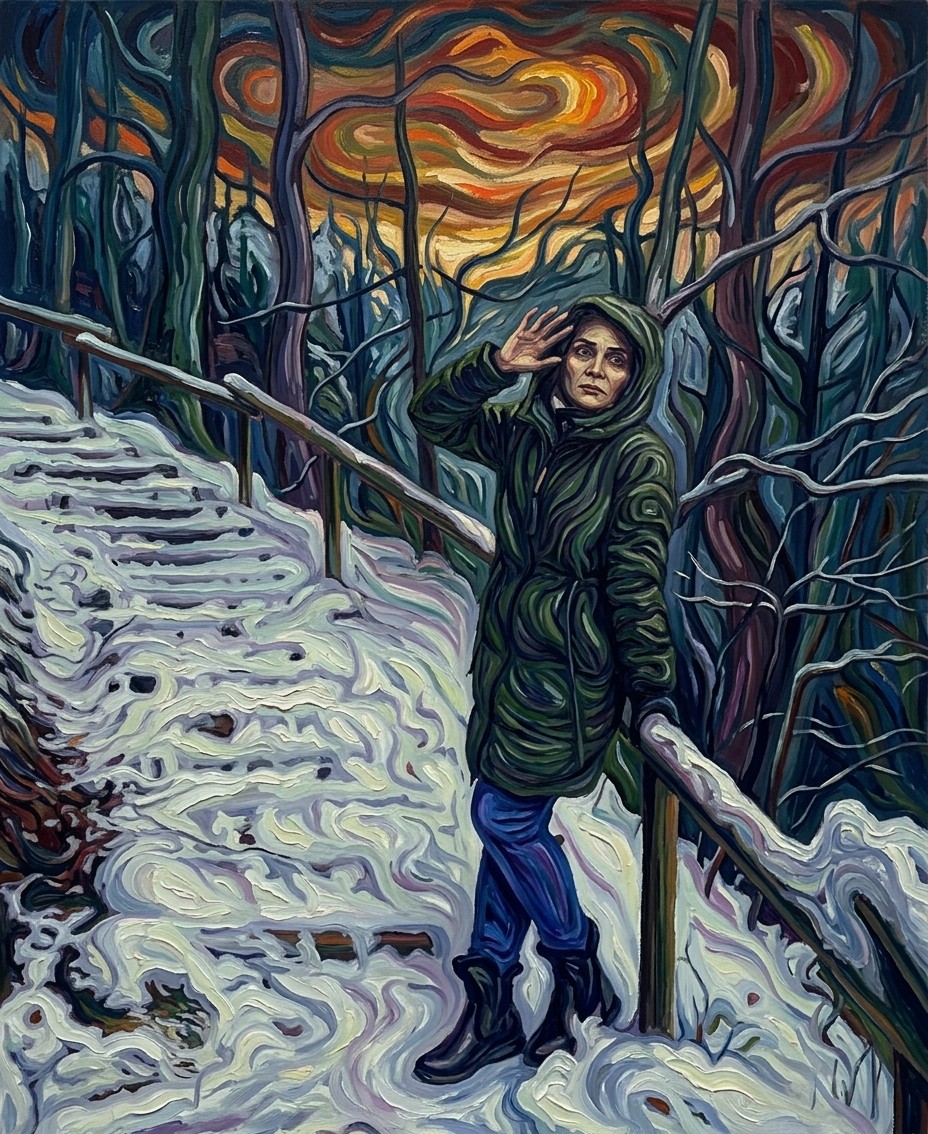
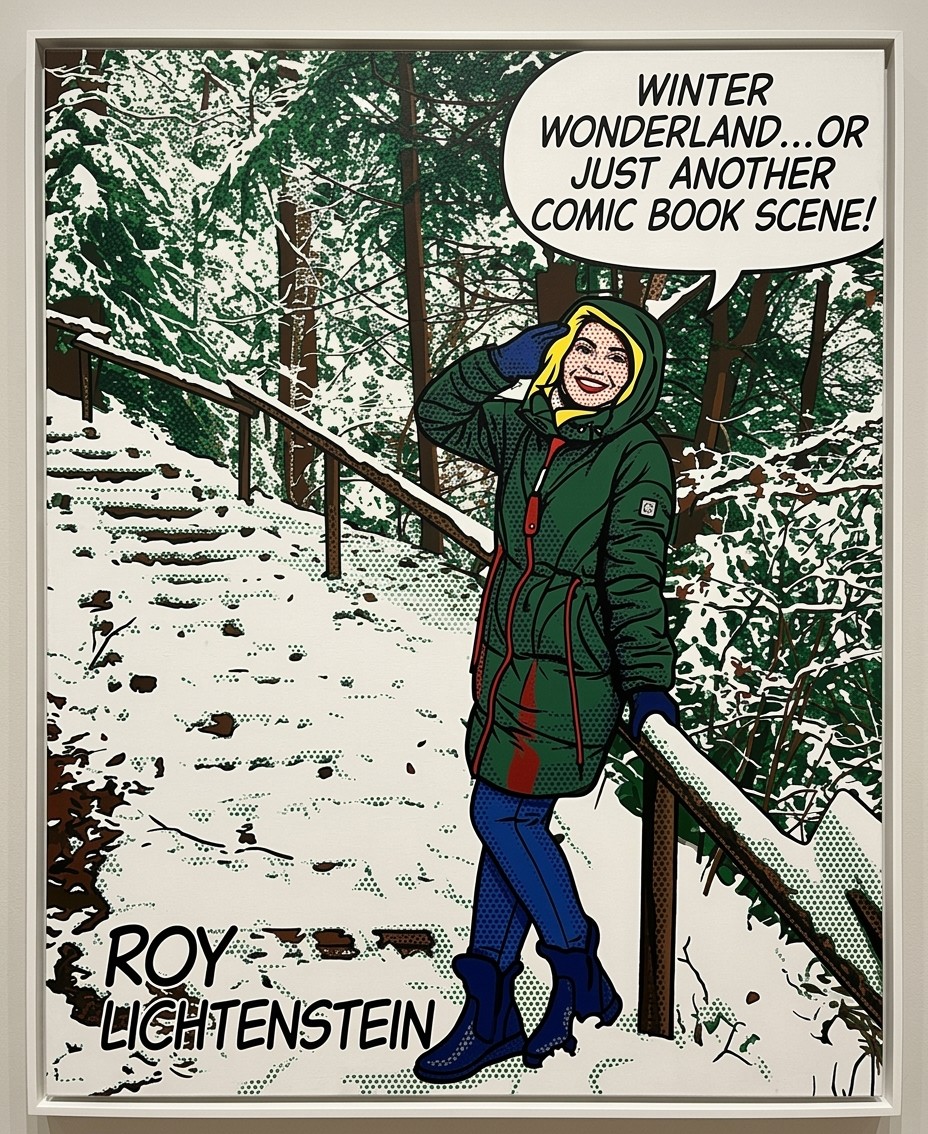
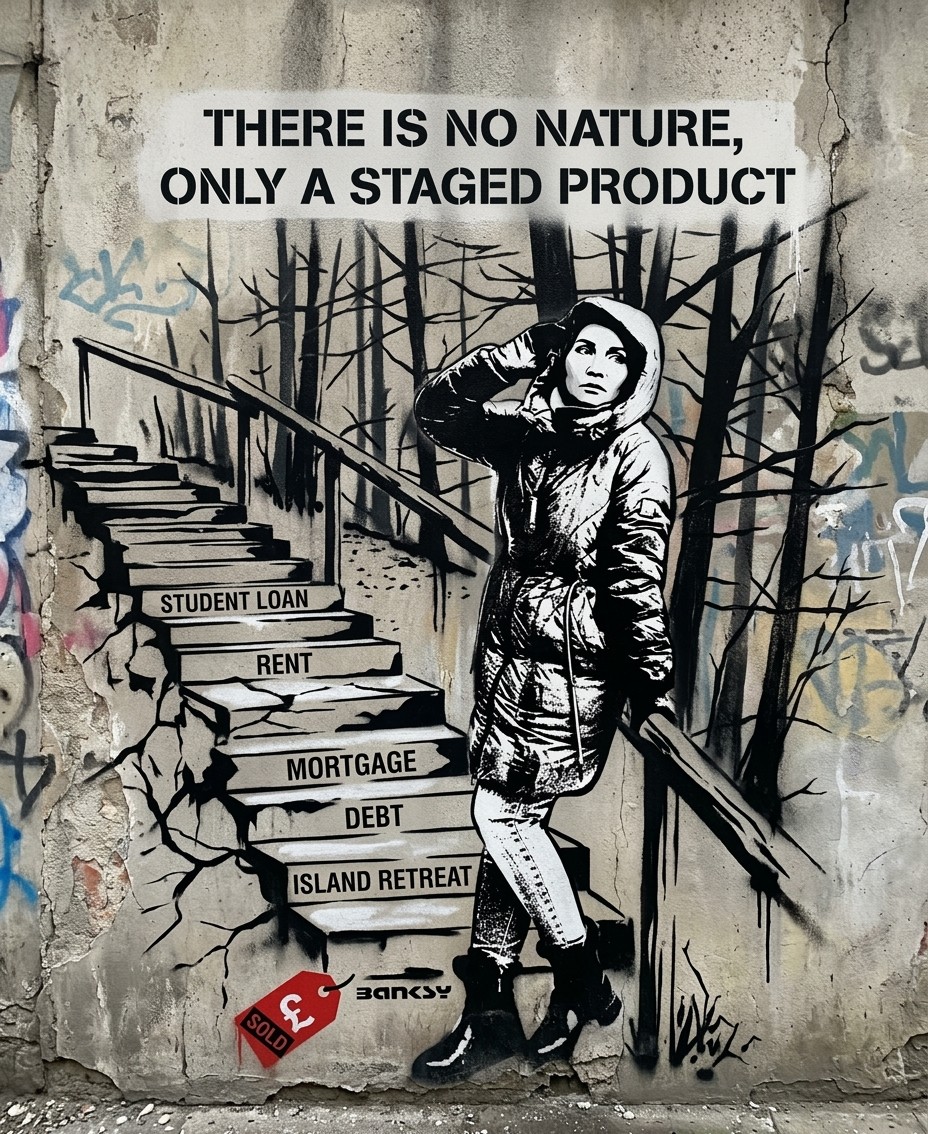
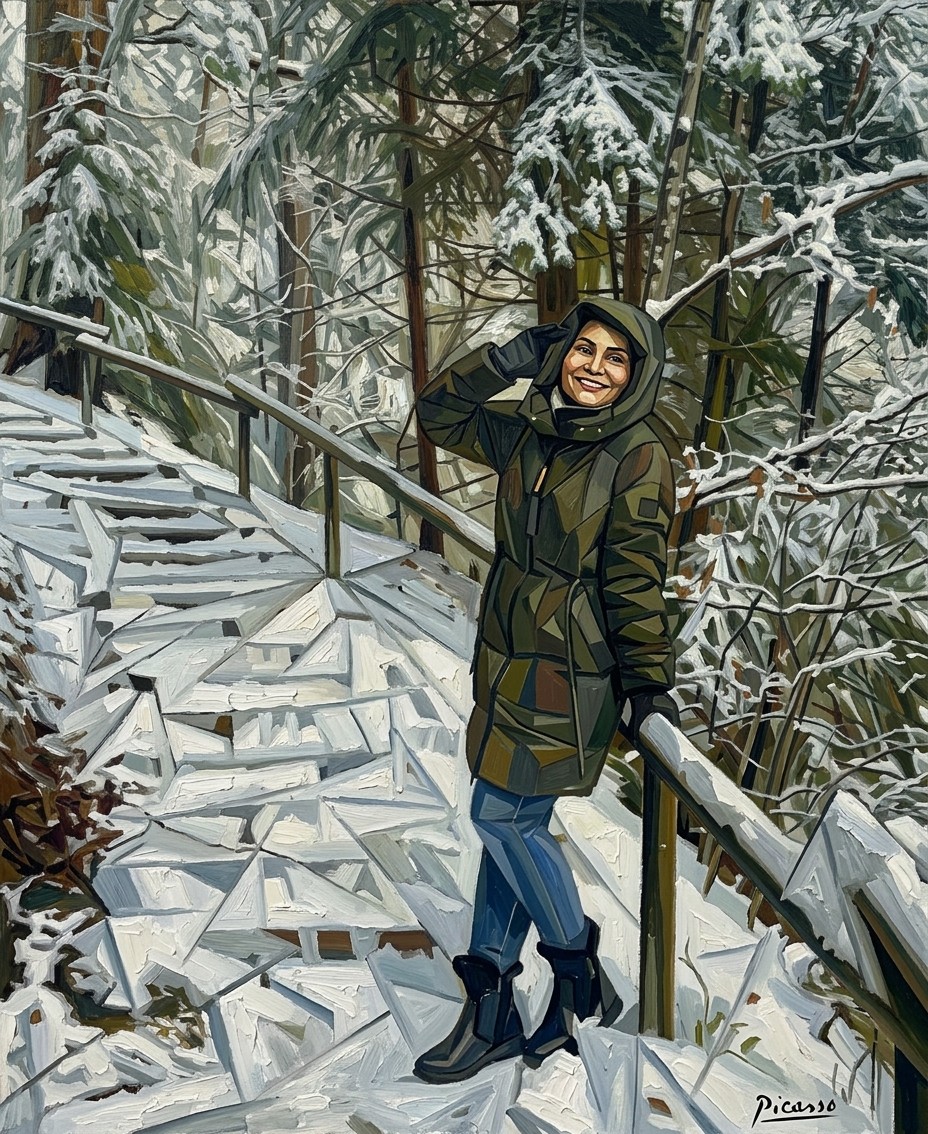
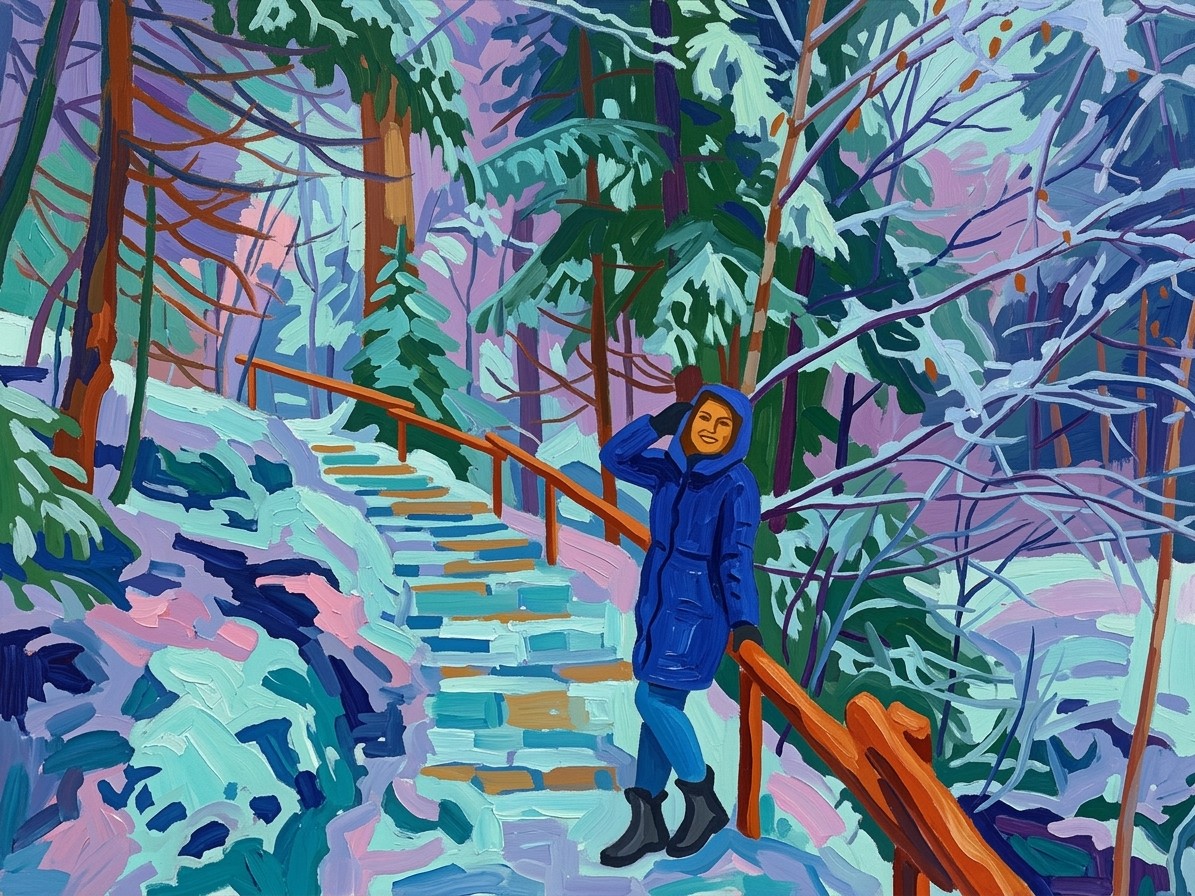
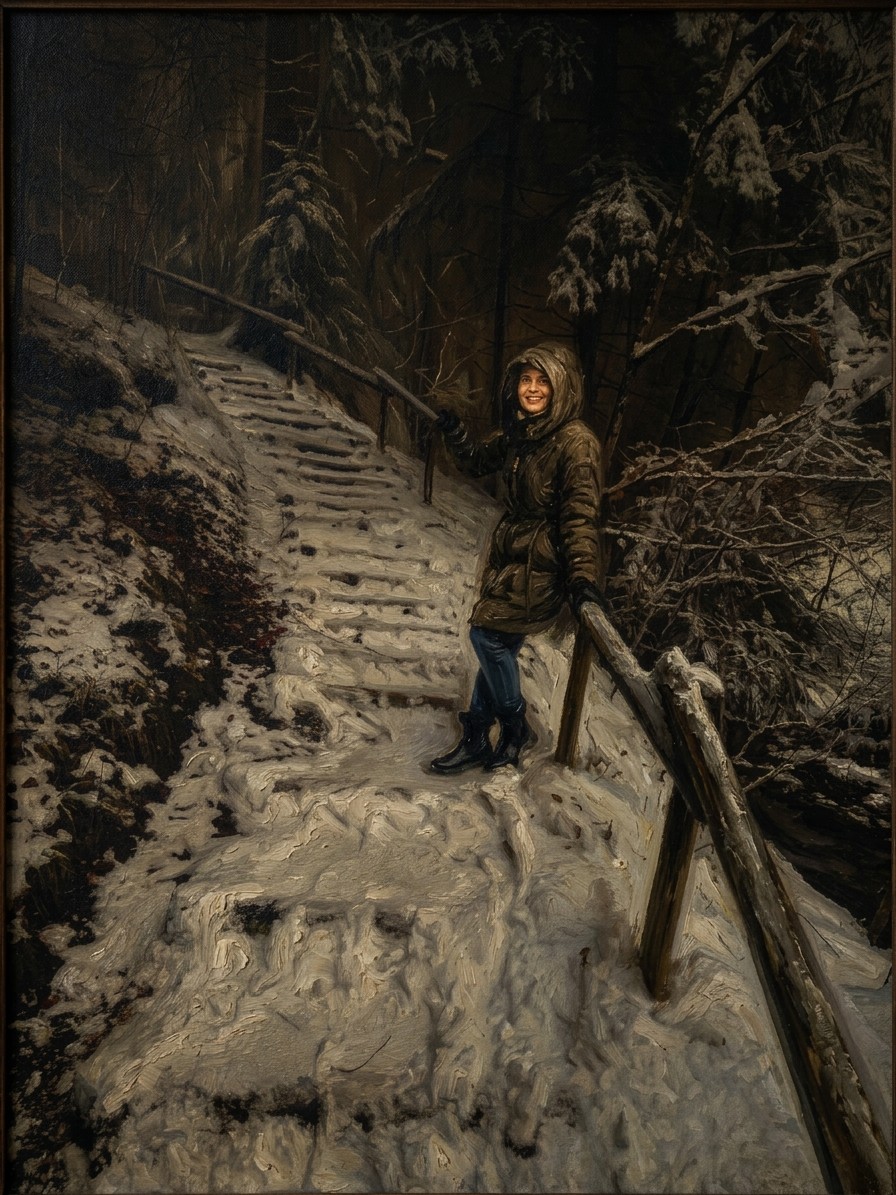
I have attached an image. Please follow these steps:

Step 1: Assemble a detailed description of the artistic style of {{Painter:[painters]}}, focusing on their characteristic brushwork, color palette, lighting, and techniques.

Step 2: Take the attached image and use the description from Step 1 to modify it. Create an  image that looks exactly like a work by {{Painter:[painters]}}.

{{Scope: Only create the image and don’t print out the description, Show the description first and then create the image}}
[painters]
Only create the image and don’t print out the description, Show the description first and then create the image
I have attached an image. Please follow these steps:

Step 1: Assemble a detailed description of the artistic style of [painters], focusing on their characteristic brushwork, color palette, lighting, and techniques.

Step 2: Take the attached image and use the description from Step 1 to modify it. Create an  image that looks exactly like a work by [painters].

Only create the image and don’t print out the description
Las variables van entre {{ y }} y siguen este patrón:
Una selección puede hacer referencia a una lista de variables predefinida usando corchetes. Aparecen en [naranja] y proporcionan valores de uso común como colores, tonos o idiomas.
También puedes proporcionar una lista de opciones en línea, separadas por comas.
Consejo: ¡no necesitas la app PUCO para usar estos prompts! Solo copia la plantilla y sustituye cada sección {{…}} por tu propio texto directamente en ChatGPT, Claude, Gemini o cualquier otro asistente de IA.