
Ideal para
- Empezar desde un prompt estructurado y reutilizable en lugar de un chat en blanco.
- Adaptar el prompt a tus propios datos manteniendo intacta la intención original.
- Flujos de trabajo relacionados con Creative & Visuals.
Genera infografías educativas dibujadas a mano, con estilo de acuarela, que explican temas complejos mediante narración visual y sketchnotes.
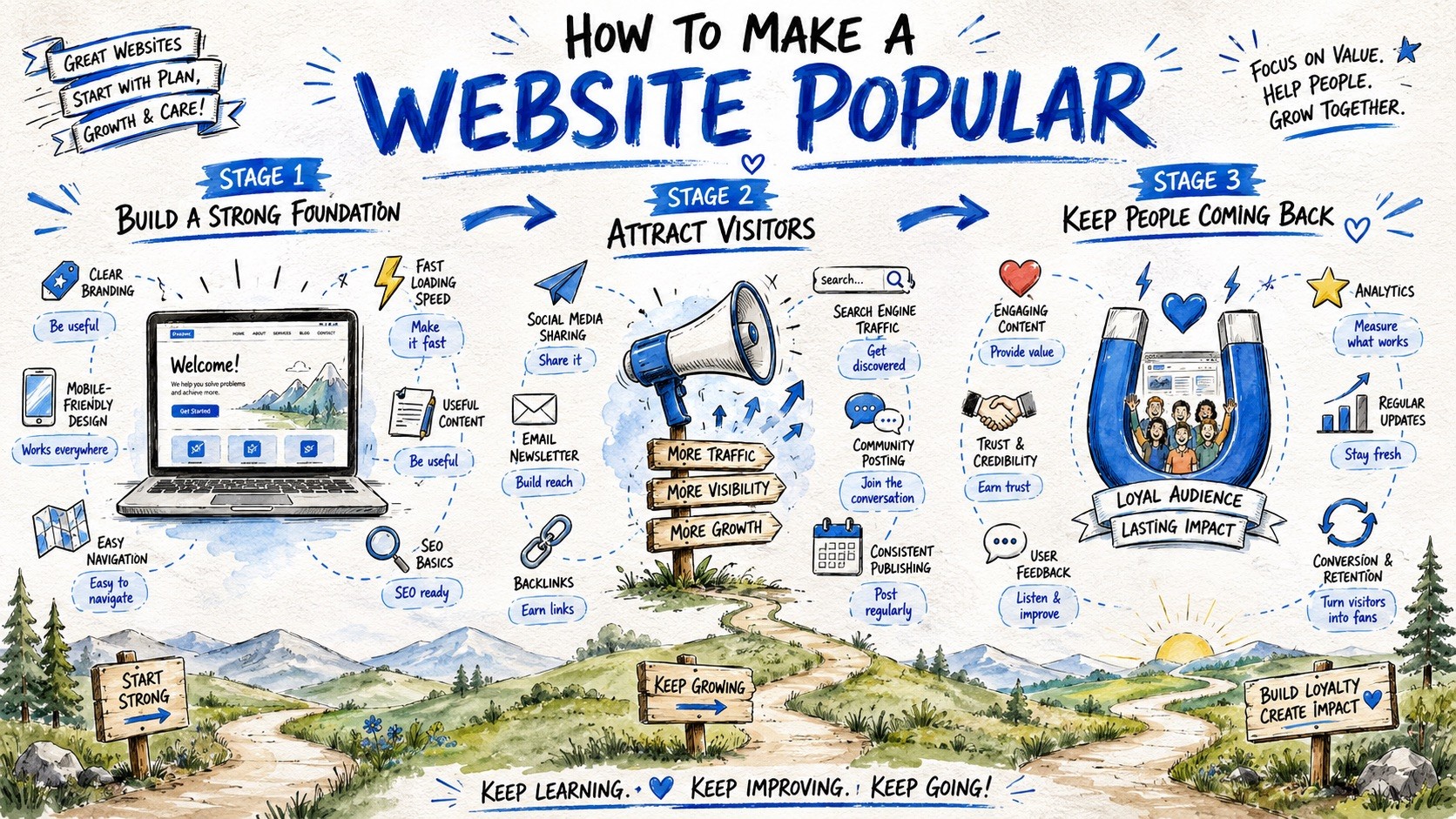
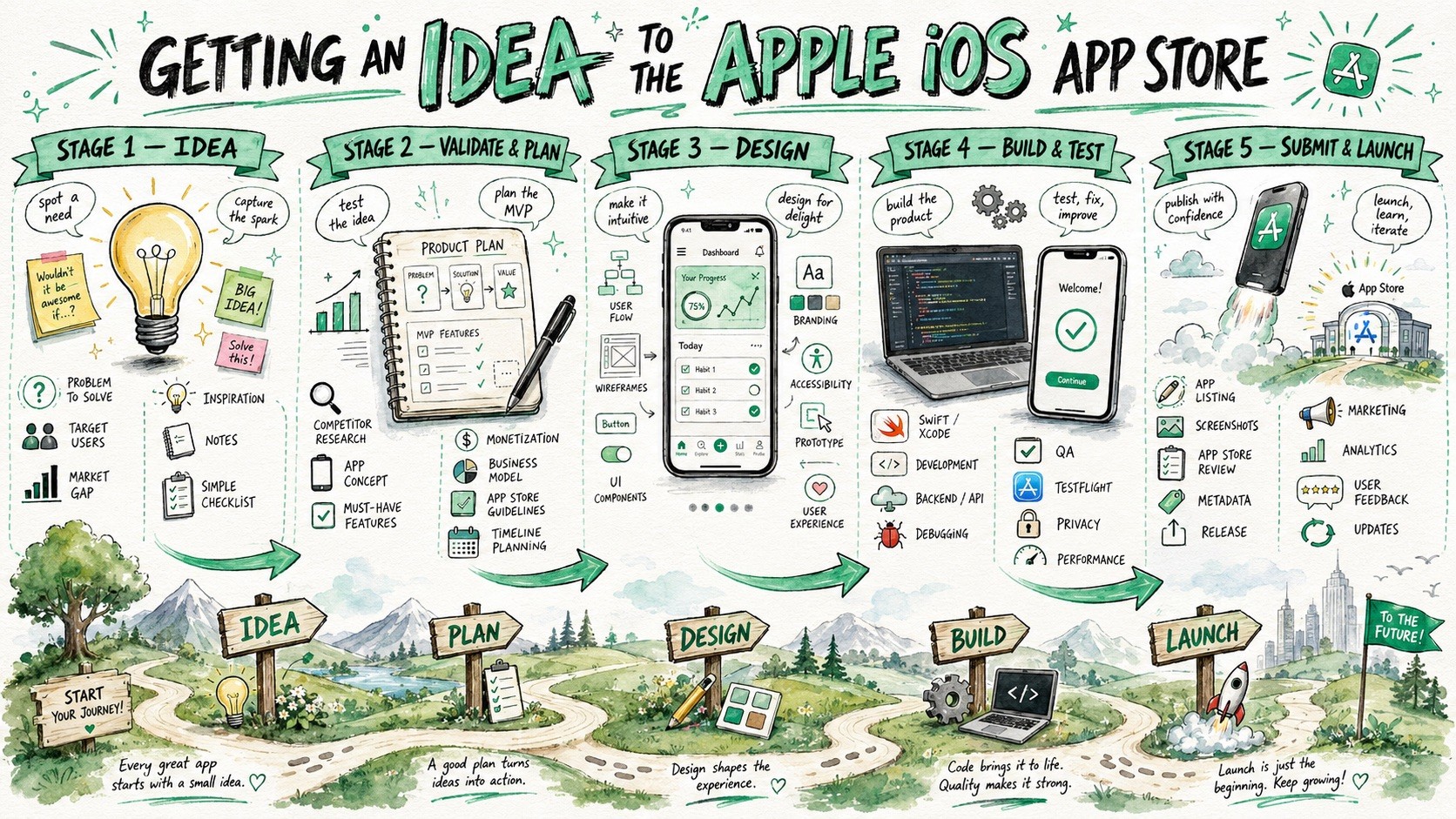
Create a large-format hand-drawn infographic illustration about {{Topic: e.g. How the Puco app organizes prompts for teams}}. The style must combine visual facilitation sketchnotes, watercolor concept art, and educational whiteboard storytelling. Structure the composition as a horizontal {{Layout Style: Journey Map, Evolution Timeline, Roadmap, Visual Presentation}} with {{Stages: 3 Stages, 4 Stages , 5 Stages , 6 Stages , 7 Stages , 8 Stages, 9 Stages}} sequential horizontal sections. Visual Language: Use loose but controlled sketch illustrations with organic hand-drawn imperfections and expressive black ink outlines. Color Palette: Apply a watercolor and marker hybrid rendering using {{Accent Colors: Cobalt Blue, Turquoise, Mint Green, Orange, Golden Yellow, Violet, Soft Pink, Sky Blue, Charcoal }} as primary accents on a textured white paper background. Composition: Feature a large, bold hand-painted title at the top center. Each stage should include a central hero object, supporting mini-icons, and hand-drawn curved arrows to guide the flow. The bottom third should contain a continuous grounding landscape, such as rolling hills or a curving path, to reinforce the narrative journey. Tone: {{Tone: Optimistic, Educational, Imaginative, Clean, Future-focused, Dystopian}}.
e.g. How the Puco app organizes prompts for teams
Journey Map, Evolution Timeline, Roadmap, Visual Presentation
3 Stages, 4 Stages, 5 Stages, 6 Stages, 7 Stages, 8 Stages, 9 Stages
Cobalt Blue, Turquoise, Mint Green, Orange, Golden Yellow, Violet, Soft Pink, Sky Blue
Optimistic, Educational, Imaginative, Clean, Future-focused, Dystopian
Create a large-format hand-drawn infographic illustration about e.g. How the Puco app organizes prompts for teams. The style must combine visual facilitation sketchnotes, watercolor concept art, and educational whiteboard storytelling. Structure the composition as a horizontal Journey Map with 3 Stages sequential horizontal sections. Visual Language: Use loose but controlled sketch illustrations with organic hand-drawn imperfections and expressive black ink outlines. Color Palette: Apply a watercolor and marker hybrid rendering using Cobalt Blue as primary accents on a textured white paper background. Composition: Feature a large, bold hand-painted title at the top center. Each stage should include a central hero object, supporting mini-icons, and hand-drawn curved arrows to guide the flow. The bottom third should contain a continuous grounding landscape, such as rolling hills or a...
Las variables van entre {{ y }} y siguen este patrón:
Una selección puede hacer referencia a una lista de variables predefinida usando corchetes. Aparecen en [naranja] y proporcionan valores de uso común como colores, tonos o idiomas.
También puedes proporcionar una lista de opciones en línea, separadas por comas.
Consejo: ¡no necesitas la app PUCO para usar estos prompts! Solo copia la plantilla y sustituye cada sección {{…}} por tu propio texto directamente en ChatGPT, Claude, Gemini o cualquier otro asistente de IA.